
- Title: Lenovo S650 ROW S111 (Multilanguage ROM)
- Listed: January, 2014
- Last modified: 07/21/2014 7:12 pm
- Version: S650 ROW S111 - S116 || Android 4.2.2 ||
You must be logged for ROM download.
116448 total views, 2 today
10 Total favorites
 Member Info
DESCRIPTION
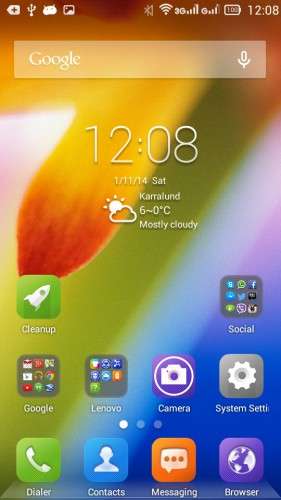
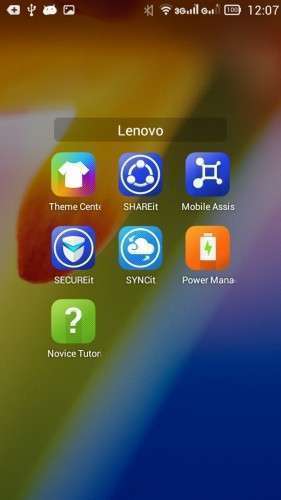
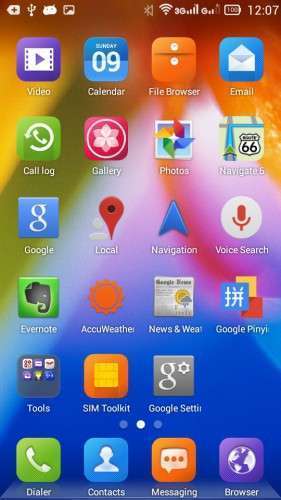
Official LENOVO ROM S650 – Android 4.2.2
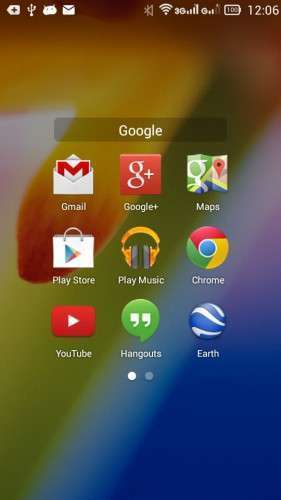
Google Apps: Included
Root: Not Rooted
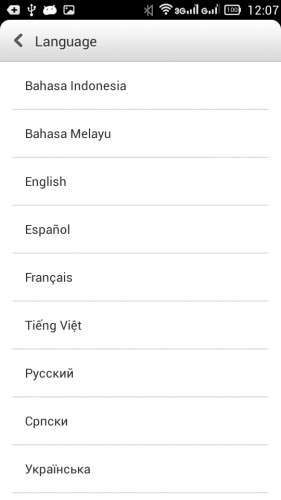
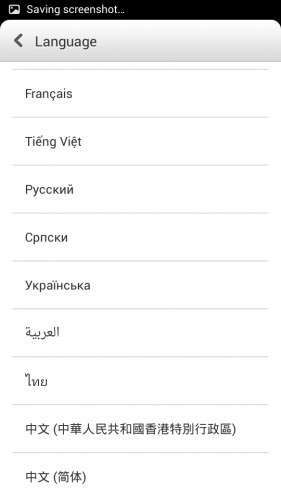
Supported Languages: Russian , Ukrainian, English, Arabic, Spanish, French, Chinese, Vietnamese, Indonesian, Malaysian, Thai
Keyboard Languages: Multilanguage
___________________________________
- Download first the tools and drivers attached in this post
___________________________________
Mirror 1: S650_ROW_S111_131115
Mirror 2: S650_ROW_S111_131115
___________________________________
S650 ROW S116 ROM Download, flash tools included
Mirror 1: S650_ROW_S116_140423
___________________________________
ROM Installation:
- Unpack the ROM
- Unpack FlashTools, and Click on Flash_tool.exe
- Select a the MT6582_Android_scatter.txt from the unpacked ROM

- Wait file to be added into Flash Tool
- Choose Option –> USB Model, click USB Model
–> Choose Option –> DA DownLoad All –>Speed –> High Speed, click High Speed
- Turn off your phone, remove the battery. (YES remove the battery)
- "Press F9 (hit Download button) " OR " if upgrade ROM Firmware->Upgrade "
- Now connect your phone into the computer via USB data cable.
**(Windows 8 users may get some problems with the drivers, disable driver Signature
https://www.youtube.com/watch?v=NM1MN8QZhnk)**
- The process will start and a red progress bar will appear –> purple–> yellow.
- When done, Green circle pops up!!
- You can now safely disconnect your phone and turn it on.
New updates available
– Check for update, install –> S112 –> S113
– Now S116 availabe OTA or download the ROM from S650 ROW S116 link
※Please make a backup of your device before installing or updating ROM
Hello, can you add polish language?
I can upload the files for rooting this firmware, and then maybe it will work with "more locale" or other programs, but not sure if it works.
Hello,maybe you know where i could find the rom S650_S123_131105????
Sure in the chinese website you can find it. but I don't know if they had already edited it and aded google apps to it.
I need to ask you something: I follow the process that you describe, open the Flash Tool and load the scatter file, but when i connect the phone the bar just loads for the purple color, but never continues the process… Do you might know what could i do???
If you are using Windows 8, it could be driver problem, when it shows searching try to disconnect and connect the cable again, it worked on my friend's phone using windows 7 and for me on Windows 8.
Troubleshooting: boot the phone to recovery mode and connect it to windows, it can be some drivers missing. In this case Windows will find new driver, and you can browse the drivers attached in the post and install missing driver.
This is due to the USB driver is not installed properly into your PC. The flash tool failed to detect and connect our phone.
does it have italian language?
no
there is one problem for me.. the cwm come with this rom can not do recovery, where to get update.zip for this rom?
anyone know where to get update.zip for this cwm ?
New link. Scr*w baidu!
I've extracted and recompressed it.
http://win.karsiyaka.com/murat.....15_SP_Flash.rar
Skip userdata part while flashing it.
I also found this one inside, no idea how to flash it though:
http://win.karsiyaka.com/murat.....5/easyimage.zip
I guess easyimage is clean install via OTA or something.
I purchased lenovo S650 before 2 days. today I was trying to use line but its was showing your mobile not support video calling. I use tango same problem I can see other person video but Mine No. skype is same.
My question is this mobile support video calling ? please help me because I purchased this mobile specialy for video calling .
Tested on Skype, works fine
Hello friends, i need your help. I bought Lenovo s650 form Aliexpress and saller instaled aplications for EU (Play Store, etc) and many languages. Now i updated my phone and i lost all apps and languages and got new version (VIBEROM_V1.0_1415_ST_S650) vith chinese apps and only chinese and english languages. Please friends, help mi to return it to previous state.
Best regards
Yes, that exactly what happend with me when I posted this ROM.
Just follow the instructions and you will get this ROM, and some updates after it.
Notice that only the languages shown in the post are available.
If you need help just send a private message so I can see it in my email.
hi~ hesperos1980, this rom is almost prefect for me. but i cannot uninstall SECUREit app, and i cannot upgrade Lenovo ContactManager to version 2.5, because version 2.5 can slide to call and message at contacts list.
can u please give me some advice how to do it?
Hallo,
You need to root your device if you want to uninstall preinstalled apps in system. And then with titanium backup you can remove any system app (titanium not free)
If you are intressted I'll post the root files for you.