
- Title: Lenovo S650 ROW S111 (Multilanguage ROM)
- Listed: January, 2014
- Last modified: 07/21/2014 7:12 pm
- Version: S650 ROW S111 - S116 || Android 4.2.2 ||
You must be logged for ROM download.
116452 total views, 6 today
10 Total favorites
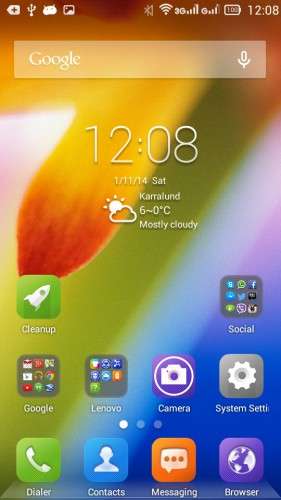
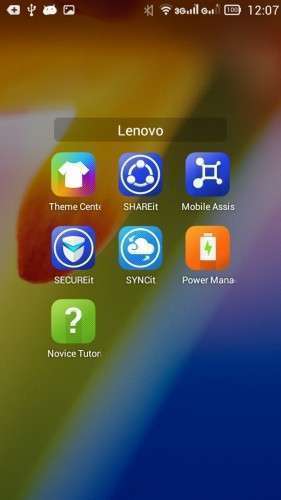
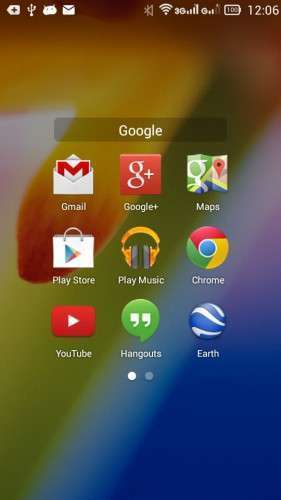
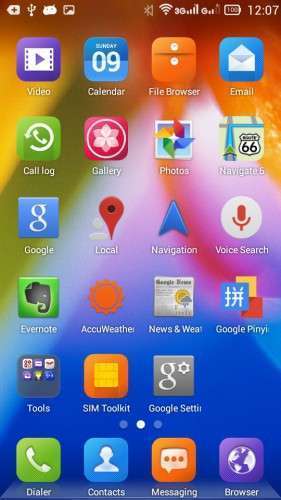
 Member Info
DESCRIPTION
Official LENOVO ROM S650 – Android 4.2.2
Google Apps: Included
Root: Not Rooted
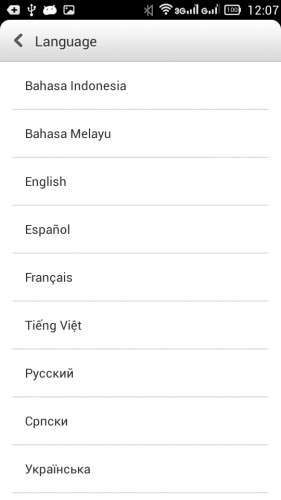
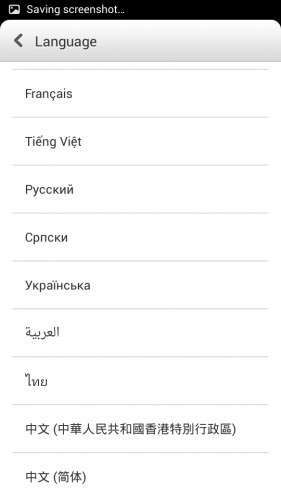
Supported Languages: Russian , Ukrainian, English, Arabic, Spanish, French, Chinese, Vietnamese, Indonesian, Malaysian, Thai
Keyboard Languages: Multilanguage
___________________________________
- Download first the tools and drivers attached in this post
___________________________________
Mirror 1: S650_ROW_S111_131115
Mirror 2: S650_ROW_S111_131115
___________________________________
S650 ROW S116 ROM Download, flash tools included
Mirror 1: S650_ROW_S116_140423
___________________________________
ROM Installation:
- Unpack the ROM
- Unpack FlashTools, and Click on Flash_tool.exe
- Select a the MT6582_Android_scatter.txt from the unpacked ROM

- Wait file to be added into Flash Tool
- Choose Option –> USB Model, click USB Model
–> Choose Option –> DA DownLoad All –>Speed –> High Speed, click High Speed
- Turn off your phone, remove the battery. (YES remove the battery)
- "Press F9 (hit Download button) " OR " if upgrade ROM Firmware->Upgrade "
- Now connect your phone into the computer via USB data cable.
**(Windows 8 users may get some problems with the drivers, disable driver Signature
https://www.youtube.com/watch?v=NM1MN8QZhnk)**
- The process will start and a red progress bar will appear –> purple–> yellow.
- When done, Green circle pops up!!
- You can now safely disconnect your phone and turn it on.
New updates available
– Check for update, install –> S112 –> S113
– Now S116 availabe OTA or download the ROM from S650 ROW S116 link
※Please make a backup of your device before installing or updating ROM
Hi, Hesperos1980. I find only version 2.0.459 lenovothemecenter.apk can installed successfully on this ROW firmware. You’re can download themes, wallpapers, fonts and bootscreens. But, I have a problem to change the theme.
I didn't get much time to search about the themes , maybe it needs root access to apply the changes, since it is not includede in the rom like the chinese rom.
hi every one I am using windows 7 I followed the steps but the status bar didnot chang from searching I think it has somthing to do with the drivers how to update the drivers???
Hallo,
If you boot the phone to recovery mode, you can see that a new driver popsup "MT65XX Preloader" if this driver not installed, you will not be able to install the rom.
Check carefully that you installed this driver. If you are using windows 8/8.1 follow the video to disactivate the driver signture.
hi
i got this Tool DL image fail
uboot is blocking by dl info
https://www.needrom.com/wp-con.....s/9_Capture.PNG
I'm away from PC now, but when you open the tool to flash you need to check the box in the main screen for DL …. And it should work, I attached picture for this error before on my comments, check it and try again.
no italian?
No, no italian
Hello, how to use
SP_Drivers_v1.5_lenovoS930-S960-S650
USB_Drivers
Because without using them when i try to flash in one moment stoped and nothing happened… I clicked STOP and i turn my phone ON… evrything was like before… Thank you…
ROM works very well, thank you very much hesperos1980
What is differ following update 7/21?
If you install the s116 ROW, you will get update for s125 ROW KitKat
GPS bricks…Waze not working properly…
Anybody can help me on this
i cannot download the versions… i hit the links and a russian site opens, i hit the zip form and it says that i have not the rights to download it
You need to register to download the files