
- Title: Lenovo S650 ROW S111 (Multilanguage ROM)
- Listed: January, 2014
- Last modified: 07/21/2014 7:12 pm
- Version: S650 ROW S111 - S116 || Android 4.2.2 ||
You must be logged for ROM download.
116450 total views, 4 today
10 Total favorites
 Member Info
DESCRIPTION
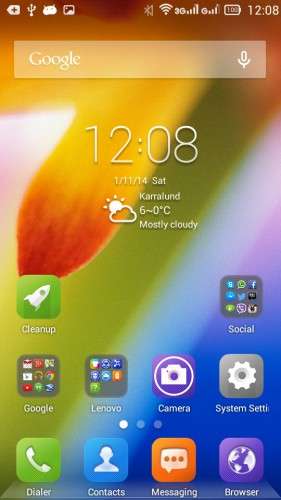
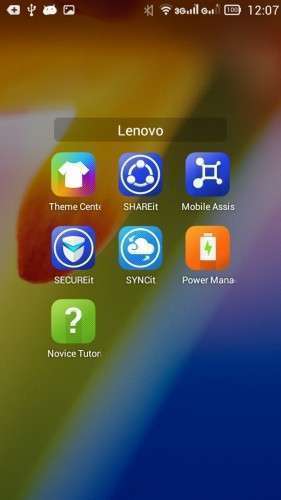
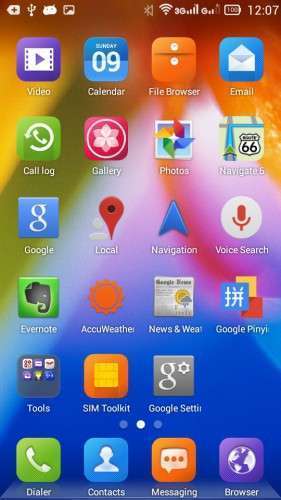
Official LENOVO ROM S650 – Android 4.2.2
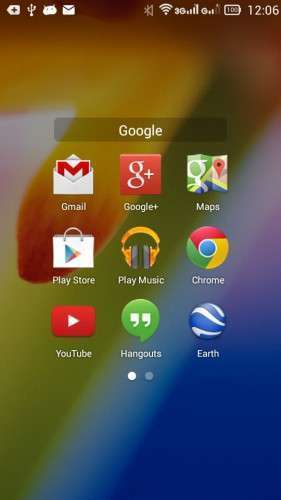
Google Apps: Included
Root: Not Rooted
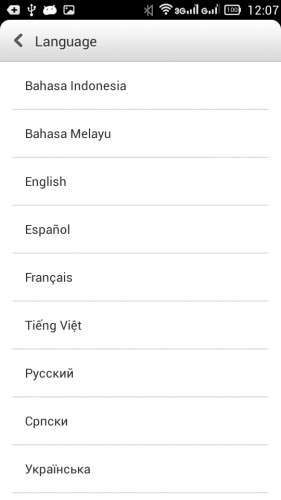
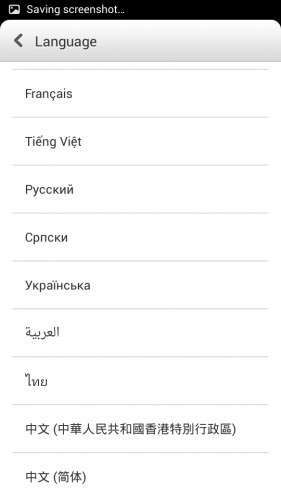
Supported Languages: Russian , Ukrainian, English, Arabic, Spanish, French, Chinese, Vietnamese, Indonesian, Malaysian, Thai
Keyboard Languages: Multilanguage
___________________________________
- Download first the tools and drivers attached in this post
___________________________________
Mirror 1: S650_ROW_S111_131115
Mirror 2: S650_ROW_S111_131115
___________________________________
S650 ROW S116 ROM Download, flash tools included
Mirror 1: S650_ROW_S116_140423
___________________________________
ROM Installation:
- Unpack the ROM
- Unpack FlashTools, and Click on Flash_tool.exe
- Select a the MT6582_Android_scatter.txt from the unpacked ROM

- Wait file to be added into Flash Tool
- Choose Option –> USB Model, click USB Model
–> Choose Option –> DA DownLoad All –>Speed –> High Speed, click High Speed
- Turn off your phone, remove the battery. (YES remove the battery)
- "Press F9 (hit Download button) " OR " if upgrade ROM Firmware->Upgrade "
- Now connect your phone into the computer via USB data cable.
**(Windows 8 users may get some problems with the drivers, disable driver Signature
https://www.youtube.com/watch?v=NM1MN8QZhnk)**
- The process will start and a red progress bar will appear –> purple–> yellow.
- When done, Green circle pops up!!
- You can now safely disconnect your phone and turn it on.
New updates available
– Check for update, install –> S112 –> S113
– Now S116 availabe OTA or download the ROM from S650 ROW S116 link
※Please make a backup of your device before installing or updating ROM
The post are now updated, New link, video are added.
Hey guys where can i find stock recovery for s650. I currently using twrp and cant update OTA to s116
Thanks.
Which version of ROM are you using? Chinese or this one? Anyway you can download the rom of your version and follow the steps in this post … but when you browse the scatter file, unmark all the files except the recovery.
Hesperos1980
Thanks for your reply.Im using ROw Rom.
So as I wrote up, use the same method as this ROM, but unmark all parts and keep recovery and flash it.
know any one if there is greek lang in any version?
no but you have greek keyboard
Hi, I have a S650 Black/Silver version that came with VIBEROM_V1.0_2407_2_ST_S650 dated 2013-09-06 firmware (I think this is a custom firmware) with rooted.
I need to flash the Lenovo S650 ROW S111 firmware to overwrite the current firmware using Win8.1 (I have both 32-bit and 64-bit version).
In this case, which driver I need to download? Do I need to unroot the phone first before do the flash? Since I need to overwrite the current firmware then I should choose the "Press F9 (hit Download button)" instead of "ROM Firmware->Upgrade". Am I right?
Please help. Thanks.
Hallo,
You need the same drivers attached here in the post but to install the drivers you need to disable driver Signature.
No need to unroot, since this firmware will repartition and reinstall the rom.
Try with download, if not working try upgrade, not much difference, but the tricky part here is your drivers installation with windows 8.1
good luck
Hi, thanks for the info. I had successfully flash the firmware. Regarding the Lenovo Theme Center, my previous firmware have Local and Online options that can be used to download many themes, wallpapers and lock screeens. This ROW firmware did not has this feature, only Local.
Do you have Lenovo Theme Center apk with these Local and Online options? Please provide the download link.
Thanks in advance.
I don't have it but I can check the chinese firmware and see if I can get it.
Hi, hesperos1980. Are you able to find the Lenovo Theme Center apk?
Thanks.
hi
i follow all the steps , but when I press the download … the progress bar start purple , before I connect the phone , the drivers are ok , because when I connect the phone with battery , my windows 7 found lenovo s650
Hi, ronyn. If your Win7 shows the driver as MT65XX Preloader then you did do update the driver that hesperos1980 attached (SP_Drivers_v1.5_lenovoS930-S960-S650 or USB_Drivers). I'm using SP_Drivers_v1.5_lenovoS930-S960-S650 for my Win8.1 and it works.
As mentioned by hesperos1980 from other posts, after you click the "Firmware -> Upgrade" don't plug in your phone first and just let the progress bar completed the purple process. Ater that, it will stop and then status bar at the bottom will change from "USB' to "Searching".
Now you must take out the phone battery and plug in to your PC. If the driver installed corectly, the upgrade process will start.
Thanks.
hi hesperos1980,
my phone baseband version is S650.V104, 2014/02/24 18:36
Build Number : VIBEUI_V1.5_1423_7_ST_S650
it's happen yesterday after i updated and install the new package.
right now my phone full with Chinese applications.
can you help me to restore back to original or at least wihout the chinese applications?
hopefully you can teach me step by step..
thanks in advance
Hallo Mond1950,
Just follow the instructions, and you will get the ROW rom, no chinese apps!