
- Title: Lenovo S650 ROW S111 (Multilanguage ROM)
- Listed: January, 2014
- Last modified: 07/21/2014 7:12 pm
- Version: S650 ROW S111 - S116 || Android 4.2.2 ||
You must be logged for ROM download.
116452 total views, 6 today
10 Total favorites
 Member Info
DESCRIPTION
Official LENOVO ROM S650 – Android 4.2.2
Google Apps: Included
Root: Not Rooted
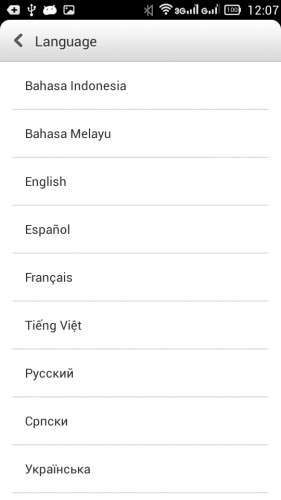
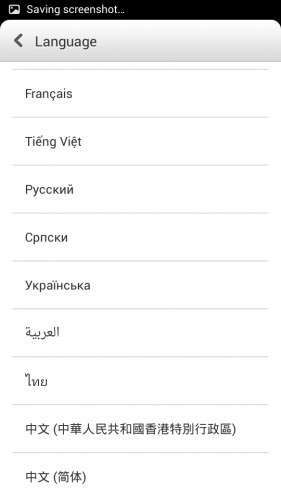
Supported Languages: Russian , Ukrainian, English, Arabic, Spanish, French, Chinese, Vietnamese, Indonesian, Malaysian, Thai
Keyboard Languages: Multilanguage
___________________________________
- Download first the tools and drivers attached in this post
___________________________________
Mirror 1: S650_ROW_S111_131115
Mirror 2: S650_ROW_S111_131115
___________________________________
S650 ROW S116 ROM Download, flash tools included
Mirror 1: S650_ROW_S116_140423
___________________________________
ROM Installation:
- Unpack the ROM
- Unpack FlashTools, and Click on Flash_tool.exe
- Select a the MT6582_Android_scatter.txt from the unpacked ROM

- Wait file to be added into Flash Tool
- Choose Option –> USB Model, click USB Model
–> Choose Option –> DA DownLoad All –>Speed –> High Speed, click High Speed
- Turn off your phone, remove the battery. (YES remove the battery)
- "Press F9 (hit Download button) " OR " if upgrade ROM Firmware->Upgrade "
- Now connect your phone into the computer via USB data cable.
**(Windows 8 users may get some problems with the drivers, disable driver Signature
https://www.youtube.com/watch?v=NM1MN8QZhnk)**
- The process will start and a red progress bar will appear –> purple–> yellow.
- When done, Green circle pops up!!
- You can now safely disconnect your phone and turn it on.
New updates available
– Check for update, install –> S112 –> S113
– Now S116 availabe OTA or download the ROM from S650 ROW S116 link
※Please make a backup of your device before installing or updating ROM
can i change from 4.4.2 to 4.2.2 ? please , help me , i just wanna root my phone
Yes, you can
help !!!!
help !!!! everytime i extract it ……there error
Maybe the file you downloaded not complete, reaseon can be you network drops, check the file size you downloaded and compare with original in the links
hi guys..my current build number is s650_s123_131105.so can i change it to new firmware or flash it using official rom ??thanx
flash this rom, and after s116 you will get the android 4.4
flash this rom, and you will get all the updates untill 4.4
thanx for reply…by the way, why my current firmware didnt get update for kitkat??just asking.
Which firmware do you have?
Must be one of these ROW Roms. s111, s112. s113, s116 to get the update for ROW ROM, otherwise maybe you are running with chinese rooted rom
Please how do I update my vibe ui 2.0 CN to the ROW ROM??
My current device info is Baseband version S650V104, 2014/62/24 1836 Build number VIBEUI_V20_1434_2_ST_S650. Its the Chinese version. How do I change it to ROW??
which mirror should I choose?? 1 or 2?
sir…i already install usb driver and flash tool always keep searching..
It is same rom differnet mirrors
Great rom, thks for sharing.