
- Title: LineageOS 13
- Listed: March, 2018
- Last modified: 04/14/2020 11:55 am
- Version: LineageOS 13 R81 20200413
You must be logged for ROM download.
27039 total views, 4 today
1 Total favorites
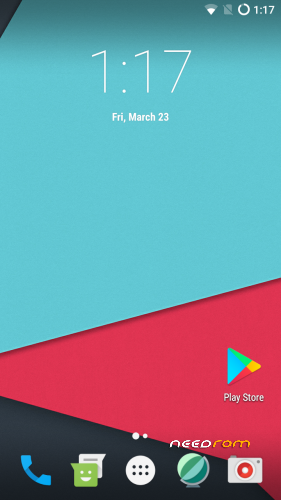
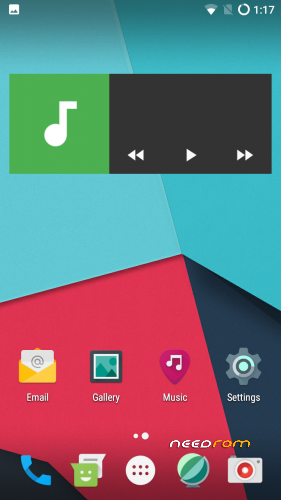
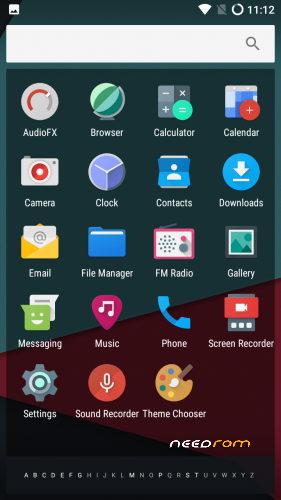
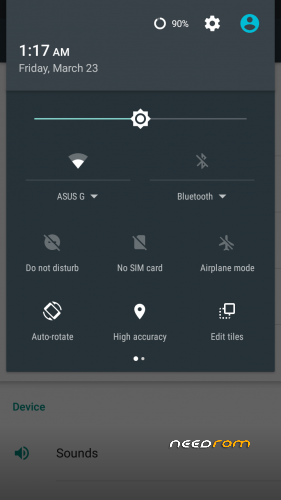
 Member Info
DESCRIPTION
Firmware
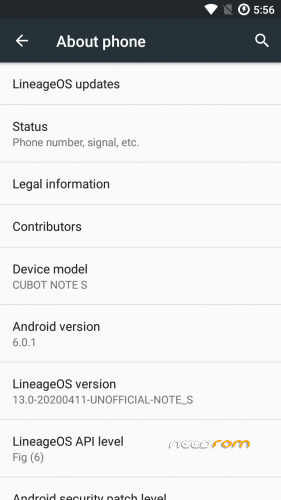
Android-Version: LineageOS 13.0 R81
Build-Version: Build 20200413
Features
- Based on Marshmallow with LineageOS 13.0
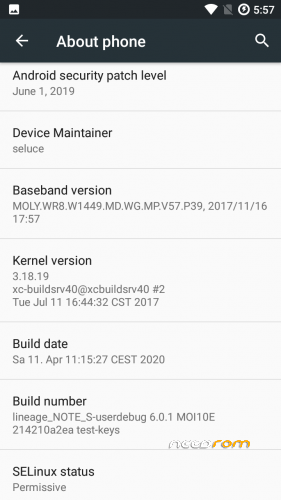
- security patch level 2019-06-01
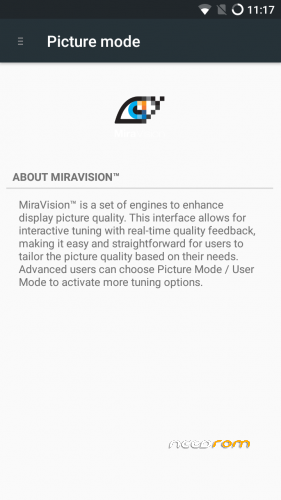
- MiraVision (Settings -> Display -> MiraVision)
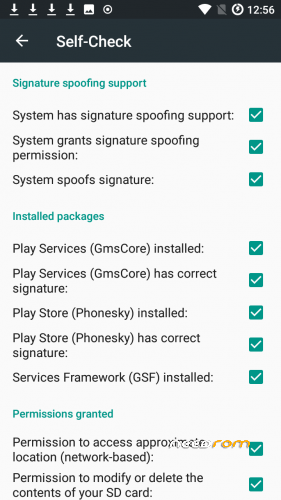
- MicroG support if you don't like OpenGapps
- complete stable and secure rom
How to install the ROM
You have to use my Unoffical TWRP 3.4.0-0 Recovery to flash your device later. The file in the attachment is zipped and valid for the TWRP Recovery (don't extract the rom zip!)
Please backup NVRAM and IMEI with TWRP BEFORE flash! If you lose your MAC / IMEI after flash, you can restore it in 2 seconds!
First time installing the ROM
Boot into TWRP -> delete Dalvik, Cache, System and Data -> Install the ROM ZIP -> Install GAPPS -> Restart your phone -> thats it!
Upgrade from earlier version
Boot into TWRP -> delete Dalvik, Cache, System -> Install the ROM ZIP -> Install GAPPS -> Restart your phone -> thats it!
Update to newer version with patch
Boot into TWRP -> Install Patch ZIP -> delete Dalvik, Cache -> Restart your phone -> thats it!
Bugs and how you can fix it
- should be fine
FAQ
Whats works?
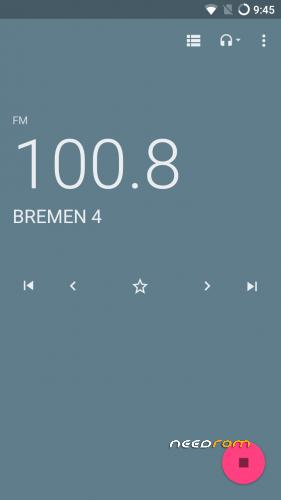
- everything
what doesn't work?
- none
Is the ROM rooted?
No. You can install Magisk or SuperSu with TWRP
What about other languages?
You can choose your language as usual after first boot with the asisstent
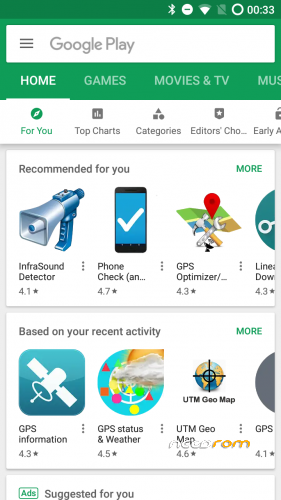
Are the Google Play Service already installed in this ROM?
No. You have to install newest open pico gapps (ARM -> Android 6.0 -> Pico)
Is this rom for the old or new eMMC?
The current kernel allows to support both versions. it doesn't matter if new (DL2016) or old (Q823MB)
We'll get soon MIUI, IOS or Samsung TouchWiz as ROM?
No, No and No. All three ROMs exits but they are so buggy.
I dont will publish these ROMs. They are not ready as daily driver.
How to fix app store signature spoofing in MicroG settings?
You need to write this in adb shell or directly in device terminal :
pm grant com.android.vending android.permission.FAKE_PACKAGE_SIGNATURE
If you like my work
Thanks for your donation if you want to support my work (always latest patches for Note S)
※Please make a backup of your device before installing or updating ROM
I’m getting this problem with Google Apps
Device is not certified by Google?
If someone has gapps problem:
- download V05-1
- go to setting -> apps – and delete all data from – google play store and google play services.
- reboot
- try again to open it
worked for me without issues. V05 has new build.id and changed a lot stuff
Nope didn't work for me. I'm trying now flashing stock rom and then this.
Edit* Still have this problem !
check please pm, i'll need to verfify that before the V05 goes online again. just want to be sure.
Edit: Google Play Store should work now as usual
Working perfectly now ! Thanks Seluce
next version will builded with miravision included. i'll try to build tap2wake too.
Maybe LiveDisplay will be set on disabled in default. that the points which would be nice to have
Installed v5 and everything I use works. Thank you!
For V05 I need to do a complete wipe (data too) and then fresh install? Or can I just update?
Upgrade should work now. But I can’t say if everything works without issues.
MiraVision is working now. Have the zip with MiraVision included. Have to test it if it works. MiraVision is pretty nice and as V06 Upload should be worth. Maybe i can get disable livedisplay before as default.
MiraVision improves the display screen a lot for mtk devices: https://www.mediatek.com/blog/.....t-is-miravision
Can you give us that zip to try it out?
V05 works so far …
nice to see thats build from source works much better than porting a rom. never excepted that it works (spends tons of hour)
disabled Livedisplay on default in V06. MiraVision is in development. have to wait until the compile has been finished.