
- Title: LineageOS 13
- Listed: March, 2018
- Last modified: 04/14/2020 11:55 am
- Version: LineageOS 13 R81 20200413
You must be logged for ROM download.
27042 total views, 7 today
1 Total favorites
 Member Info
DESCRIPTION
Firmware
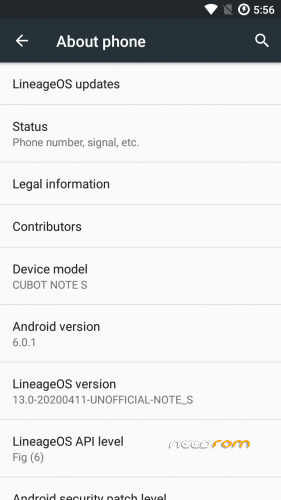
Android-Version: LineageOS 13.0 R81
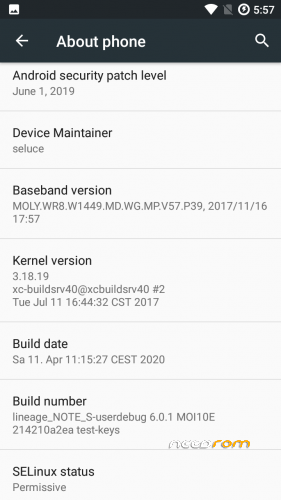
Build-Version: Build 20200413
Features
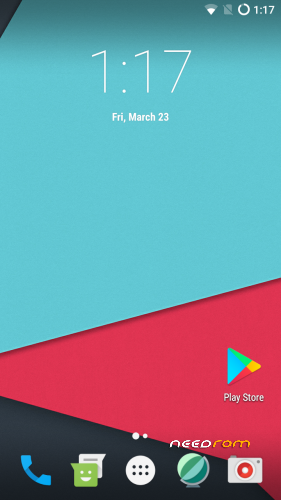
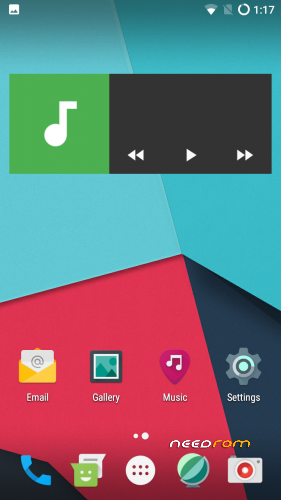
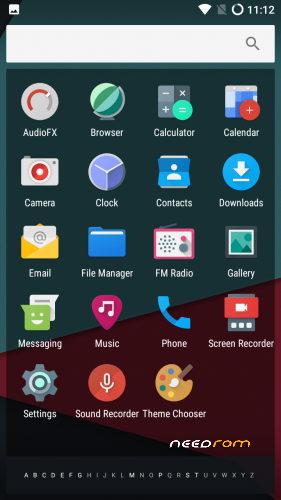
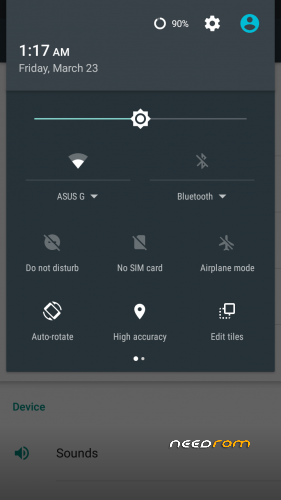
- Based on Marshmallow with LineageOS 13.0
- security patch level 2019-06-01
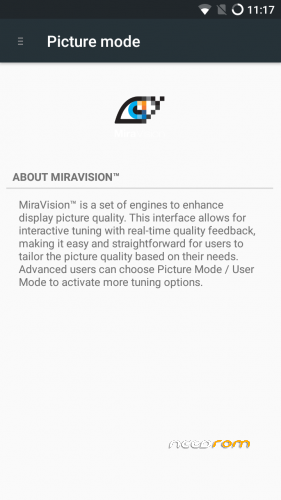
- MiraVision (Settings -> Display -> MiraVision)
- MicroG support if you don't like OpenGapps
- complete stable and secure rom
How to install the ROM
You have to use my Unoffical TWRP 3.4.0-0 Recovery to flash your device later. The file in the attachment is zipped and valid for the TWRP Recovery (don't extract the rom zip!)
Please backup NVRAM and IMEI with TWRP BEFORE flash! If you lose your MAC / IMEI after flash, you can restore it in 2 seconds!
First time installing the ROM
Boot into TWRP -> delete Dalvik, Cache, System and Data -> Install the ROM ZIP -> Install GAPPS -> Restart your phone -> thats it!
Upgrade from earlier version
Boot into TWRP -> delete Dalvik, Cache, System -> Install the ROM ZIP -> Install GAPPS -> Restart your phone -> thats it!
Update to newer version with patch
Boot into TWRP -> Install Patch ZIP -> delete Dalvik, Cache -> Restart your phone -> thats it!
Bugs and how you can fix it
- should be fine
FAQ
Whats works?
- everything
what doesn't work?
- none
Is the ROM rooted?
No. You can install Magisk or SuperSu with TWRP
What about other languages?
You can choose your language as usual after first boot with the asisstent
Are the Google Play Service already installed in this ROM?
No. You have to install newest open pico gapps (ARM -> Android 6.0 -> Pico)
Is this rom for the old or new eMMC?
The current kernel allows to support both versions. it doesn't matter if new (DL2016) or old (Q823MB)
We'll get soon MIUI, IOS or Samsung TouchWiz as ROM?
No, No and No. All three ROMs exits but they are so buggy.
I dont will publish these ROMs. They are not ready as daily driver.
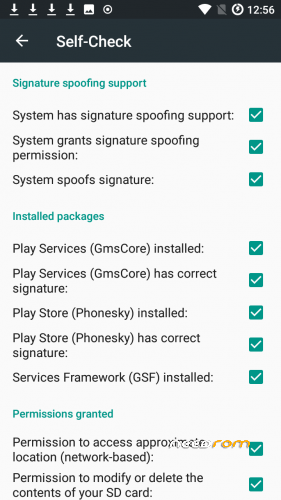
How to fix app store signature spoofing in MicroG settings?
You need to write this in adb shell or directly in device terminal :
pm grant com.android.vending android.permission.FAKE_PACKAGE_SIGNATURE
If you like my work
Thanks for your donation if you want to support my work (always latest patches for Note S)
※Please make a backup of your device before installing or updating ROM
Try to install once more.
My device shows: Internal storage 12.43 GB and the 64GB-SD as 59.46 GB
sinnefaki, try V07. did some changes and could solve some issues.
Also latest patches from lineage os are integrated from yesterday.
Thank you for another great update Seluce, i can see the difference with optimizations for 2gb ram, it runs very smooth with lawnchair launcher.
I installed this rom yesterday. I had Cardinal AOSP before. I found that in this rom sound volume is generally low related with AOSP or official versions which I tried before. Is there any way to increase it?
EDIT:
I just installed v71 and seems that now sound volume increased. I tried to use engineering mode to test Audio (before test the sound volume) and I found that it crashes when I try to select Audio from Hardware test list.
listed in the changelogs the change with engineer mode
V07 (2018-04-05) (source)
- added "Engineer Mode" button in developer settings
- added engineermode (audio setting crashes, still need to analyse it)
it's bit complicated to get sound fix in engineer mode. analyzed the logcat and changed the drivers already.. need to check it. i added engineer mode anyway for the other functions. V07 has some fixes for sound / loudspeakers / media / gallery and better ram management.
Sorry, I missed that, Thanks!
I already flashed v7(I've edit my previous post), and the sound is much better.
LineageOS 13 patches from 2018-04-01 will be released soon here. i'll update the rom if the patches from lineageOS are online to use.
Are you guys able to listen to music using Bluetooth headphones?, is not working with me, it works fine with normal 3,5mm jack or using the speaker, but when connected to bluetooth I'm not able to change music and the music playing is always at 0:00 sec.
By the way this ROM is awsome keep it updated Seluce, thanks for your hard work regarding our phones.
The same problem with bluetooth headphones. Hope dear seluce will solve this problem soon
When phone is on, it was showing 25% remaining battery. Then I turn it off, plug it in to charge, and immediately it shows 75% remaining battery. How can it be so bad…
maybe you should look for another battery. had the issue the other way. with 30% left it was dead with 0%.
Aliexpress has for 5$ new battery for this device otherwise try to calibrate the battery
No. It has nothing to do with the battery itself. The battery is fine, it can last up to 6 days on a single charge.
The problem is that Operating System (Android 6 / LineageOS 13) does not read the battery charge level correctly. The BIOS (or what every runs when the phone is OFF) reads the battery charge level correctly. BIOS says that battery is at 75%, but operating system says that it is only 25%.
I have tried various wasy for calibrating that, on stock ROM, but none of that worked.
Now I am waiting for battery to fully discharge, then charge it to 100% while the phone is OFF, and then turn it on an try to "tell" the operating system that this is now 100% state (using some battery calibration app). I will report on the resaults. But this did not work on the stock ROM. Neider did charging/discharging from 100% to 0% to 100% multiple times.
When the 2018-04-01 patches released, I'll check also bluetooth fast. Maybe its only a file which need to be replaced.
You can try Soundabout for Bluetooth Music fix. Many lineageOS13 user have this problem and they told they can fix it with this app from play store. Can't try it currently.