
- Title: LineageOS 13
- Listed: March, 2018
- Last modified: 04/14/2020 11:55 am
- Version: LineageOS 13 R81 20200413
You must be logged for ROM download.
27043 total views, 8 today
1 Total favorites
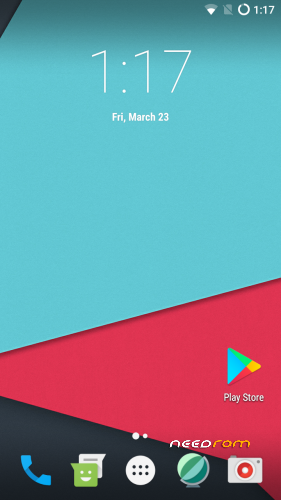
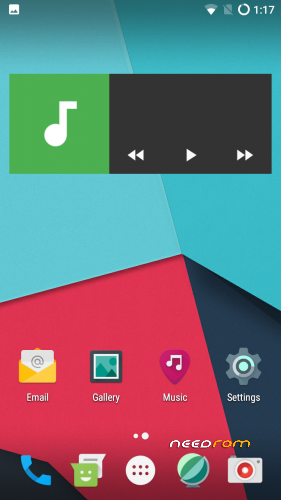
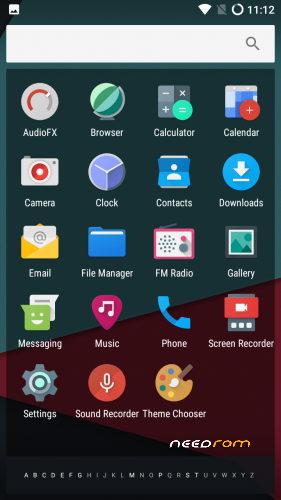
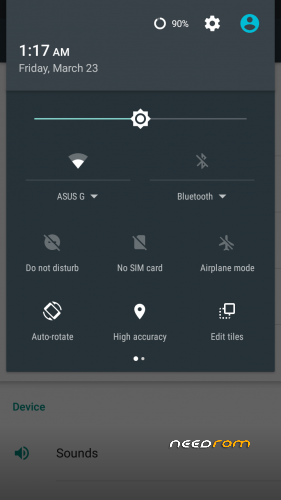
 Member Info
DESCRIPTION
Firmware
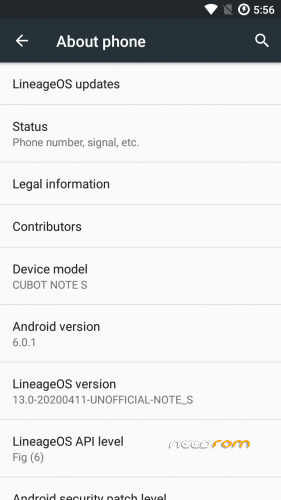
Android-Version: LineageOS 13.0 R81
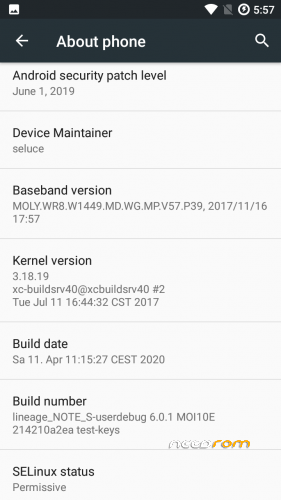
Build-Version: Build 20200413
Features
- Based on Marshmallow with LineageOS 13.0
- security patch level 2019-06-01
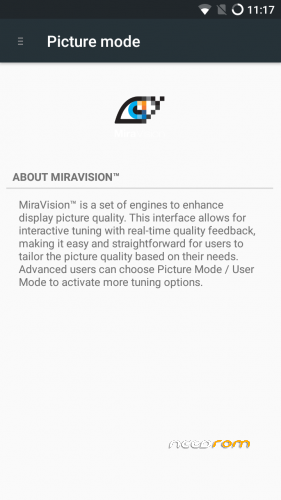
- MiraVision (Settings -> Display -> MiraVision)
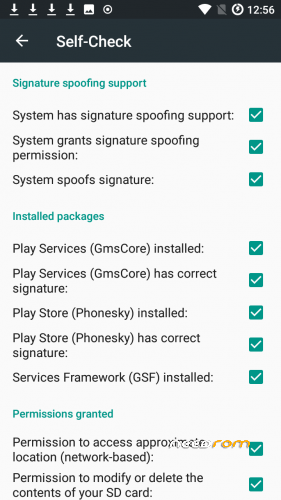
- MicroG support if you don't like OpenGapps
- complete stable and secure rom
How to install the ROM
You have to use my Unoffical TWRP 3.4.0-0 Recovery to flash your device later. The file in the attachment is zipped and valid for the TWRP Recovery (don't extract the rom zip!)
Please backup NVRAM and IMEI with TWRP BEFORE flash! If you lose your MAC / IMEI after flash, you can restore it in 2 seconds!
First time installing the ROM
Boot into TWRP -> delete Dalvik, Cache, System and Data -> Install the ROM ZIP -> Install GAPPS -> Restart your phone -> thats it!
Upgrade from earlier version
Boot into TWRP -> delete Dalvik, Cache, System -> Install the ROM ZIP -> Install GAPPS -> Restart your phone -> thats it!
Update to newer version with patch
Boot into TWRP -> Install Patch ZIP -> delete Dalvik, Cache -> Restart your phone -> thats it!
Bugs and how you can fix it
- should be fine
FAQ
Whats works?
- everything
what doesn't work?
- none
Is the ROM rooted?
No. You can install Magisk or SuperSu with TWRP
What about other languages?
You can choose your language as usual after first boot with the asisstent
Are the Google Play Service already installed in this ROM?
No. You have to install newest open pico gapps (ARM -> Android 6.0 -> Pico)
Is this rom for the old or new eMMC?
The current kernel allows to support both versions. it doesn't matter if new (DL2016) or old (Q823MB)
We'll get soon MIUI, IOS or Samsung TouchWiz as ROM?
No, No and No. All three ROMs exits but they are so buggy.
I dont will publish these ROMs. They are not ready as daily driver.
How to fix app store signature spoofing in MicroG settings?
You need to write this in adb shell or directly in device terminal :
pm grant com.android.vending android.permission.FAKE_PACKAGE_SIGNATURE
If you like my work
Thanks for your donation if you want to support my work (always latest patches for Note S)
※Please make a backup of your device before installing or updating ROM
LOS13 get's soon upadte to 2018-05-01 updates (already released). Working currently on Nougat ROMs.
Hi,
Thanks for the custom ROM. I got a couple of questions.
1. Gallery shows grey squares, not pictures.
2. Music doesn't play through any music apps.
Shall I update to the latest version ( I'm on v07), will that fix the issues. Or are there any play store apps I can replace the stock ones with?
Or shall I try lineage 14?
Thanks
Even I got this problem with gallery. Images not appearing only grey squares.This happends after I want to upload a photo on Whatsapp , Instagram.
Actually i don't will develop on Android 6.0.1 / LineageOS13 anymore. Nougat maybe if i find any fix otherwise im out with support for this device.
Hope my roms will spend enough time until you find a new device, guys!
now it works perfect thanks seluce
V17 have some changes
- fixed nvram error on wifi settings
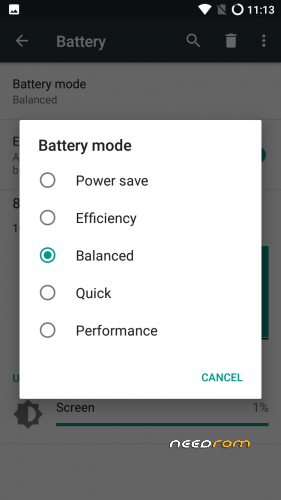
- fixed battery voltage (not static)
- added me as maintainer on settings
- reduce "screen" battery drain
- latest LineageOS13.0 patches (security updates, etc)
V14 not not V17
Hi seluce, source for download v14?
Hey, thanks for fixing blank images in Gallery!
BTW, is there a way to fix poor GPS accuracy without having to root the phone?
You need to edit gps.conf in system/etc/
Maybe look for specific configuration which has other gps servers
You need to replace or edit the file with TWRP or root. You can also use a patch to replace the file when you don't want to root your phone
@seluce
Thanks. I was looking online, and it is not possible to do it without root, and I don't want to root the phone due to security concerns. And I was not able to find a modified gps.conf file so….
Ändern des gps.conf bringt bei diesem chipsatz gar nichts ist halt low budget telefon . hab einiges schon ausprobiert, aber gps tanzt wie es ihm gefällt muss ich damit leben oder gescheiteres telefon mir holen ist halt so VG Bukamelon
Changing the gps.conf brings nothing at this chipset is just low budget phone. Have already tried everything, but gps dance like an dancer (HW problem) has to live with it or buy a clever phone just like this one
By the way updated v8 to v13 without any problems on my phone with twrp @seluce thanx for your uploads…
Der gesamte MT6580 ist einfach echt schwach / müll im Vergleich zu allem anderen. Ist halt extremer Budget. Glaube aber auch das V14 das letzte sein wird.
I'll upload soon newest update to V14
But LineageOS team needs to backport the patches from LineageOS14.1 (Nougat). LineageOS13 has no offical support since 2018-09-05 anymore and they're work only with backports to keep the LineageoS13 alive. So they're soon on 2018-10-05 but they need to fix some patches (get currently build errors). That's the reason why it's still not uploaded to newest monthly security patch level
Saubere Arbeit @Seluce Update vom v13 zu v14 fix in 5 mins. keine Data/App Verluste!
Alles wie beschrieben immo nix zu beanstanden und endlich nvram error gefixt, auch akku scheint besser zulaufen, mal schauen!
SuperSU musste nur über Twrp neu geflasht werden.
LG und Danke,danke,danke!
Gerne doch. Mal schauen ob da von meiner Seite aus noch was kommen wird. Denke V14 ist ggf final für das cubot note s
Frohes Fest btw (:
If somebody delete IMEI during install this ROM (like me). Just download apk chamelephon and change it from blank to correct one of your phone, usually it's under battery. Root and wifi is needed.
Thanks for the additional information how to solve the imei issue after flash. I always recommend to backup imei and nvram in twrp before flash. If imei is lost, you only need to recovery both partitions in seconds