
- Title: P780 4.4.2 1423 ST Pure GAPPS ROOT
- Listed: June, 2014
- Last modified: 06/07/2014 2:32 pm
- Version: 4.4.2 1423 ST
You must be logged for ROM download.
56165 total views, 10 today
 Member Info
DESCRIPTION
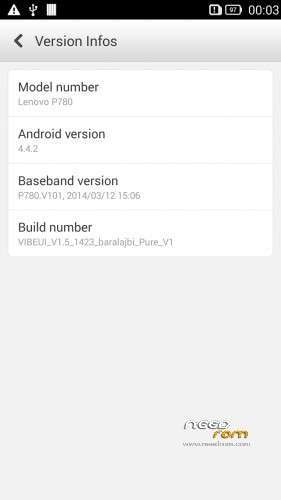
Rom for Lenovo P780
base : VIBEUI_V1.5_1423_9_ST_P780_5B7B
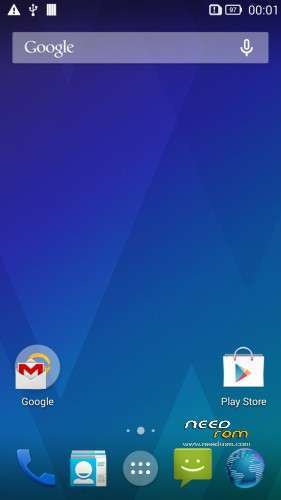
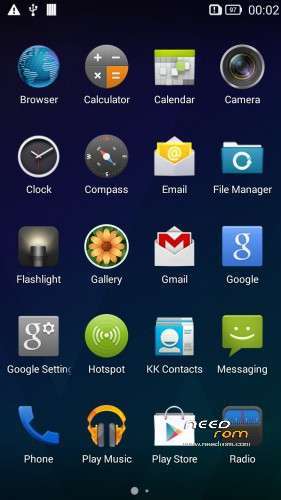
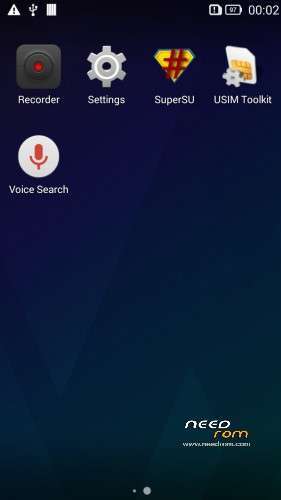
Removed all chinese and Lenovo applications whitout camera and gallery
Added GAPPS, ROOT and some stock apps
This rom is multilanguage, contain about 70 languages
Install ROM :

- Unpack FlashTools, and Click on Flash_tool.exe
- Select the MT6589_Android_scatter.txt in ROM
- Wait file to be added into Flash Tool
- choose Option->USB Model,click USB Model
–> Choose Option->DA DownLoad All->Speed->High Speed, click High Speed
- choose DA DL All With Check Sum
- Turn off your phone, (push the red reset button)
- "Press F9 (hit Download button)" OR " if upgrade ROM Firmware->Upgrade "
- and connect your phone into the computer via USB data cable.
- The process will start and a red progress bar will appear after color purple, yellow, if no, then have to install the driver from Flash toolSP_Drivers_v1.5 folder
- And green circles display
- Finish !
- You can now safely disconnect your phone and turn it on.
This ROM created by Android Lang Project http://www.androidlangproject.com/
※Please make a backup of your device before installing or updating ROM
My phone is bricked now thanks to barajaldi's guide;
- Unpack FlashTools, and Click on Flash_tool.exe
- Select the MT6589_Android_scatter.txt in ROM
- Wait file to be added into Flash Tool
- choose Option->USB Model,click USB Model
–> Choose Option->DA DownLoad All->Speed->High Speed, click High Speed
- choose DA DL All With Check Sum
- Turn off your phone, (push the red reset button)
- "Press F9 (hit Download button)" OR " if upgrade ROM Firmware->Upgrade "
- and connect your phone into the computer via USB data cable.
- The process will start and a red progress bar will appear after color purple, yellow, if no, then have to install the driver from Flash toolSP_Drivers_v1.5 folder
- And green circles display
- Finish !
- You can now safely disconnect your phone and turn it on.
email or exchange app no't work. de azért tetszik
Grate work!
awesome. Does this baseband leave the 900 mhz 3g enabled?
I have not found a way to use it on any Vibe based rom
can i flash into p780 VIBEROM_V1.0_1415_DEV_P780 version ????
Hello;
I have been using your rom till yesterday, and the modem version included in these one is the best one I've seen.
Please could you tell me wich modem version was using this rom?
thanks!!
About to flash this rom. Just need to make sure if;
- the google calendar does sync
- exchange mail works
- official power saver app is installed on the rom
Power saver is missing :S
It should be included!
Nice ROM. I recommend you.
Does anyone have an adwerts poping up when you press a contact icon? I am getting this adwerts and i don know how to get rid of?
hi, this is my phone information
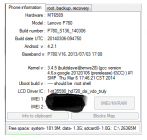
is this rom suitable for my phone, and i have a trouble imei repair after install rom.
thanks a lot.
Well first thanks .. but I have made the steps nothing happened .. after I restarted the device and plugged the usb cable .. it started to charge .. and that is it .. where would it went wrong .. does this rom needs a root .. and if yes .. do you have a way please .. thanks