
- Title: Play Edition V2
- Listed: October, 2016
- Last modified: 03/15/2022 2:09 pm
- Version: 6.0
You must be logged for ROM download.
44239 total views, 9 today
28 Total favorites
 Member Info
DESCRIPTION
Features:
V2.
-more stable
-LED notification
-many bugfixes
-more UI optimizations
-based on ZOPO firmware.
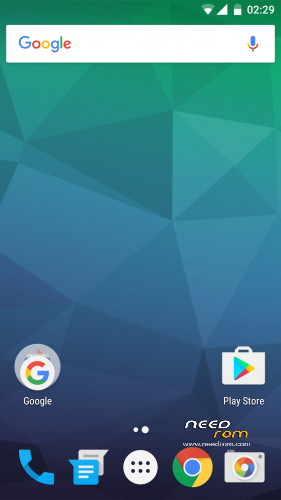
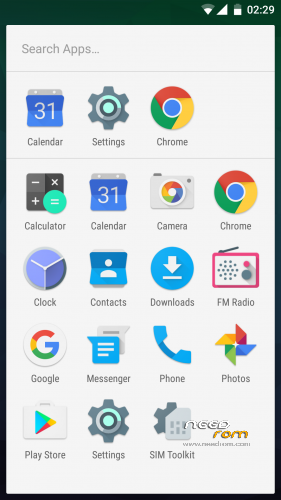
-modded like Google Play Edition
-OnePlus 3 sounds
-fully AOSP look and feel
-multilang
-no root
please make a factory wipe BEFORE you flash the rom. i have includet a script which improves ext4 filesystem performance. but if you wipe, TWRP overwrite the modification. however i have uploaded the mod for manual flashing (ext4-performance-mod.zip)
How to get the best battery performance (improves really a lot)
- open the settings app and search (right top corner) for "scanning" (in your language) and disable WiFi & Bluetooth scanning
please rate this ROM. some people give only 1 star for no reason. bad rating confuse especially n00bs, so they never try the rom
ROM Install
Step 1: Download my ROM and copy on a SD card
Step 2: Reboot and press Volume UP+DOWN buttons to enter the custom recovery
Step 3: Wipe
Step 4: Install the ROM
※Please make a backup of your device before installing or updating ROM
Thanks bro, will install it immediately.
Works perfectly. Thanks Mr-Needrom
All nice … except Pokemon Go is not working.
pokemon go not work if rooted . try find other way to bypass
But it is explixit "no root" in description? Or did I misunderstand sth?
the rom has no root, right. the supersu root zip will be installed on the system. pokemon go works only with "systemless" root.
http://forum.xda-developers.co.....emless-t3473445
here you can read more about the new concept
Bro does it have lenovo call ui?
Hows camera clearity?why not snapit camera?
you can still install the snapit camera
Where is internal sd card..?? It doesn’t show internal sd card..?? Any solution…??
Good ROM. Thanks.
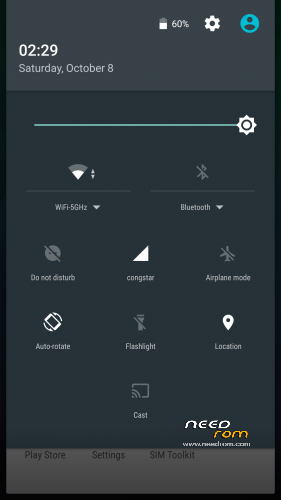
Can i add or delete shortcuts in status bar?
With root you can install Custom Quick Settings from the Play Store, this will allow you to add custom Quick Settings.
If you want to rearrange them, slide down the notification drawer and long press the settings icon, then system UI Modder will be activated in the settings.
Everything Works Great…Well Done
Is this rom better then Mr-Needrom’s Nexus MM rom? What’s different in real time usage?
way better try it