
- Title: Pure AOSP V1 TF
- Listed: March, 2015
- Last modified: 03/16/2015 4:47 pm
- Version: 4.4.4
You must be logged for ROM download.
50912 total views, 4 today
17 Total favorites

 Member Info
DESCRIPTION
Jiayu S3 Pure AOSP V1 TF
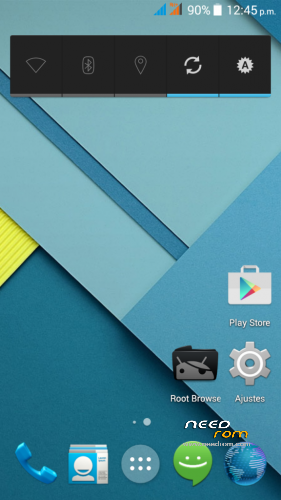
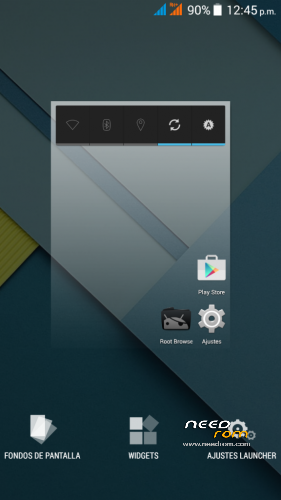
From Android Developers TF we present to Jiayu S3 one PURA AOSP rom.
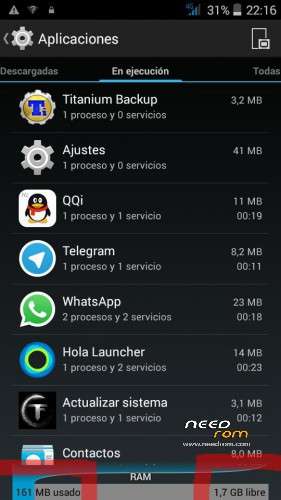
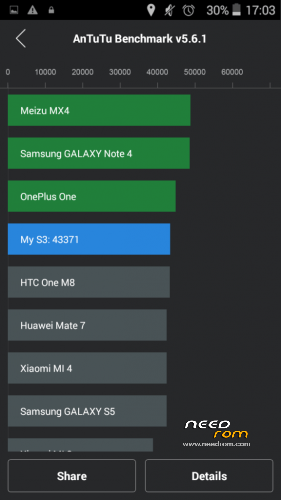
All the charm and simplicity of AOSP, offering in this great terminal fluidity never seen before with no current rom for Jiayu S3 also from TF Android Developers have developed and including SSTM so it will be what every gamer and those who do not are both expected an unparalleled user experience and fluency.
Title: Jiayu S3 Pure AOSP V1 TF.
Version : 4.4.4.
Date : 14/03/2015.
Size : 424,5MB.
Changelog:
- Android 4.4.4 fully AOSP
- Very low RAM consumption
- Root
- Busybox
- init.d
- MaxxAudio mediatek (many thanks to XDA arcatac)
- * TF SSTM Android Developers mode (faster mode on upon first boot)
- OTA TF Android Developers Updates
Changelog Updates:
-Update 1.1: Deleted icons large network status bar; modified library of sensors; modified app optimization (including app description); init.d error corrected; changed some APN; modification of some xml permissions. Download HERE.
-Update 1.2 -Fixed bug in contacts app; corrected images of status bar (red); removed default browser (error 403); including Google Chrome as default browser; updated google Framework; APN corrected Lowi; updated launcher default icon Chrome (required erase data from launcher to view). Download HERE.
-Update 1.3: Included smartwake, advanced audio menu, removed warning second SIM missing. Download HERE.
-Update 1.4:
- Included Creative Kernel
- Fixed bug when pasting and copying in File Manager
- Fixed sound recording
- Añdido sheep Widget
- Included option to delete all my memory
- Changed app musica
- Fixed recording app
- Correction app gesture control (security issues)
- Fixed Settings. Download HERE.
* SSTM Mode (Super Speed Trick Mode):
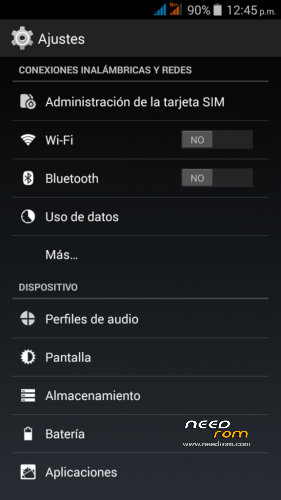
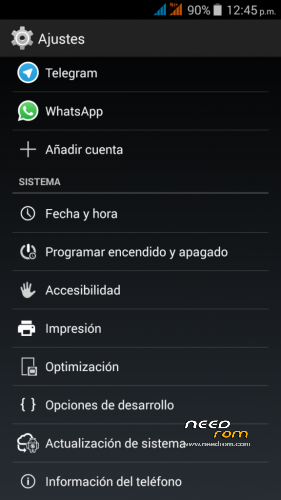
In order to switch modes, you have to go to settings/optimisation.
This mode improves graphics interface response as well as speed in games.
It basically works by reducing screen resolution so as to increase FPS and reduce the size of images and texts (frees up RAM) without taking away image quality.
There are three modes:
- Normal: Average resolution values of the device (1920×1080).
- Fast: Resolution values reduced to 1280×720 (increase to 5fps in 3D).
- Faster: Resolution values recuded to 960×540 (increase to 10fps in 3D).
Installation:
It installs recovery, we recommend TWRP you can download from our website.
- Download ROM and copy it to the internal SD.
- Enter TWRP Recovery.
- Wipe Data (Optional, and makes installation)
- Wipe Cache. (Optional, and makes installation)
- Wipe Dalvik Cache. (Optional, and makes installation)
- Format system. (Optional, and makes installation)
- Install ROM from SD.
- Automatic restart.
Note to publishers : the modification of this work, reproduction in any forum or website without citing the official website and / or the original link of our work is prohibited or put another download link than those officers without express consent of Android Developers TF .
※Please make a backup of your device before installing or updating ROM
Very good work , thank you. But magnetic sensor doesn*t work . How can i fix this bug ?
does this rom run dual SIMs?
Yes work dual sim and dual standby
NFC not work !!
Any updates
Hi TF!
Any updates in the pipeline for this rom to fix the notification LED and the Smart Wake security issue? Would love to see these fixed, especially the notification LED (the security issue is personally not a big deal for me since I never use any secure wake features).
Kind Regards & Many Thanks
Does NFC work ? And are there other bug ?
hi add my apk in rom please password zip?
OTA launched
You can update by OTA app on Settings
Please upload the new ota for us that can’t update via settings thanks. Changelogs???
Update 1.4 here
https://mega.co.nz/#!mhoWQAiQ!.....sRI8H0uST-g_sDI
What is changelog . Fix the smartwake errors? Led bugs??