
- Title: PureXperia 4.3.9 Z2
- Listed: May, 2014
- Last modified: 09/01/2014 4:36 pm
- Version: [4.2.2] 4.3.9
You must be logged for ROM download.
60123 total views, 4 today
5 Total favorites
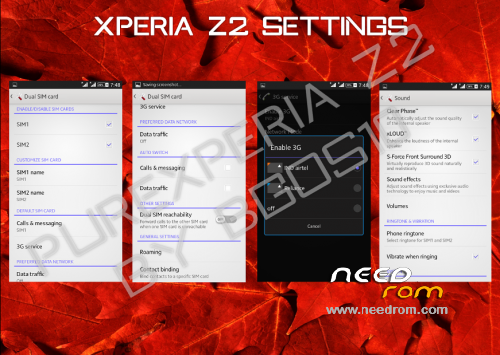
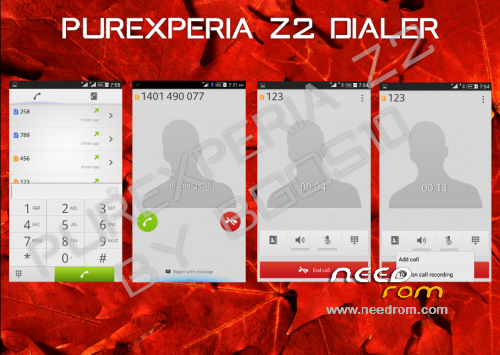
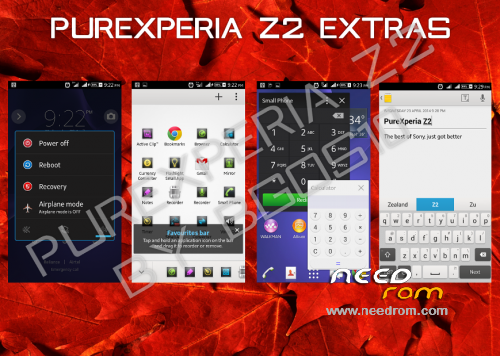
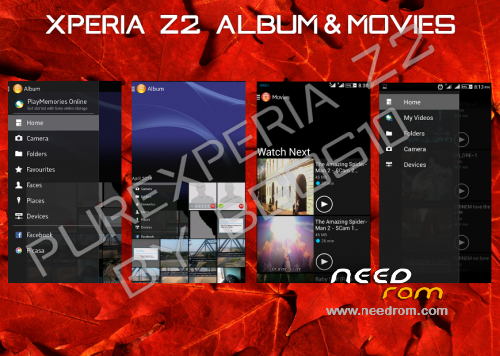
 Member Info
DESCRIPTION

Phone: Lenovo A820
Android: 4.2.2 (4.4.2-LIKE)
PureXperia Z2 v4.3.7 (Unofficial 4.3.9) [Performance + Gaming + Battery Life]

Hello.
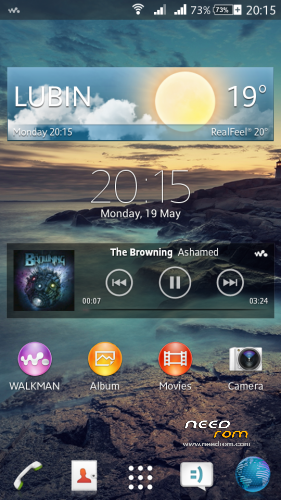
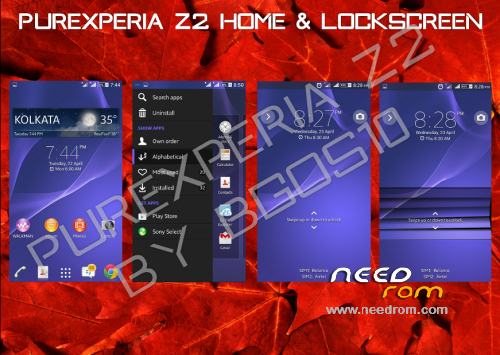
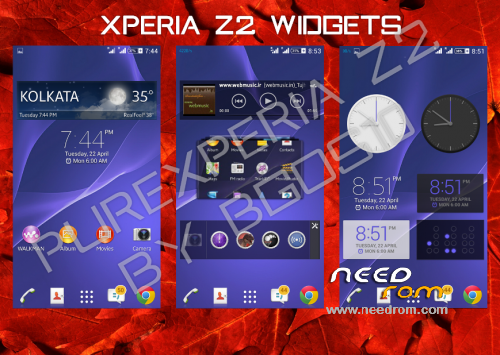
This is PureXperia Z2 ROM by bgos10.
Ported from XOLO Q800 and modded by me.
Supported languages: Multilanguage
What's New in 4.3.5 Full ROM?
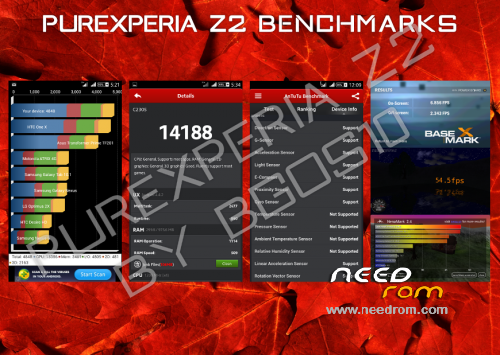
1. Superb Performance and better RAM Management
2. Debloated the ROM heavily (just 405MB)
3.Complete UI Overhaul
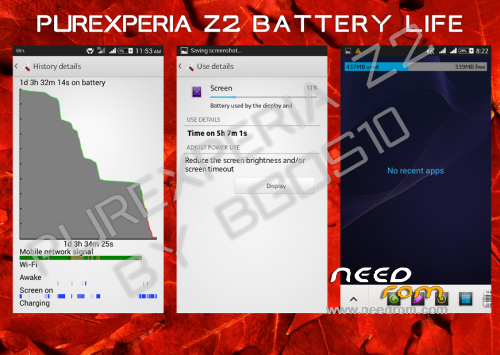
4. Amazing Battery life never Seen before
5. Dolby surround Sound 3D integration
6. Multiple Users Support Added
7. New Themes with enhanced support
8. Working Stamina Mode
9. Removed Google Apps that can be easily downloaded from Play Store
10. New tweaks
Changelog v4.3.7—> 4.3.9 (Unofficial)(2014/09/01)
-Fixed FC in Dolby
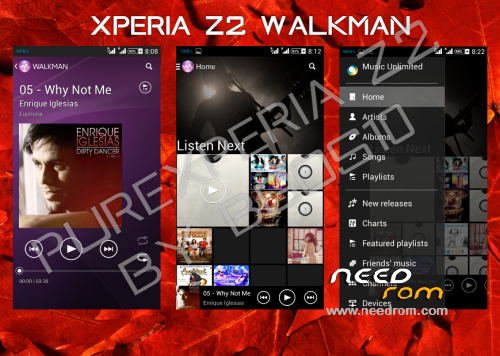
-Latest Walkman with Play from Folder Option
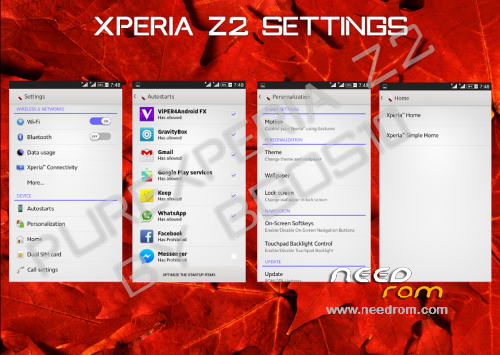
-Updated Settings
-Updated Messaging
-Fixed Issues with Notes in Small Apps
-Removed Dialog Box on every boot
-Fixed Battery Stats
-Fixed buttons backlight (LightPatch integrated)
-Tweaks
Changelog v4.3.5—> 4.3.7 (Unofficial)(2014/08/18)
-LenovoFMRadio (without headphones)
-Google Camera (with 720p 1280×720 recording in .mp4)
-Lenovo bootlogo
-Xposed Installer + Gravity Box & Xperia Xposed
-Screen Buttons off by default
-Radio module from Lenovo S920 v23
Important:
Read the FAQ - PureXperiaZ2 FAQs
This rom may not have APN settings for your country. Add it in settings manually
For QuickSettings, Swipe down the notification bar with two fingers, or set it in GravityBox
Fix for slow scrolling
Open XuiMod, go to Scrolling Mod > Scrolling Configurations > set scroll friction to lower than 20
First boot might take some time, so don't panic
After first boot you should set in Settings > Storage:
· Device Memory as Preferred Install Location
· SD Card as Default Memory to Write
You might see notification saying that default app storage is SD Card - Ignore it
Viper4Android is pre-configured in the rom. All you need to do is:
· Open the app > Load Effect Profile > Xperiabass
My other roms: ColorOS | ProjectDoge | Sony Xperia C Port | MIUIv5 Multilanguage | LeWa OS 5.1
Files were tested, and they all works.
You should do before installing this ROM:
in CWM
- wipe data/factory reset
- wipe cache partition
- mounts and storage>format /system
- advanced>wipe dalvik cache
in TWRP (2.6.3.0 recommended)
- wipe> wipe data/factory reset
- wipe> advanced wipe> check all except sdcard
※Please make a backup of your device before installing or updating ROM
Check/Add APNs
Everything done correctly-nothing.Trying some other ROMs I have connected immediately to data without doing whatelse.
I've got data connection on my both sim cards. What are your sim card operators?
Globul BG
There are no APN config for this network in this rom, so you had type it wrong in settings..
Give me roms, on which you connected immediately to the internet, and I will add Globul BG apn to my roms in future.
A820_Lambda v2.4.1_
http://www.mediafire.com/view/.....u/apns-conf.xml
paste it with ES File Manager to /system/etc, reboot, and tell me if you can connect to data after it
Testing…In google camera's menu is available "front camera" if you choose it every time you run the google camera it says: can't connect to the camera.Also in camera's menu is available "flashlight" settings not a bug but it's useless.
@dadi11
Thank you,now everything is OK.Great job!
Smoother, faster and well battery savings than previous version.
Is there a chance to get work radio without earphones?
I'm working on it. There will be new version with changed radio, deleted Sony camera and "front camera" in google camera, updates of apks, modified kernel, and apns for krasi1606
Wow modified kernel.That's definetely something new
I'd add a few wishes maybe you would like to set up.First is to have Engeneer Menu in developer options.To fix "invisible icon" in status bar which cause Stamina mode(Picture- http://yadi.sk/d/foCuEWtDRCWrf..... ).Third is…in Xperia Exposed-Xperia Home-Hidden applications doesn't work still see "hidden" apps in menu.
Working radio for this ROM.All the actions via RootExplorer.Copy-paste with replace files from lib folder, do not install apk but just move it in folder there's all system apps.
Files for radio: http://yadi.sk/d/oaFj3QO0RGzeh
Proof: http://yadi.sk/d/Q5fsAUq4RH2hD
There is radio without phones in newest version which is already uploaded since Sunday
But thanks for the files maybe i'll use that in next version/roms