
- Title: PureXperia 4.3.9 Z2
- Listed: May, 2014
- Last modified: 09/01/2014 4:36 pm
- Version: [4.2.2] 4.3.9
You must be logged for ROM download.
60125 total views, 6 today
5 Total favorites


 Member Info
DESCRIPTION

Phone: Lenovo A820
Android: 4.2.2 (4.4.2-LIKE)
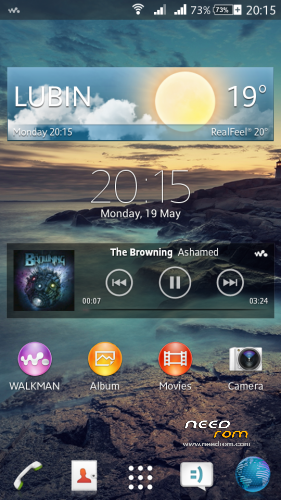
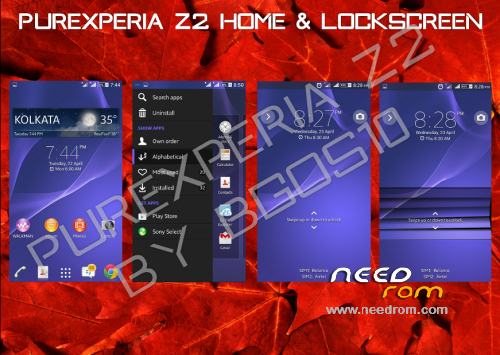
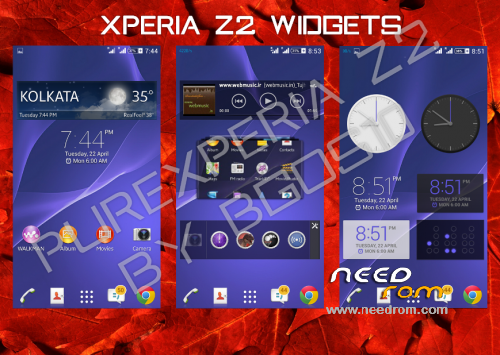
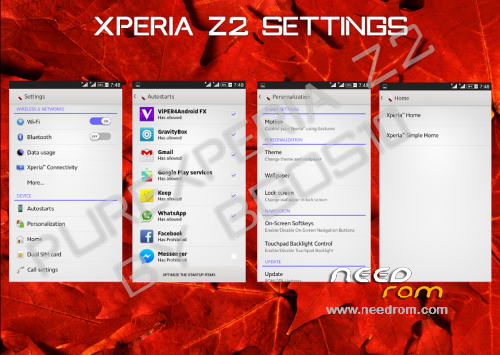
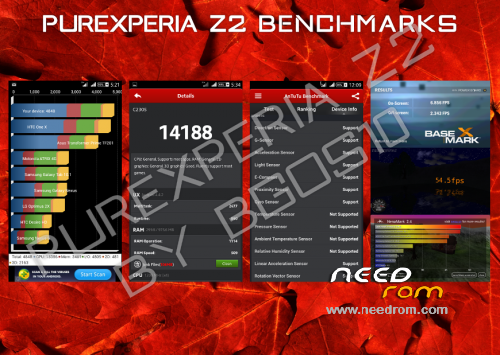
PureXperia Z2 v4.3.7 (Unofficial 4.3.9) [Performance + Gaming + Battery Life]

Hello.
This is PureXperia Z2 ROM by bgos10.
Ported from XOLO Q800 and modded by me.
Supported languages: Multilanguage
What's New in 4.3.5 Full ROM?
1. Superb Performance and better RAM Management
2. Debloated the ROM heavily (just 405MB)
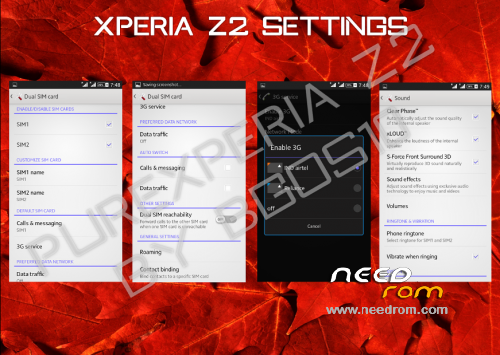
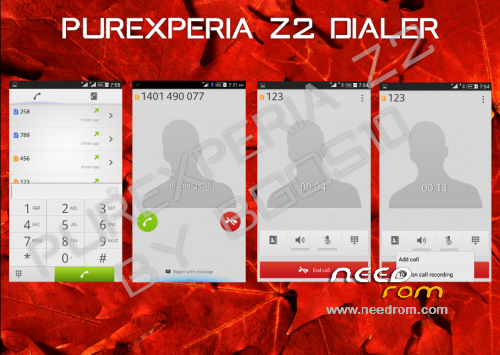
3.Complete UI Overhaul
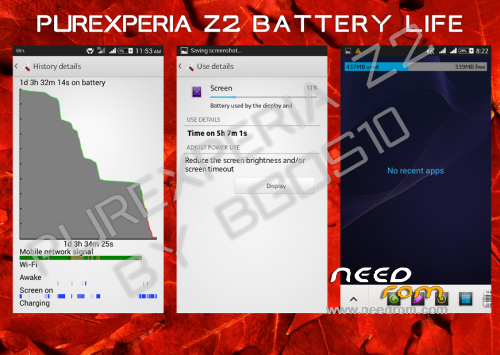
4. Amazing Battery life never Seen before
5. Dolby surround Sound 3D integration
6. Multiple Users Support Added
7. New Themes with enhanced support
8. Working Stamina Mode
9. Removed Google Apps that can be easily downloaded from Play Store
10. New tweaks
Changelog v4.3.7—> 4.3.9 (Unofficial)(2014/09/01)
-Fixed FC in Dolby
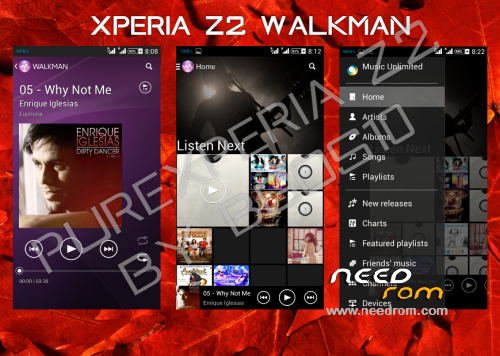
-Latest Walkman with Play from Folder Option
-Updated Settings
-Updated Messaging
-Fixed Issues with Notes in Small Apps
-Removed Dialog Box on every boot
-Fixed Battery Stats
-Fixed buttons backlight (LightPatch integrated)
-Tweaks
Changelog v4.3.5—> 4.3.7 (Unofficial)(2014/08/18)
-LenovoFMRadio (without headphones)
-Google Camera (with 720p 1280×720 recording in .mp4)
-Lenovo bootlogo
-Xposed Installer + Gravity Box & Xperia Xposed
-Screen Buttons off by default
-Radio module from Lenovo S920 v23
Important:
Read the FAQ - PureXperiaZ2 FAQs
This rom may not have APN settings for your country. Add it in settings manually
For QuickSettings, Swipe down the notification bar with two fingers, or set it in GravityBox
Fix for slow scrolling
Open XuiMod, go to Scrolling Mod > Scrolling Configurations > set scroll friction to lower than 20
First boot might take some time, so don't panic
After first boot you should set in Settings > Storage:
· Device Memory as Preferred Install Location
· SD Card as Default Memory to Write
You might see notification saying that default app storage is SD Card - Ignore it
Viper4Android is pre-configured in the rom. All you need to do is:
· Open the app > Load Effect Profile > Xperiabass
My other roms: ColorOS | ProjectDoge | Sony Xperia C Port | MIUIv5 Multilanguage | LeWa OS 5.1
Files were tested, and they all works.
You should do before installing this ROM:
in CWM
- wipe data/factory reset
- wipe cache partition
- mounts and storage>format /system
- advanced>wipe dalvik cache
in TWRP (2.6.3.0 recommended)
- wipe> wipe data/factory reset
- wipe> advanced wipe> check all except sdcard
※Please make a backup of your device before installing or updating ROM
There was a port of this ROM for Acer Liquid E2 ( ALE2) V370…..
Dadi, do you know who ports it, and on the ported version, what might be the reason for a bug, when I set a new launcher and Keyboard, it returns to the preinstalled ones after reboot and “freezing” the Xperia launcher with Titanium Backup, made the UI crash:/
Hello again.Thanks for the new patch.You are very kind.
Also I found some info to make the camera photo/video more better.The defaut bit rate is 4Mb, but we can make it more high like 12Mb.I tried and it works for me but it eat more memory while recording.Atleast the quality is slightly better.
http://forum.xda-developers.co.....-image-t2039553
Does anyone know if the camera works good ? I mean, darekn or change color. Thanks
Everything is fine
Dadi, can you add the backlight hard buttons patch in the top of the topic?
You forget to add this one in the new 4.3.5 but in 4.1.5 it exists
http://d-h.st/Frw
Added. Thanks
I didn't know there's something wrong with backlight, because I have it always off.
怎么下载,要PAY吗
?
How to download, you want to PAY =怎么下载,要PAY吗 (google translate) i think tat dude doesn't know hot to download it…
nice work, dadi!!!
.this rom is very good .l like it .but com.Android.phone has stop.please fix this bug
I am from China.rom is good.but the bug:com.Android.phone has stopped.and no signal 3g or 2g
No signal probably because of the Radio Firmware.It's for ROW region, not China.
You need to download V52 and install this via your recovery.https://yadi.sk/d/24DYZR4xC9yK.....Q
I'm China, I brush your 4.3.5 card for a while, a signal, while no signal, and popup com.android.phone has stopped. If you open the flight mode, there is no com.android.phone has stopped. Don't know what the reason is, change the modem.img file does not work, unless the flight mode!
QQ:316516122
Email:316516122@qq.com
Or yangjinwenopw@163.com
Then, that's missing properties in the ROM for your operator.I can't say how to add it and make work
hi dear.tanks for release this rom.is fast,beauty,stable and ….
how can i Fix for slow scrolling?!
"Fix for slow scrolling
Open XuiMod, go to Scrolling Mod > Scrolling Configurations > set scroll friction to lower than 20"
how can i open xuimod?! icant't find xuimod!
and last question:this phone can play 1080p video in H/W mode or not ?
tnx
Hello.Since xui mod programm don't come with the ROM.You can easy download and install it via Xposed installer.Go to downloads-In search you have to write "Xui" then install and activate it in modules with restart.