
- Title: PureXperia 4.3.9 Z2
- Listed: May, 2014
- Last modified: 09/01/2014 4:36 pm
- Version: [4.2.2] 4.3.9
You must be logged for ROM download.
58914 total views, 1 today
5 Total favorites
 Member Info
DESCRIPTION

Phone: Lenovo A820
Android: 4.2.2 (4.4.2-LIKE)
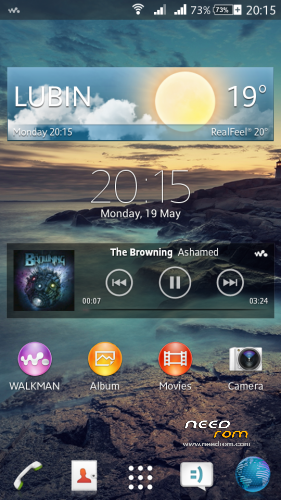
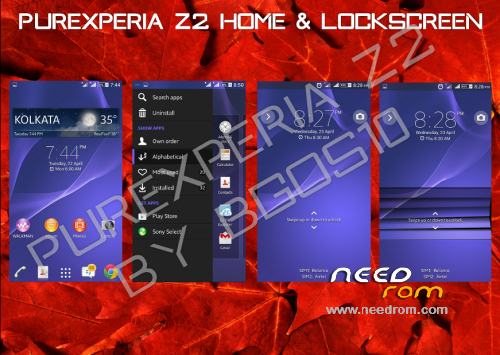
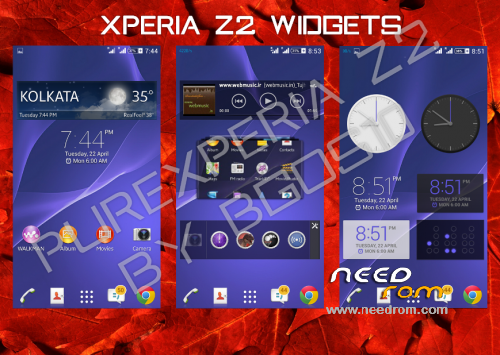
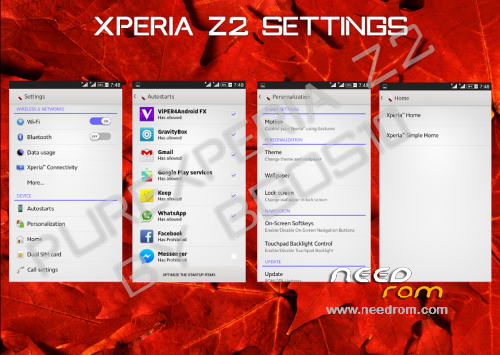
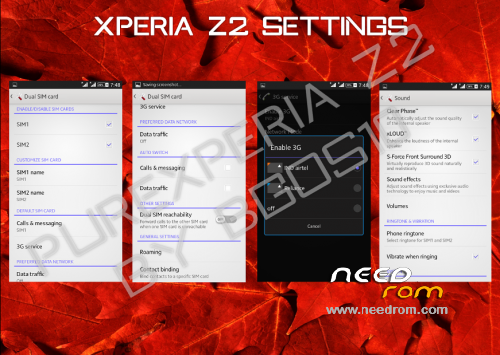
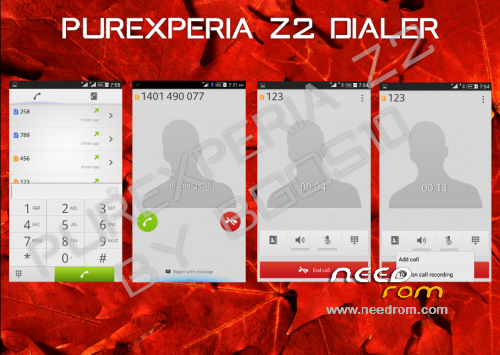
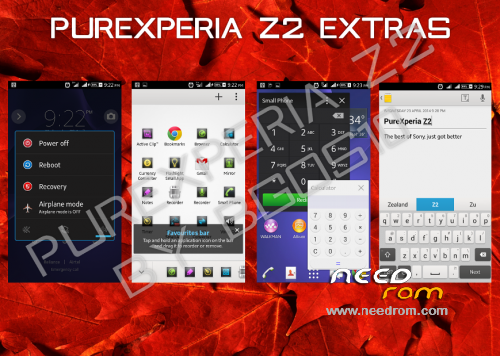
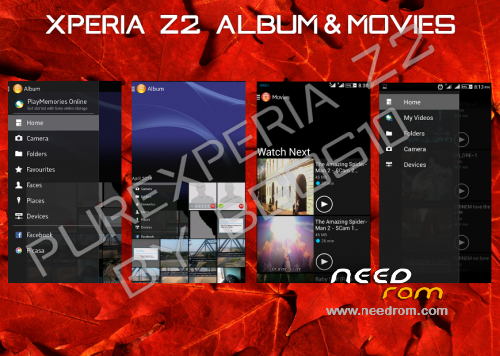
PureXperia Z2 v4.3.7 (Unofficial 4.3.9) [Performance + Gaming + Battery Life]

Hello.
This is PureXperia Z2 ROM by bgos10.
Ported from XOLO Q800 and modded by me.
Supported languages: Multilanguage
What's New in 4.3.5 Full ROM?
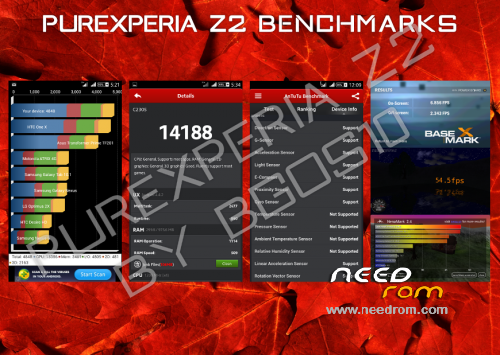
1. Superb Performance and better RAM Management
2. Debloated the ROM heavily (just 405MB)
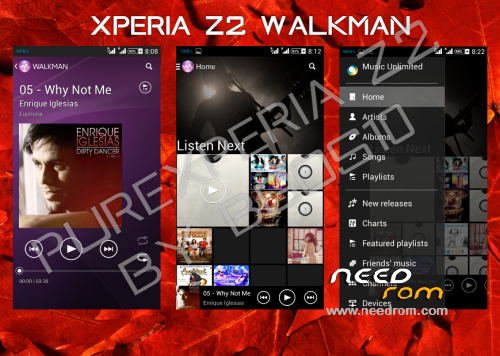
3.Complete UI Overhaul
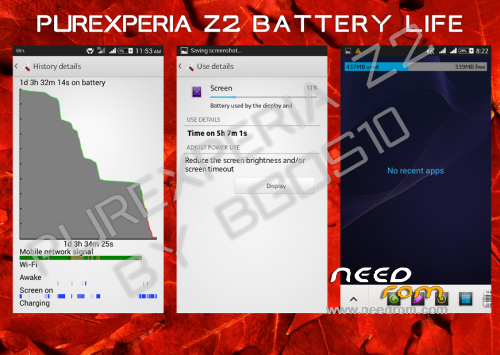
4. Amazing Battery life never Seen before
5. Dolby surround Sound 3D integration
6. Multiple Users Support Added
7. New Themes with enhanced support
8. Working Stamina Mode
9. Removed Google Apps that can be easily downloaded from Play Store
10. New tweaks
Changelog v4.3.7—> 4.3.9 (Unofficial)(2014/09/01)
-Fixed FC in Dolby
-Latest Walkman with Play from Folder Option
-Updated Settings
-Updated Messaging
-Fixed Issues with Notes in Small Apps
-Removed Dialog Box on every boot
-Fixed Battery Stats
-Fixed buttons backlight (LightPatch integrated)
-Tweaks
Changelog v4.3.5—> 4.3.7 (Unofficial)(2014/08/18)
-LenovoFMRadio (without headphones)
-Google Camera (with 720p 1280×720 recording in .mp4)
-Lenovo bootlogo
-Xposed Installer + Gravity Box & Xperia Xposed
-Screen Buttons off by default
-Radio module from Lenovo S920 v23
Important:
Read the FAQ - PureXperiaZ2 FAQs
This rom may not have APN settings for your country. Add it in settings manually
For QuickSettings, Swipe down the notification bar with two fingers, or set it in GravityBox
Fix for slow scrolling
Open XuiMod, go to Scrolling Mod > Scrolling Configurations > set scroll friction to lower than 20
First boot might take some time, so don't panic
After first boot you should set in Settings > Storage:
· Device Memory as Preferred Install Location
· SD Card as Default Memory to Write
You might see notification saying that default app storage is SD Card - Ignore it
Viper4Android is pre-configured in the rom. All you need to do is:
· Open the app > Load Effect Profile > Xperiabass
My other roms: ColorOS | ProjectDoge | Sony Xperia C Port | MIUIv5 Multilanguage | LeWa OS 5.1
Files were tested, and they all works.
You should do before installing this ROM:
in CWM
- wipe data/factory reset
- wipe cache partition
- mounts and storage>format /system
- advanced>wipe dalvik cache
in TWRP (2.6.3.0 recommended)
- wipe> wipe data/factory reset
- wipe> advanced wipe> check all except sdcard
※Please make a backup of your device before installing or updating ROM
you’ve got 4.2.0 update for our phones upper this page
after update 4.2.0 SemcMusicVisualizer.apk is crashed, in version 4.1.7 not working too
dadi11 :
Looks like you already have the new version 4.3.5 of this ROM on XDA.
Have you seen?
You can update it NEEDROM?
I've seen it, but I'm on vacations since 2 weeks ago. I will port new version when I get back home (this weekend maybe)
Thanks dadi11.
It seems that the version that has important news by what I read.
I will be careful when you upgrade.
Regards and enjoy the holidays !!!.
I did as I promised
Thank you!I'm rolling back to this ROM(from MIUI).
Can you fix all the "Links other than Needrom" in the head of the page?It redirects to the wrong pages…
Fixed. And also Patch for LenovoFMRadio added. Direct link here:
http://www.mediafire.com/downl.....novoFMRadio.zip
The first bugs I've got with the new 4.3.5 update
1.Dolby-Play demo-Application has closed
2.LenovoFMRadio has replaced with Sony Radio-no radio without earphones
3.Frontal camera bug appeared again
4.Google camera swapped with Sony-Bug or not?
[)(] Dolby Digital + closes when you click on the demo, but everything else works
2. I can make a patch changing Sony Radio to Lenovo if you want
4. I left Sony camera in this rom, because it hasn't bug with colors after use, and it's cool
3. This rom is ported from Xolo Q800 which has frontal camera… and honestly, I don't know how to remove that button
BIG Thank ! Sound Wonderfull. One does not understand why the icons changed?
The camera have color bugs, sometimes it shows absolutely "green" image, not a real capture.
To make it work again and to dissapear "frontal camera" just move all camera libs from 4.1.5
I tested.Works great.The libs from A820T.
The last one…backlight doesn't work after reboot.If you turns it on via "backlight button control" from settings.
I've taken those camera libs from "your rom" and bug with colors after use camera is existing, too.
Strange thing, because when I was testing this rom yesterday, everything was ok with camera, and today it is not. Even with changed libs. So, I think, the only option to fix it, is using google camera (or lenovo one maybe)
I share my pack with little fixes.
1.Radio module changed to the lenovo S920 v23
2.Logo at the start changed to "lenovo", bootlogo swapped with old one from 4.1.5
3.Deleted flashlight app with some adjustments for led flash in build.prop
4.Reverted Xperia Xposed, Gravity box and Xposed installer to the apps
5.Camera libs from 4.1.5
6.Lenovo radio app+libs also deleted sony radio 'cos i don't use that…
https://yadi.sk/d/ODGDTl_QZmnW.....t
Added to OP. Thanks
Hi TheLittleStar,
Dadi11,
Thank you very much for your time.
The ROM is great.
Greetings.
It's a pleasure, thank you.
Only few little problems need to solve.The Google camera records video in VGA resolution and it's just 3gp.
I'm using snap camera for these purposes.
Btw…Big thanks dadi11, it's amazing to see how you make this ROM more better for our device.
here you are
4.3.7 update with 720p (1280×720) recording in .mp4
In two latest versions (4.3.5 and unofficial 4.3.6) the gallery doesn’t work for me. It shows black pictures. Also, in 4.3.5, the camera app, (which is better than Google’s one) makes useless when you try to switch into the second camera, because there isn’t in Lenovo a820.
It is a very good rom in the other stuff!
Everything is fine with gallery. In 4.3.5 there's better camera than google's one, but after using it, there is bug with faded colors everywhere. So I will not waste time removing second camera, because it's recommended to use google's one
this rom works with the special distribution of internal memory ?. which to 3.6 Gb for applications and internal sd desabilitada