
- Title: PureXperia 4.3.9 Z2
- Listed: May, 2014
- Last modified: 09/01/2014 4:36 pm
- Version: [4.2.2] 4.3.9
You must be logged for ROM download.
60128 total views, 9 today
5 Total favorites
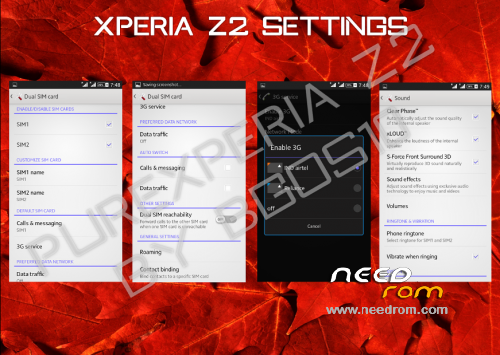
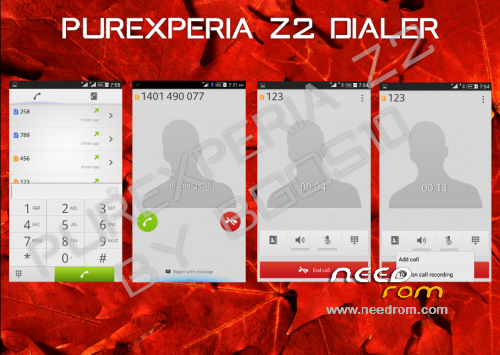
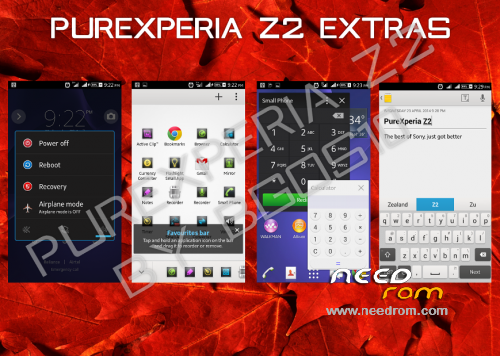
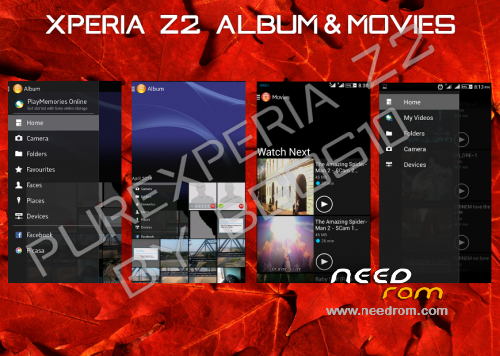
 Member Info
DESCRIPTION

Phone: Lenovo A820
Android: 4.2.2 (4.4.2-LIKE)
PureXperia Z2 v4.3.7 (Unofficial 4.3.9) [Performance + Gaming + Battery Life]

Hello.
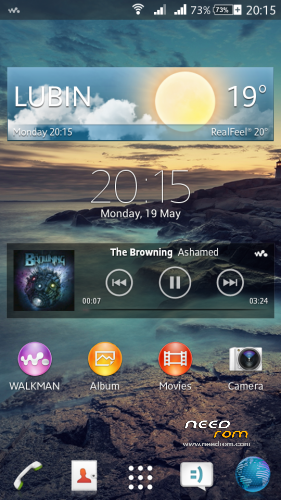
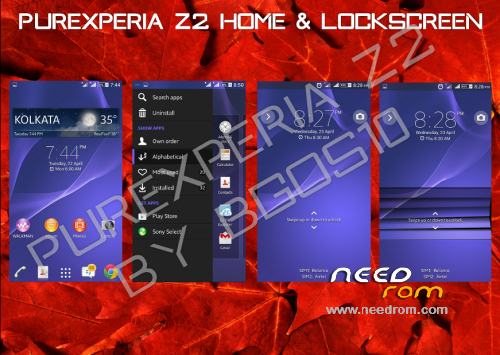
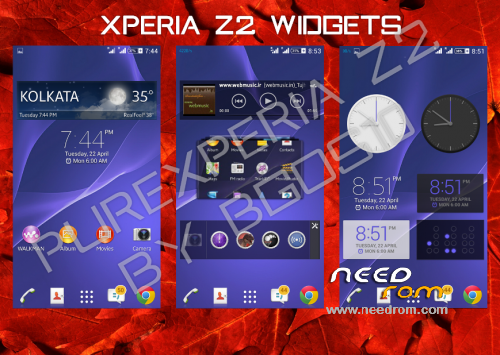
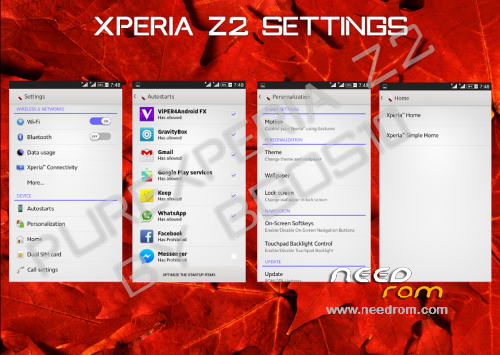
This is PureXperia Z2 ROM by bgos10.
Ported from XOLO Q800 and modded by me.
Supported languages: Multilanguage
What's New in 4.3.5 Full ROM?
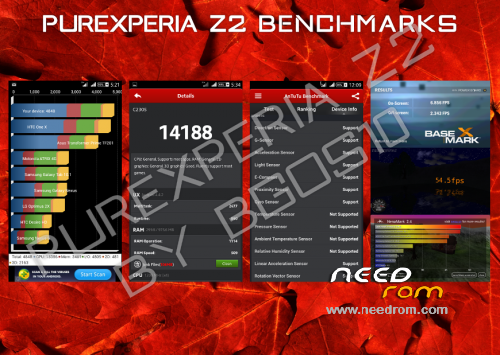
1. Superb Performance and better RAM Management
2. Debloated the ROM heavily (just 405MB)
3.Complete UI Overhaul
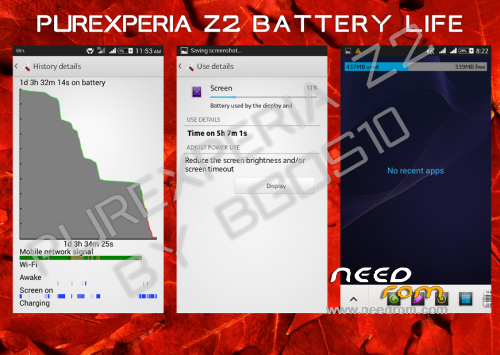
4. Amazing Battery life never Seen before
5. Dolby surround Sound 3D integration
6. Multiple Users Support Added
7. New Themes with enhanced support
8. Working Stamina Mode
9. Removed Google Apps that can be easily downloaded from Play Store
10. New tweaks
Changelog v4.3.7—> 4.3.9 (Unofficial)(2014/09/01)
-Fixed FC in Dolby
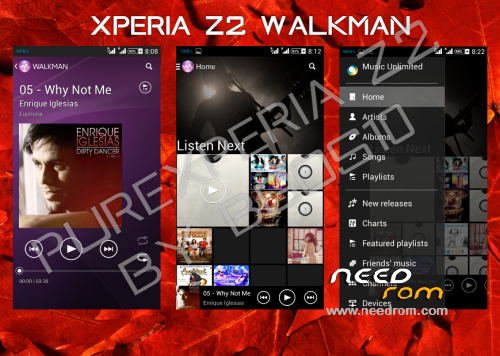
-Latest Walkman with Play from Folder Option
-Updated Settings
-Updated Messaging
-Fixed Issues with Notes in Small Apps
-Removed Dialog Box on every boot
-Fixed Battery Stats
-Fixed buttons backlight (LightPatch integrated)
-Tweaks
Changelog v4.3.5—> 4.3.7 (Unofficial)(2014/08/18)
-LenovoFMRadio (without headphones)
-Google Camera (with 720p 1280×720 recording in .mp4)
-Lenovo bootlogo
-Xposed Installer + Gravity Box & Xperia Xposed
-Screen Buttons off by default
-Radio module from Lenovo S920 v23
Important:
Read the FAQ - PureXperiaZ2 FAQs
This rom may not have APN settings for your country. Add it in settings manually
For QuickSettings, Swipe down the notification bar with two fingers, or set it in GravityBox
Fix for slow scrolling
Open XuiMod, go to Scrolling Mod > Scrolling Configurations > set scroll friction to lower than 20
First boot might take some time, so don't panic
After first boot you should set in Settings > Storage:
· Device Memory as Preferred Install Location
· SD Card as Default Memory to Write
You might see notification saying that default app storage is SD Card - Ignore it
Viper4Android is pre-configured in the rom. All you need to do is:
· Open the app > Load Effect Profile > Xperiabass
My other roms: ColorOS | ProjectDoge | Sony Xperia C Port | MIUIv5 Multilanguage | LeWa OS 5.1
Files were tested, and they all works.
You should do before installing this ROM:
in CWM
- wipe data/factory reset
- wipe cache partition
- mounts and storage>format /system
- advanced>wipe dalvik cache
in TWRP (2.6.3.0 recommended)
- wipe> wipe data/factory reset
- wipe> advanced wipe> check all except sdcard
※Please make a backup of your device before installing or updating ROM
Hello Dadi,
I report some bugs of this ROM:
MOTION not work,
Exceptions in STAMINA mode do not work,
You can not choose when you choose a contact by which SIM you want to make the call, only you can do it from the notification bar change SIM.
For everything else that is much the ROM is spectacular and If you got to fix these errors, this ROM would be 10.
Greetings.
Choosing SIM you need to call is fine.It's not a bug on Sony devices atleast.As I remember there's a physical button to change main SIM.Anyway is better to get a notification menu while you want to make a call…Also doesn't work "developer options" for options like "using always GPU in 2d graphics".I set up this exit and open again dev options and see this is not set up as I did it previously…
At me doesn't show level of a charge of the battery what to do?
Settings-Personalization-Status battery style- Show percentage set on
Fanastic job, dude! used to have https://www.needrom.com/mobile.....lenovo-a820-12/ onother good rom but for dual sim + orange sim it is not working flawlesly … for my needs this rocks
TheLittleStar Thanks friend
I have problem with Wi-Fi.
Works static IP. If is auto i have connection but don’t have internet.
Please fix it.
Automaric Bright not work …. Bright is always on max.
if is dark bright no chanching ….
Best of the best!
thank you!
dadi! I have problem! Why I cant arr widget (yahoo weather or android weather widget) when I install nova launcher? I also cant see google Now widget! Cant you help me?
Sorry, Question is Why I can SEE widget!
guy’s please test it
it’s an update, so don’t need to do full wipe.
http://www.mediafire.com/?jnb1.....945pwz9kvo3
It works for me.I've wiped only cache/dalvik cache.
Great Update ! Thanks, power save on great level. for full of happiness left to remove ViPER and return the stock equalizer and Clear Audio+
dont work visualisator in walkman player