
- Title: AOSP v1.8
- Listed: June, 2014
- Last modified: 06/29/2014 12:55 am
- Version: ROM Android 4.4.2
You must be logged for ROM download.
43939 total views, 5 today
2 Total favorites
CUSTOM
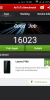
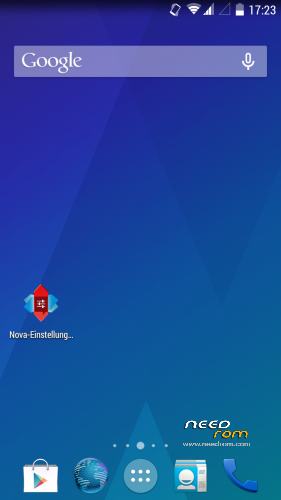
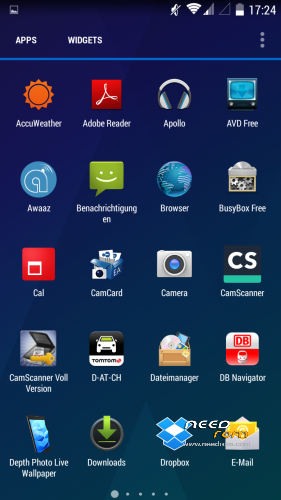
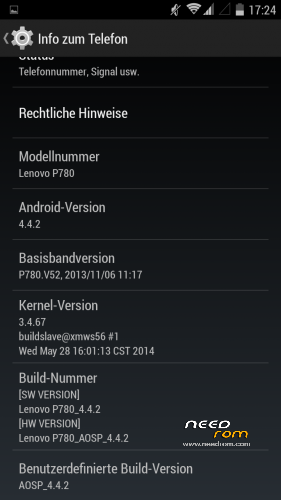
 Member Info
DESCRIPTION
Here is my first posting after I searched a while for a propper 4.4 ROM
I did not create this ROM by myself so give credits to the developer powar19 from 4pda.ru. ( http://4pda.ru/forum/index.php?showuser=3551826)
Original Source ( http://4pda.ru/forum/index.php?showtopic=576986&st=160#entry31923226 )
This ROM needs to be copied on the sd-card and flashed over a chinese ROM-Version.
Until know everything works great and it is multilanguage!
06/28/2014- Update 1.8 added.
※Please make a backup of your device before installing or updating ROM
Guys I m not able to access 2g network on this ROM so which modem should I use I m from india pls help
How to enable notification light on
Please help me: how to change dial, contacts, sms by ideafriend!
the 3G signal is kinda weak for some reason. is it just me?
Yeah that is correct. It sucks , is there any way to resolve the 3G issue ?
Its quite late over here so I haven't got any chance to check my 3G yet. I have changed my modem to S980 V52 by replacing it through root explorer under /system/etc/firmware. So here are the steps, let me know if it worked for you.
First download the modem.img from the link below.
http://1drv.ms/1yGzvB6
Then follow the steps below to replace the .img file in /etc/firmware. Please find the location through any root based explorer, you might to navigate few folders till you find /etc and then /firmware. Follow these steps.
Instead of modem.img ,you will find modem_1_3g_n.img in AOSP rom.
Still if somebody has a better modem img file then please share it so we could resolve this 3G bad signal issues.
after the steps above you should see s960 v52 in ABOUT PHONE.
Also for notification lights, please enable lightflow and go to SETTINGS –> check DIRECT MODE and ROOT MODE and also make sure that ENABLE LIGHT FLOW is checked. This way you can have LED working for missed calls or any other events based on the settings you have set up in light flow.
for me baseband v101 works fine.
I've posted a link on page 2.
THANKS BRUKO. You were right, now my 3G is stable and the calls aren't dropping but one thing which I have noticed is that I don't have 2G option anymore because I need it sometimes when I am in basement or no 3G tower areas. Also, do you have any idea about making INTERNAL memory as default rather than external ?
"I don't have 2G option anymore",
me too
I didn't note it until now, we can't switch to 2G only. But automatic switching seems to work fine for me.
Sometimes I have seen the E and G.
But you can try to switch to another baseband.
"INTERNAL Memory": I am very contented with SD-Card Memory, I don't need to remove it.
Hi guys, i have problem that dialer automatically after 3 seconds picks up calls. Can somebody help? I dont know what is wrong, i cant find anything in settings.