
- Title: AOSP v1.8
- Listed: June, 2014
- Last modified: 06/29/2014 12:55 am
- Version: ROM Android 4.4.2
You must be logged for ROM download.
43939 total views, 5 today
2 Total favorites
CUSTOM
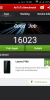
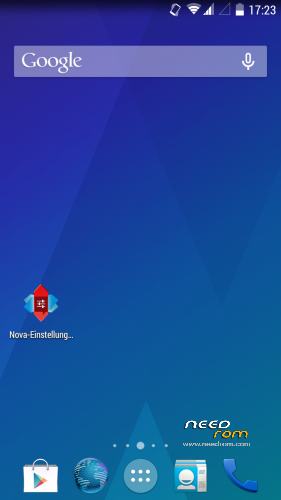
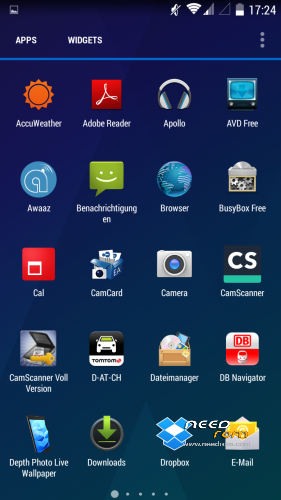
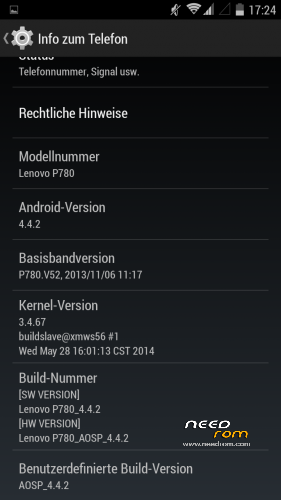
 Member Info
DESCRIPTION
Here is my first posting after I searched a while for a propper 4.4 ROM
I did not create this ROM by myself so give credits to the developer powar19 from 4pda.ru. ( http://4pda.ru/forum/index.php?showuser=3551826)
Original Source ( http://4pda.ru/forum/index.php?showtopic=576986&st=160#entry31923226 )
This ROM needs to be copied on the sd-card and flashed over a chinese ROM-Version.
Until know everything works great and it is multilanguage!
06/28/2014- Update 1.8 added.
※Please make a backup of your device before installing or updating ROM
google play does not open
I experienced the same issue with Google Play when I fist started up the device.
You recognised that you didn't got into the google Setup-wizard?!
Solution:
After first boot go into settings and reset the system to factory/clear all user-data.
Reboot
Then you will go into the google-setup….subscribe with your google-account.
There you go!
ART worked for me after the first bootups when I hadn't allready installed the xposed anf GravityBox.
Now that those tweaks are installed i'm on Dalvik too. I don't want to loose the advantages of those tools so I will stay on dalvik
On my Galaxy Nexus I switched several times between Dalvik and Art.
I can't find out any difference.
so, we will enjoy Gravity Box
From my impression the ART-Runtime makes the UI a bit more fluent.
But I think it's just a question of time that these issues will be fixed by the developers.
I'm looking forward to the next 4.4.4 and 4.4.5 builds!
"From my impression the ART-Runtime makes the UI a bit more fluent."
and did you find out a difference in ram-behaviour between ART / Dalvik?
Yeah its better to be sticked with Dalvik if we need to use GB because otherwise the AOSP ROM isn't worth if you are root and you are not utilizing the capabilities of the ROM by using such gorgeous tools.
ART does makes you feel different comparing to Dalvik on running apps. Its quite a bit faster than Dalvik.
http://www.reddit.com/r/Nexus5.....ity_box_on_the/
confirmed GB doesn't support ART and it reverts to Dalvik.
Hello,

today i tried to flash my P780. The Build-Number of my phone was P780_S136_140306.
I flashed ROM P780_S135_130917_rooted_twrp_gapps with Smart Phone Tools and after that my phone was dead.
I flashed this ROM because i want to flash the ROM AOSP-4.4.2-v.1.8 after that.
I don´t know if my phone is chinese or not. There is no date on the battery, only chinese letters.
I need help to flash ROM AOSP-4.4.2-v.1.8.
Thx
"I flashed ROM P780_S135_130917_rooted_twrp_gapps with Smart Phone Tools and after that my phone was dead"
try it again, here your problem starts. Not before that rom is ok, then you can try it with AOSP.
I can not sign in to all of google programs.
Hi,
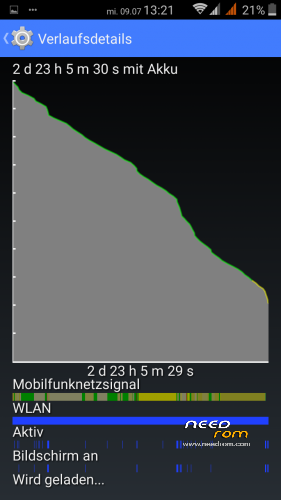
What is to say about the battery usage. With my current rom (miui 3.7.8) my battery lasts 4 days with normal use.
Best regards,
anttel
what is normal use
I've tried it once and the battery lasted a little bit more than 3 days.