
- Title: AOSP v1.8
- Listed: June, 2014
- Last modified: 06/29/2014 12:55 am
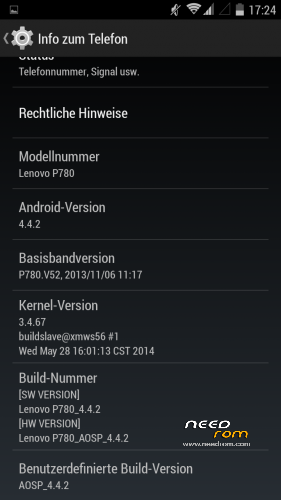
- Version: ROM Android 4.4.2
You must be logged for ROM download.
43939 total views, 5 today
2 Total favorites
CUSTOM




 Member Info
DESCRIPTION
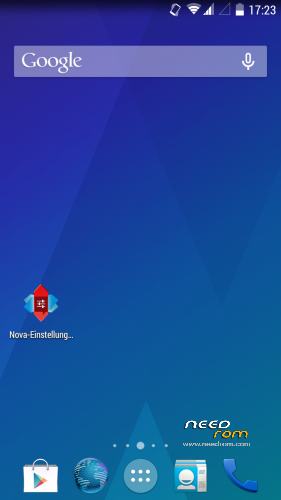
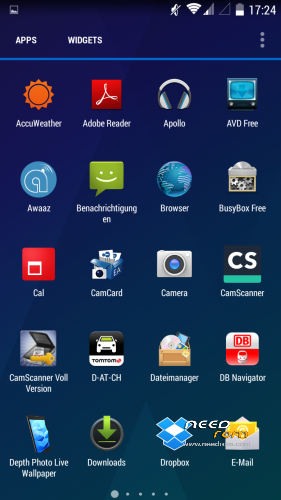
Here is my first posting after I searched a while for a propper 4.4 ROM
I did not create this ROM by myself so give credits to the developer powar19 from 4pda.ru. ( http://4pda.ru/forum/index.php?showuser=3551826)
Original Source ( http://4pda.ru/forum/index.php?showtopic=576986&st=160#entry31923226 )
This ROM needs to be copied on the sd-card and flashed over a chinese ROM-Version.
Until know everything works great and it is multilanguage!
06/28/2014- Update 1.8 added.
※Please make a backup of your device before installing or updating ROM
Please is there a guide on setting up notifications? I'm kinda lost
How about signal?
@Akoposikaloy13 signal is so much better at my place of work
Can somebody please help me out?? I’m sick of the flashing screen and I’d hate to have to go back to SLX. I’ve tried flashing this ROM and the v1.7 over S135, S129 and over x-vibe and i have the same problem everytime.
"flashing this ROM and the v1.7 over S135, S129 and over x-vibe and i have the same problem everytime"
what do you mean with flashing over? You made factory reset / full wipe before flashing?
@Subzero try this. Back up your device imei using mobile uncle tool then flash the P780_S135_130917_rooted_twrp_gapps.7z boot once,run setup briefly,restore your imei via mobile uncle after which you switch off the phone and flash AOSP 4.4.2 v.1.7 . Setup should work just fine as well as Google playstore after which you shut down again and install AOSP 4.4.2 v.1.8
That’s how I got mine to work finally
I didn’t have to do a factory reset to get mine working.
What i mean by ‘flashing over’ is keeping those as the base ROM, because a chinese base is necessary. And, @strictlyonline, what you suggested is exactly what i did each time. Except for these IMEI restore part. I didn’t have to do that because i could still make calls.
And yes, i did do a factory reset each time
"And yes, i did do a factory reset each time"
I flash a lot and I had several times strange problems. Then the only way to remove this probs was formatting with FlashTools (of course exluding preloader!) to get the phone clean.
@Subzero OK.you could try it again without factory reset or wiping of cache to see if it works for you ,;)
It took me a lot of trials to finally get it working. I almost gave up. Lol
Lol!! What problem did you face?? Btw, I’ve already tried over 6 times. Back on SLX for now.