
- Title: MIUI V7 for ZP980+
- Listed: September, 2015
- Last modified: 12/09/2016 2:20 pm
- Version: MIUI V7 6.5.19
You must be logged for ROM download.
76518 total views, 10 today
39 Total favorites
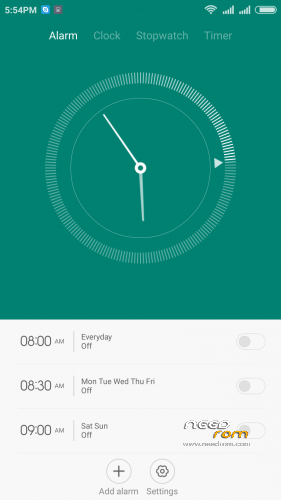
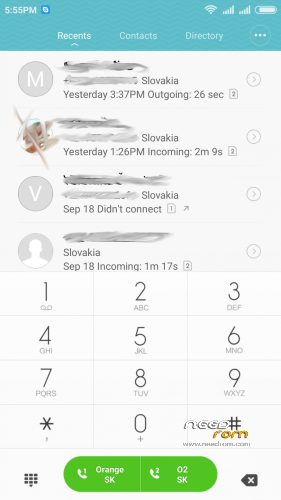
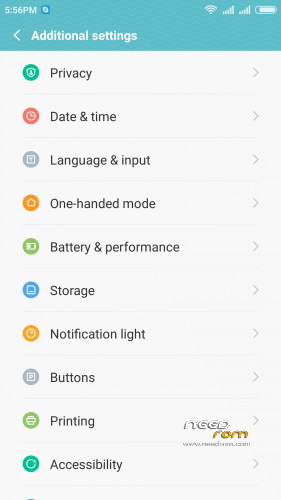
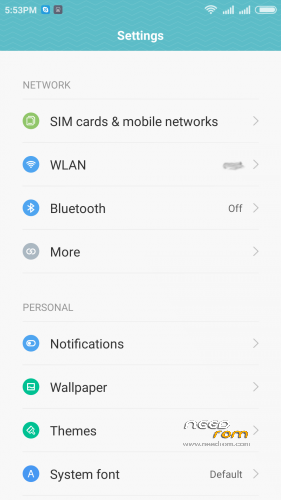
 Member Info
DESCRIPTION
05.21.2016 – added MIUI V7 6.5.19
03.20.2016 – added MIUI V7 6.3.17
01.26.2016 – added MIUI V7 6.1.21
12.29.2015 – added MIUI V7 5.12.24
11.21.2015 – added MIUI V7 5.11.19
ROM is ported from official ROM for Xiaomi Redmi Note 3G (xiaomi.eu_multi_lcsh92_wet_jb9_6.x.x_v7-4.4)
ROM is multi lang.
Please always make backup before install! Flash at your own risk. I am not responsible for bricked devices or any damages caused due to the ROM.
For first Installation:
1. Download the. zip file and put it in to internal memory,
2. Go to Recovery – recomended TWRP 2.8.1, or newer
3. Do factory reset (wipe Data, System, Davlik cache, Cache),
4. Reboot recovery,
5. Select Install – choose zip file with ROM,
6. After install reboot your device.
For update from my previous version of MIUI V6, V7:
1. Download the. zip file and put it in to internal memory,
2. Go to Recovery – recomended TWRP 2.8.1, or newer
3. Select Install – choose zip file with ROM,
4. After install, do cache and dalvik wipe only, then reboot your device.
For backup and restore lost IMEI look at here: http://tvoje.blogspot.sk/
※Please make a backup of your device before installing or updating ROM
Hi!
impossible to download
wrong
Has anyone noticed that the device MAC address changes after every restart ?
I'm very keen on trying this rom for the simple reason that the current stock rom has problems with handling calls. The screen will not turn off when I place the phone near my ear. I've tracked this down to very strange behaviour with the proximity sensor. In engineering mode I can see it failing. If I take my thumb and put it over the sensor the range goes from 0 (no thumb) to 1023 (thumb on the sensor). If I take a piece of paper, same thing. However, if I put my black wallet over the sensor, it goes from 0 starts increasing as the wallet get's closer but instead of maxing out at 1023, the reading then starts reducing again and ends up at 0 when the wallet is covering the sensor. For some reason my ear evokes the same response. I would like to switch to the new rom provided:
> The proximity issue is fixed (can anyone confirm?)
> If the MAC address is changing after every restart, then this is bad for me as well due to my home router's setup (can anyone confirm?)
> Any other stability issues (all seems to be fixed now, except maybe for the two above)
Overall the latest stock rom is absolutely fine except for the problems with proximity. In addition, Antutu on stock is a little better than Antutu on MUI (30111).
in my case:
- the proximity sensor work fine
- the MAC address is still the same i haven't problem with it.
Anyway you can make full backup of your ROM via TWRP recovery, then you can install and try this MIUI ROM and if you want to back to your previos ROM just make restore from recovery.
Norton. Instal your rom in my zopo. Reebot and no card sim detect.
*#06# invalid imei screen.
Please help me.
what ROM you using before? what recovery you have instaled on your phone?
Before using rom: Jiayu G6 port
Recovery :cwm
I installed the version as desciped but after installation the sim cards cannot be found. Als after a restore to the original rom the sim cards cannot be fund anymore. Doen anyone has a solution for it?
I installed the version as described. The first time Miui was installed, it has both Sim Cards active, but after a reboot the sim cards cannot be found anymore. Also after a restore to the original rom the sim cards cannot be found anymore. Doen anyone has a solution for it?
@pablo_sybi
@marconi
please try to reinstal with original ROM via SPFlash tool – http://www.zopomobileshop.com/.....bile-latest-rom guide – http://forum.zopomobileshop.co.....d-2247-1-1.html
Hi Norton, Thank you very much. Finaly it is succeeded to get my phone back with my restored rom. I used the procedure you described and also from the site. http://forum.xda-developers.co.....700&page=3
Only download with the SPFlash tool was not enough. First i have to "format whole flash" the phone with SPFlash. The problem was, i think, into the bootloader after the Miui installation. I did the whole trick again and the MIUI image has problems with the IMEI. Then after a reboot the simcards are lost.
To handle lost Sim cards / IMEI number I suggest to firstly install MobileUncle Tools (needs root, search on Playstore) on a working system to make an IMEI Backup. As soon as the new system is installed, you may use the same tool to restore the IMEI-Number and your SIM card will be accepted again.
Lost my IMEI and can't restore my previous back up with mobileuncle (with root)
Did you backup it before in a running system?
I tryed all day to restor my IMEI and only thing that worked for me was to flash official android
4.2. ZP980+_20140618-154923 with SP Flash Tool v5.1352.01.
When flashing the option I selected was Format All + Download (MAKE A BACKUP OF PHONE STORAGE).
Then IMEI was finali restored using MtkDroidTools v2.5.3.
Good luck!