
- Title: MIUI V7 for ZP980+
- Listed: September, 2015
- Last modified: 12/09/2016 2:20 pm
- Version: MIUI V7 6.5.19
You must be logged for ROM download.
76519 total views, 11 today
39 Total favorites
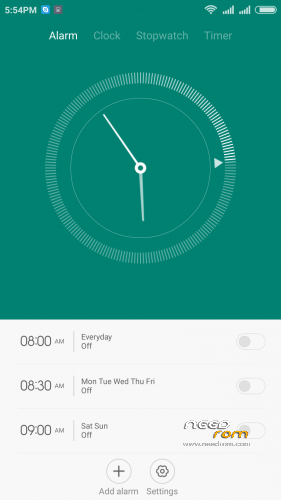
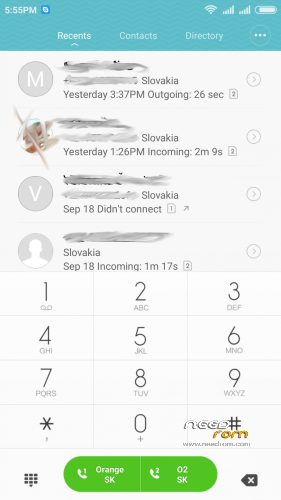
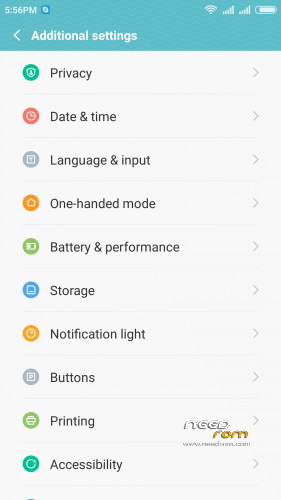
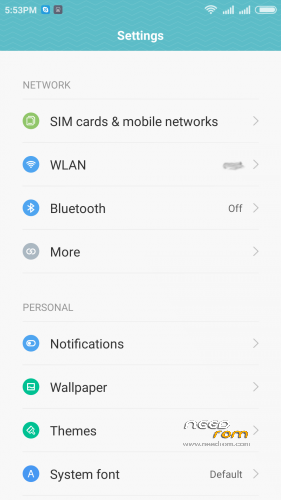
 Member Info
DESCRIPTION
05.21.2016 – added MIUI V7 6.5.19
03.20.2016 – added MIUI V7 6.3.17
01.26.2016 – added MIUI V7 6.1.21
12.29.2015 – added MIUI V7 5.12.24
11.21.2015 – added MIUI V7 5.11.19
ROM is ported from official ROM for Xiaomi Redmi Note 3G (xiaomi.eu_multi_lcsh92_wet_jb9_6.x.x_v7-4.4)
ROM is multi lang.
Please always make backup before install! Flash at your own risk. I am not responsible for bricked devices or any damages caused due to the ROM.
For first Installation:
1. Download the. zip file and put it in to internal memory,
2. Go to Recovery – recomended TWRP 2.8.1, or newer
3. Do factory reset (wipe Data, System, Davlik cache, Cache),
4. Reboot recovery,
5. Select Install – choose zip file with ROM,
6. After install reboot your device.
For update from my previous version of MIUI V6, V7:
1. Download the. zip file and put it in to internal memory,
2. Go to Recovery – recomended TWRP 2.8.1, or newer
3. Select Install – choose zip file with ROM,
4. After install, do cache and dalvik wipe only, then reboot your device.
For backup and restore lost IMEI look at here: http://tvoje.blogspot.sk/
※Please make a backup of your device before installing or updating ROM
Can someone explain to me how to install TWRP 2.8.1.0, currently i have ver 2.7.
TWRP 2.7 is better than 2.8.1.
In 2.8.1 You can't instal from USB
Hi, been wanting to try out this ROM but have a question to the ppl that tried it and/or are using it.
How does it compare to the Jiayu G6 port, in terms of performance and battery? I've been using Jiayu port a few months now and it works good but it's starting to burn my battery ALOT faster than before…
I had also G6 for 5 month, but I was used to Miui before and I like it much more. Miui is a “heavy” ROM with a lot of futures, so the performance and the battery depends on how many apps you install on G6 (like permissions, antivirus, etc)
A few other bugs: WiFi tethering not working and SIP calls not working. Norton, could you work on that? Thanks a lot!
sim kartı görmuyor
Trying one last attempt to reflash my rom and reset my phone. I'd like to do it by using the SP Flash tool from Windows, so I can flash the stock rom. However, one thing that I've never had any luck with, no matter how many attempts I've made, is to get my phone connected to my Win 7 64-bit PC. I've downloaded drivers many times and many different ones. When I connect my phone to my PC I get the da-dit connection sound followed by the dit-da 1/2 a second later. I have removed all drivers, started from scratch, used a XP machine (from a new install), etc, etc,etc and I've never been able to connect the phone so that I can run the flash program. The phone just never gets recognised.
Has anyone actually got this working? My phone is a 1GB RAM, 16GB ROM variety. Can anyone provide any advice?
i had a similar problem with drivers. On my Win7 64-bit the phone was sometimes recognized sometimes not so i used my old WinXp notebook and there was OK. I dont know which drivers i used. I posting both of drivers version which i used – http://uloz.to/xis37XCz/zp980-.....drvers-7z – i hope it can help you. Also when you flashing the stock ROM don't forget check settings of SP Flash tools: http://postimg.org/image/5j9b9.....da4b/full/ – Option – Download – it must be chceked – DA DL All with Checksum, and on main screen – Format All + Download.
Don’t work in my zopo zp980+ octo 1gb. 32gb, oficial ROM 4.4.2 the last. I try to install zip tw using vol up buttom and power. Install for sd card and was aborted. Miui rom too.
Can anyone give me each step?
which recovery you used?
volume up/down to move highlight;
My zp980 + 2 GB ram 16 GB memory device. 4.4.2 stock rom installed. internal memory 10 GB. I'm doing with miui rom installation no problem installing twrp 2.8.1 but I'm making no imei imei mobiluncle reboot I want to install this time with sim card does not see. in the meantime, I'm waiting for you to help 600 MB of internal memory? thanks in advance Mr norton.
Hello, if you lost your IMEI you have to reflash your phone with stock by the SPFlash tool. Also look at this coment: https://www.needrom.com/downlo.....#comment-171136 and https://www.needrom.com/downlo.....#comment-172120. Remember when you did reflash with stock ROM, you lose all data on the internal storage. so you need to make a backup first.