
- Title: MIUI V7 for ZP980+
- Listed: September, 2015
- Last modified: 12/09/2016 2:20 pm
- Version: MIUI V7 6.5.19
You must be logged for ROM download.
76516 total views, 8 today
39 Total favorites
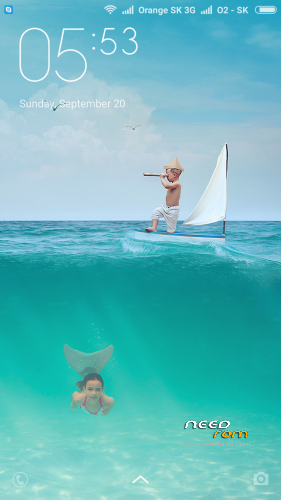
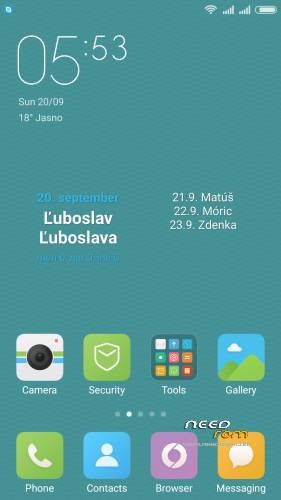
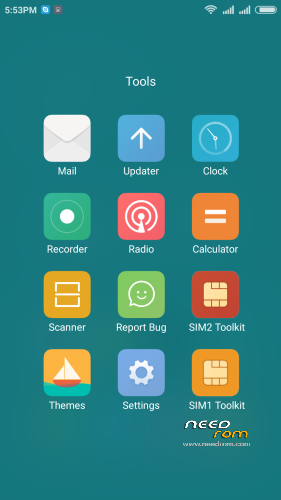
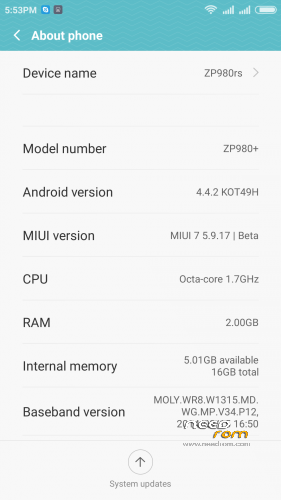
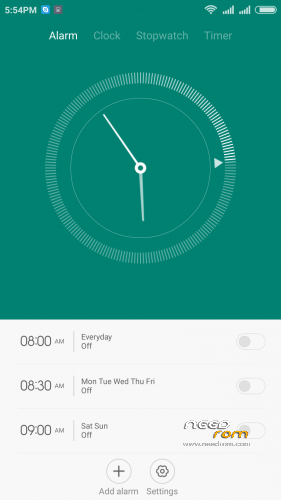
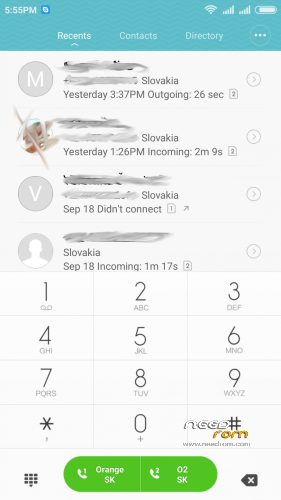
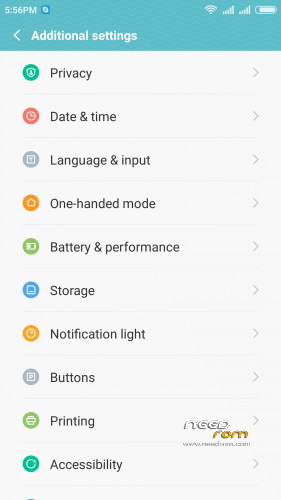
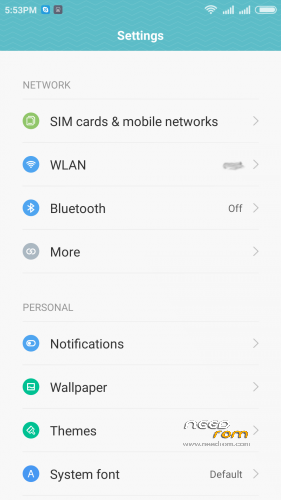
 Member Info
DESCRIPTION
05.21.2016 – added MIUI V7 6.5.19
03.20.2016 – added MIUI V7 6.3.17
01.26.2016 – added MIUI V7 6.1.21
12.29.2015 – added MIUI V7 5.12.24
11.21.2015 – added MIUI V7 5.11.19
ROM is ported from official ROM for Xiaomi Redmi Note 3G (xiaomi.eu_multi_lcsh92_wet_jb9_6.x.x_v7-4.4)
ROM is multi lang.
Please always make backup before install! Flash at your own risk. I am not responsible for bricked devices or any damages caused due to the ROM.
For first Installation:
1. Download the. zip file and put it in to internal memory,
2. Go to Recovery – recomended TWRP 2.8.1, or newer
3. Do factory reset (wipe Data, System, Davlik cache, Cache),
4. Reboot recovery,
5. Select Install – choose zip file with ROM,
6. After install reboot your device.
For update from my previous version of MIUI V6, V7:
1. Download the. zip file and put it in to internal memory,
2. Go to Recovery – recomended TWRP 2.8.1, or newer
3. Select Install – choose zip file with ROM,
4. After install, do cache and dalvik wipe only, then reboot your device.
For backup and restore lost IMEI look at here: http://tvoje.blogspot.sk/
※Please make a backup of your device before installing or updating ROM
@marconi
the IMEI information is stored on NVRAM. I think your phone have a slightly different partitioning of your phone flash memory. So when you instal my MIUI ROM, the NVRAM become corrupted and the phone have been lost the information about IMEI. Check this post – http://forum.xda-developers.co.....038;postcount=1 – for backup and restore the IMEI (there is newer version of MTK Droid Tools v2.5.3 as mentioned in the previous post. you can find it somewhere on the internet).
Thank you Norton, I will try it next week. I think you are correct that the NVRAM will become corrupted due to the different partition. I will let you know what the results are.
Hi, I'm dying to try the MIUI 5.5.8 file, but the download site says that the file is not on there (anymore). Where can I download the zip?
Hi friends,
I recommend to stay on 5.4.24 version until next update becauseI yesterday I decided to try the 5.5.8 version and after flashing rom the phone reboot and everything worked fine, but after a second reboot IMEI was lost and it's not posibility to recover. I supose i must install stock rom isn't??? I've tried MTK droid tools, engineer mode…etc and nothing seems to work.
Thanks for all replies!
@robbiemad: Where have you downloaded the 5.5.8 version? Because I can't find it…
Furthermore; it's no hassleto fix the IMEI problem, just follow these simple instructions:
1) Go to the dialler and enter: *#*#3646633#*#*
2) Click on the 'Connectivity' tab
3) Click on 'CDS Information' in this list (a new list will open)
4) Click on 'Radio Information' in this list (a new list will open)
5) Click on 'Phone 1' (a new window will open)
6) Type in: AT +EGMR=1,7,"YOURIMEINUMBERHERE" in the top bar (a cursor will blink)
(do not forget to add a space between AT and +EGMR, if you don't, the procedure will most likely fail)
7) Click on the 'send AT command' button
8.) Reboot that phone like a mthrfckr!
9) Make like a steak and be done!
Hope this will work! (PS. I noticed I typed 'click' instead of 'tap' but you understand what I mean I guess…)
Oh yeah, to check your imei, you type in *#06# in your dialler. If it has a value, it most likely worked. Unless you typed in a wrong IMEI.
You can find you IMEI inside your phone under the battery, If you need that…
Good luck
Hey.
I have found a solution of the "radio off" problem. It will definitely work.
1. First of all you need to have the stock rom for your phone (https://www.needrom.com/downlo.....oid-4-4-kitkat/)
2. Now run the sp flash tool in your pc.
3. click on the "scatter loading" botton and select the .txt file by browsing your downloaded stock rom.
4. Now click the "format" option on top of the flash tool.
5. Now switch off your phone and connect it to your pc via usb cable and press the up/down volume bottons for detecting.
6. once detected, your phone will be formatted.
7. now disconnect your phone from pc and close the sp tool. Then repeat the steps from 2 to 3.
8. Now click on the "download" option on top of the sp flash tool.
9. and again connect your phone and make it detected in the same process described earlier.
10. once the flashing is completed you will see a green o .
11. now disconnect your phone and switch it on, and the radio of your phone will be turned on.
Please Tap *#4634#
Insert your imei.
Reboot your phone.
Exelent work
Is this the same problem as the 'invalid IMEI' thing?
yes. Is this the same problem.
I just had a major 'meltdown' on my phone as well. Radio's weren't listed anymore, even my 'fix' to correct the imei didn't work. I guess I switched too much between roms lately…
I had to fix it by flashing the official rom with SPflashtool (V5.xx) and then use the beforementioned 'fix' for the imei. Now everything works like a charm again. I really want to stay with the miui rom but there are some irks that annoy me:
- Location is not mentioned in settings, I have to go there through long-tapping the location widget in the extended statusbar.
- Brightness: I want to lower the default brightness to 1. I know there are apps for that, but Gravitybox made this possible so that it works as default, only with a lower brightness.
- V5.5.8: where is it? I really want to check it out to see if some problems have been fixed, but so far no luck
- If I plug in my headset, there appears a 'configuration' notification for it. If I tap on it, the settings app crashes…
- A virusscan said that the video.apk contains a virus? I checked it out and it seems to be more like a nuissance function to it (ads) than a virus, nonetheless… Why does my virusscanner nag about it if it's nothing?
- Some other minor things…
I hope the developper/modder has some time to check this out because I am really impressed with the speed, coolness, the lack of ghosttouches, … A real great job! Can we perhaps do a donation, to incentivise the developement of this or another better rom?
Cheers from Belgium!
thanks for your interest. I'm sorry about the problem with IMEI.
- Location – you can find it in Settings – Privacy
- Gravitybox and Xposed framework can cause instability of MIUI V6. I don't recommend to use it with MIUI V6
- the link for downlaod is OK. I checked it. Or you can try this link – https://webshare.cz/file/PNIXl.....-5-8-v6-4-4-zip
- The crashes of audio settings is solved on 5.5.8 version
- video.apk – false alert I pay close attention that there was no viruses in the ROM. This may be caused by the application requires internet connection due to downloading information about the played file. Look here – https://www.virustotal.com/en/.....sis/1431520220/
Regards, Norton
Hi Norton! Thanks for your feedback but the download still doesn't work…
This is how I try to download it:
First, I click on "Stáhnout soubor" Then I click on "Stáhnout bez VIP".
Then this is the response, I don't understand what it says but Google translate made me think it's not at all good…
"Chyba! Soubor buď neexistuje, nebo je link pro stažení neplatný."
Maybe Megaupload? Or via Google Drive? Thanks for checking it out anyway!
Hi, i made reupload of 5.5.8 version to needrom server.
@Norton
I'm downloading it as I'm typing. Huge thanks!!!!
I just installed it, like 5 times. Every time I had to revert back to stock rom to get my radio back to work…
What is the problem I'm having and how can I fix it? CDS Information and FM Receiver are greyed out in EngineerMode…
I'm really getting to the end of my tether :@! Why my fone no worx!1!!!1!
1) I flashed the default Zopo rom ZP980+ 20141018-172927 with SP Flash tool V5.12343.01, I changed the recovery img immediately to the TWRP 2.8.1. I chose "Format + Download" to be absolutely certain that everything is clean and default.
2) I reboot the device up and copy the Supersu 2.46, and the MIUI Image to the SD card.
3) I start the device in Recovery mode using ADB And I install MIUI 5.5.8. Before I restart i clean all cache. then I do a restart to system.
4) I end up with a device with a 'broken' radio so I go back to step one.
I feel really stupid and insane (just as Einstein said: "insanity is doing the same thing over and over again and expecting different results") because I keep on ending up with a broken radio. Tried another rom (the Jiayu G6 image) but to no avail…
I cant possibly be stuck with the default rom!?!?!? Please someone give me some pointers!
I installed the 5.4.24 version now (same procedure) and i have the same problem again… I'm goinig completely mad…
The only way to be able to use my phone as a phone is to use the default rom which sucks donkey ass…
Please someone tell me you know a/the solution…
Hi Kyomity!
I had the same problem. Version 5.5.8 run smoothly till I rebooted. Now I have the same radio problem. Could you solve it?
Thks!