
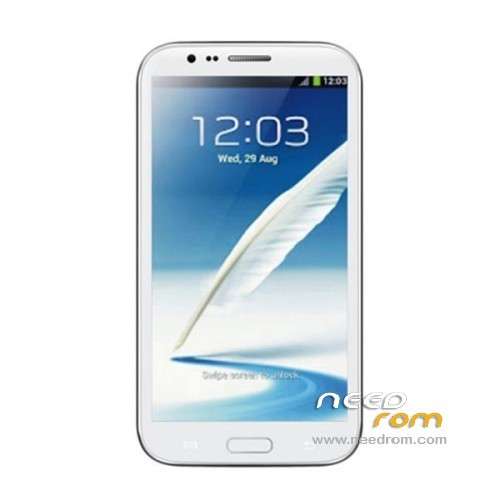
- Title: STAR S7589
- Listed: April, 2013
- Last modified: 12/21/2013 4:16 pm
- Version: ROM Android 4.2.1
You must be logged for ROM download.
62780 total views, 4 today
118 Total favorites
 Member Info
DESCRIPTION
ROM Mobile STAR S7589 – ROM Android 4.2.1
Update Official ROM STAR S7589 version :20131024_e2001_v89_jbl1a698
———————————————————————————————————————-
Update Official ROM STAR S7589 version :20131024_e2001_v89_jbl1a698
———————————————————————————————————————-
Update Official ROM STAR S7589 version :20130415_e2001_v89_jbl1a698
Changelog:
1. the direction of the gravity sensor calibration
2. touch screen multi- touch role
3. before optimization proactive 253
4. solve the problem of distance sensor distance, now the calibration divided into two
5. dial the area is truncated
6. wifi address conflict
7. Flashlight open after the release of the camera flash does not work
2 version 1GO and 2.4GO
———————————————————————————————————————-
Model name: Star S7589 4G/8G version Official : 20130320_e2001_v89_jbl1a698
Features ROM:
1. Solve the problem of address conflicts wifi
2. Optimize photo
3. Solve the problem much focus
4. Dialing display area is truncated
Language support: Multilang
Install ROM :
To unpack Flash run Flash_tool.exe
Select a the in MT6589_Android_scatter_emmc.txt in ROM
Click Flash_tool.exe interface Firmware-> Upgrade
Phone after taking the battery in put something
Connect the data cable
Brush finished with green circles appears
or
Install with SP MDT:
Unpack the archive N9589-SPM.zip and archive with the ROM
1). Turn off the smartphone. Cable is not connected to the computer.
2). Remove the battery and insert it again
3). Connect your phone to a computer cable. The operating system detects a new device
4). Disconnect the cable from the computer.
5). Run SPMultiPortFlashDownloadProject.exe
6). Choose Database Factory menu> Configuration File data source and specify the file MTK_DATABASE.mdb (it is in the folder SP_MDT).
7). Choose File> Open File Agent download and specify the file MTK_AllInOneDA.bin (it is in the folder SP_MDT).
8). Click File and select the MT6589_Android_scatter_emmc.txt file (it's in the folder with the rom).
9). The other parameters are fixed, as in the screenshot below.
10). Click "Start all".
11). Connect your phone to a computer cable. The program should see and blink. If the phone is not detected, then unplug it from the computer, remove and insert the battery and reconnect it to the computer.
12). After (OK) click Stop and disable any phone.
13). Completed.
※Please make a backup of your device before installing or updating ROM
thx!!!
Are the updates listed here only for rooted devices or can someone tell me how to do an official update on this phone. Unlike most other android phones, mine does not have the option to do an automatic update.
Great, i have just flash latest official update and it fix my problem of proximity sensor calibration (it failed on the other rom i used), It add air gesture for s7589. Very very thanks for the uploader of the official Updated Rom !
Hey guys!! I need this rom but I can't install it. I use ubuntu. I download the zip. put it in the sdcard and rebooted in recovery and hit install from sdcrd. The problem is i get installation aborted.
What do i need to do?????? I have never upgrade my phone
has no rom for s7500 mt657??
Men cen you telling me hov to upload new LCD driver to second rom ? Wher ks place LCD driver in files ??? I have news LCD wyth RX.5720TM.572C !!!!
The root is maintained ?
Hello I have a star S7589 note3 ram 1gb 5.8HD screen dual sim black you can show me the official rom as my rom is Briked give me the link to the right rom?
Giovanni from Italy