
- Title: MIUI 8 6.11.3
- Listed: July, 2016
- Last modified: 10/23/2016 10:20 pm
- Version: 4.4.2
You must be logged for ROM download.
28365 total views, 6 today
8 Total favorites
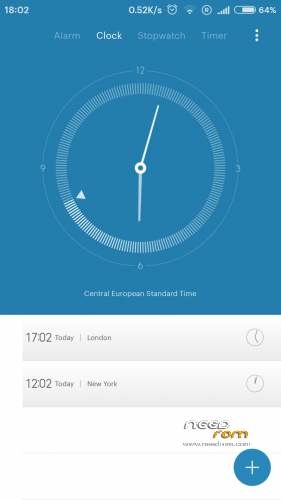
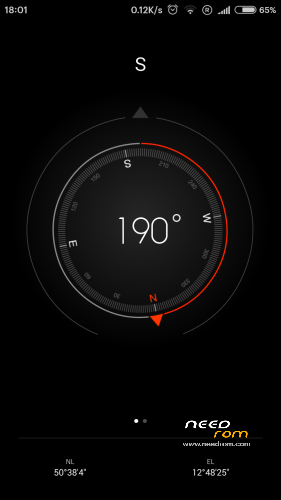
 Member Info
DESCRIPTION
>>>>Xiaomi.eu drop'd the support of weekly ROM's for all the Android 4.4 based Xiaomi Phones. They will only release Stable for these Android 4.4 Phones. The Version 6.11.3 will be so far the last real Multilanguage ROM Port. I will port the stable rom as soon as it's been released.<<<<
i present you a port of Xiaomi's MIUI 8 to our Zopo phone (mainly 980/C2).
Base work is made by Vell, a great friend and mentor in case of porting this rom to our Zopo phone.
I will continue his work as far as i can.
I have a Zopo 980 2/32 so i test every port i will release here. And my native language is german, i can speak and write english but for russia i have to use Google Translate, so be prepared 
Original Topic is here.
In case of bug's, Errors, Problems:
Please give me as much Info as possible, my Crystal Ball is not ready yet, still need some parts for it. but still keep in mind, i port this in my free time, and in case of bigger, deeper problems i have to consult others, i don't really have the deep knowlage of Android programming and/or porting. All i know, comes from Vell, his help and his post, where i helped out too, like many of you may know.
Fully Changelog (for detaild MIUI Changelog visit here)
Description of the installation process:
New installation:
1. Make sure again that you have Extended the System to 1.0 Gb.
2. Recommended to install Recovery – TWRP 2.8.0.0 = for С2/980, C3 = = for C7/990 =
3. Make a full backup in Recovery.
4. Copy the archive file of the firmware on the internal or external SD card.
5. In TWRP Recovery do a Factory Reset under the Wipe Section.
6. Necessarily restart Recovery.
7. Install the firmware. The installation process in detail accompanied by a dialog menu and additional information.
8. After the system boots, do not rush to use the phone, give him a lie down for 5+ minutes and wait until boot is completed then test/use it or make a restart.
Update a previous version:
1. Copy the archive file of the firmware on the internal or external SD card.
2. Make a full backup in Recovery.
3. Necessarily restart Recovery.
4. Install the firmware. The installation process in detail accompanied by a dialog menu and additional information.
5. Wipe a Cache / Dalvik cache
6. After the system boots, do not rush to use the phone, give him a lie down for 5+ minutes and wait until boot is completed then test/use it or make a restart.
※Please make a backup of your device before installing or updating ROM
MIUI8 6.9.22 v63 Xiaomi.eu version now released!
[U] Base firmware changed to 6.9.22
[+] some little Bug fix'd
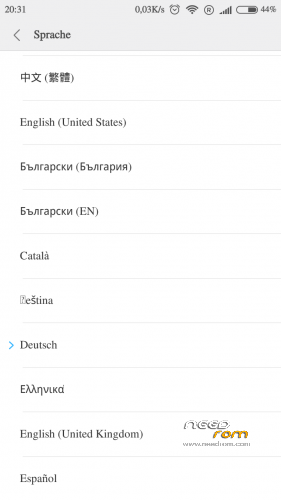
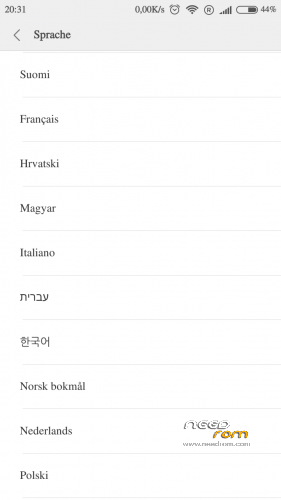
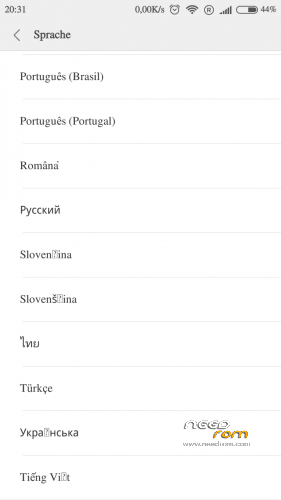
So far i will release the Multilangualge only. The only language wich is not included in this Xiaomi Version is the Lithuanian one. If someone need this language, please let me know, so i can make a version with that one. As i told you i'm not translating the ROM, i port it.
MIUI8 6.9.29 v64 Xiaomi.eu version now released!
[U] Base firmware changed to 6.9.29
[+] some little Bugs fix'd
[+] Selection for Camera Click Sound on/off in Aroma installer
In this release there is a bug in the MIUI Gallery, found by serval guy's on Xiaomi.eu, so i can't fix that atm. The Bug is, that you can't send pic's or Vid's from the Miui Gallery to messengers, clouds, etc…. But if you wanne send a pic you can do this from within the messenger, like Whatsup, this methode works.
If you set the Camera Click Sound in Aroma Installer to off, you can't turn it on later, because MIUI does'nt know the file. So if you wanne have the Click Sound and turn it off later, you have to use the "old" rename methode to do so.
It would be nice to have some feedback here, to know if everything is working and if you are happy with this Version/Release.
Dave
Thanks for your work
Installed and running on zp 980 c2 2/32 in daly use
Regards
klinha
No MIUI update next week due to holidays in China…
Short notice/solution
If you encounter a problem with widgets, which will not load on restart, then you have to put the App (for the widget) into the Auto Start and the widget will load again on restart.
I put this solution in the "Helpfull_Information" spoiler too.
Dave
purtroppo non riesco a installare questa ROM, mi resetta codice imei e non riesco ad inserirlo con tool MtkDroidTools
come avete fatto voi? Grazie per l'aiuto.
Per chi dovesse avere identico problema mio, può usare questa procedura:
1)installare miui versione MIUI8_6.9.29_ZOPO_port_RedmiNote_by_G.Mnew(sempre presente su questo sito);
2)Con questa ROM è possibile anche in fase di avvio attivare il tools MtkDroid e inserire il codice IMEI;
3)Rinstallare la ROM MIUI8_6.9.29_ZOPO_Dave_V64_Xiaomi.eu senza applicare Wipe a Cache / Dalvik cache.
Il tutto funziona.
Prime impressioni la ROM è molto lenta sul mio Zopo 980 mentre l'altra è leggermente più fluida ma in Inglese!!
Hello capron,
you can install MobileUncleTools from within the Aroma installer. With this tool you can backup and restore your IMEI number, like i did.
What ZP980 you have, how much RAM?. What kernel are you using?
So far, what i can say is, that this version runs verry smooth on my phone (ZP980 2/32), and the battery lasts much longer.
Dave
Ciao Capron,
Io ho installato la ROM secondo la procedura ed è molto veloce ed in italiano soprattutto. La batteria dura anche parecchio. Mai avuto il problema sull’IMEI.
Ho uno zopo con 2 gb di Ram e 32 di ROM. Quale versione possiedi?
Purtroppo ho uno Zopo 980 con 1 Gb di Ram, il mio problema che se non applico anche il Wipe Data
non mi fa procedere con l'installazione.
Con una gestione aggressiva della CPU riesco ad avere la ROM quasi accettabile.
x Dave,
grazie per il tuo interessamento, purtroppo non si riesce ad arrivare all'APK
Durante il primo avvio si blocca sull'attivazione account MI, che non riconoscendo le SIM (assenza IMEI) si ferma.
Mentre la versione fatta da GM anche se sono in questa fase mi permette di attivare il software MtkDroid e applicare imei.
Grazie per il vostro interessamento e per l'ottimo lavoro, ROM con piccole modifice con KERNEL ADIUTOR su CPU e RAM divenda veramente
ottima!!
If you have problems with MI Account, try the English language first, after activation go back to your native language.
Oh, and it's my bad, found a typo in the installer script, in that case you can't install the MobileUncleTools, I'm verry sorry to find it out that late, my bad. This will be fix'd in the next release.
Thx capron for pointing me in that direction.
Dave
In case of "slow" responstime of your phone, try the "HD" resolution not the "FHD (native)" resolution. The "HD" resolution needs less memory and it's faster. If you try out the "HD" resolution, don't be afraid after first boot, the symbol's and words are not "normal", do a restart and after it all will be good.
Btw. the MobileUncleTools restoring of IMEI does only work if you had made a backup of the IMEI with the MobileUncleTools. I did save/backup booth of my IMEI on internal and external SD Card (to be realy safe).
But i tested it out now and the installation of MobileUncleTools from the AromaInstaller are working, so the "typo" does'nt seem to have a effect.
And in the other ROM from GM there is the same option in the Aroma Installer to install the MobileUncleTools. So if this ROM is working install it, install it with the MobileUncleTOols and make backup of your IMEI. If you wanne have your native language than install this ROM and install it with the same options as befour. Restor your IMEI if necessary with the MobileUncleTools and enjoy MIUI.
Dave
Ciao Capron,
Come ha detto dave, prova ad utilizzare la risoluzione HD. Io utilizzo quella ed hi guadagnato parecchio in prestazioni. Soprattutto nei giochi e nelle animazioni.
Per il resto, prova a seguire i consigli di Dave, a me non è capitato di perdere l’imei durante l’installazione.
Buona serata!