
- Title: LineageOS 14.1
- Listed: August, 2020
- Last modified: 02/27/2022 5:05 pm
- Version: LineageOS 14.1 R36 20220227
You must be logged for ROM download.
39393 total views, 6 today
1 Total favorites
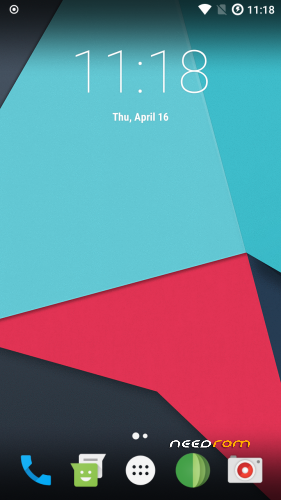
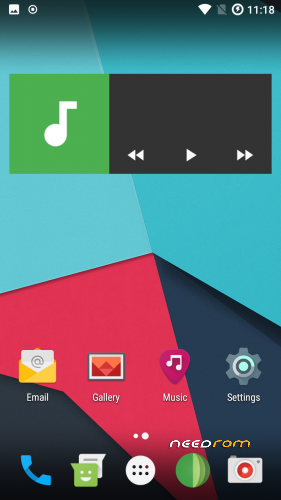
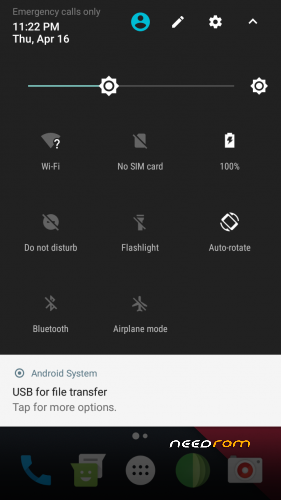
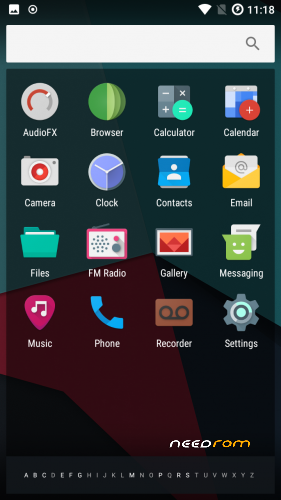
 Member Info
DESCRIPTION
Firmware
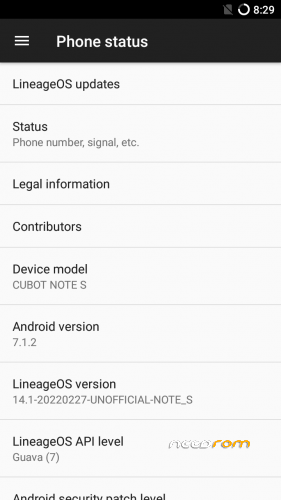
Android-Version: LineageOS 14.1 R36
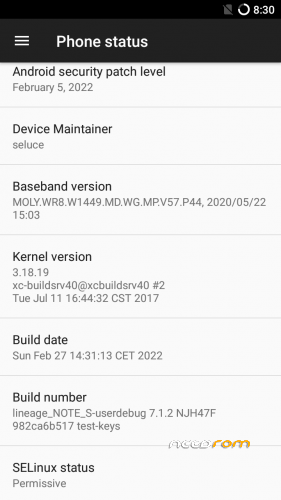
Build-Version: Build 20220227
Features
- Based on Nougat with LineageOS 14.1
- Security patch level 2022-02-05
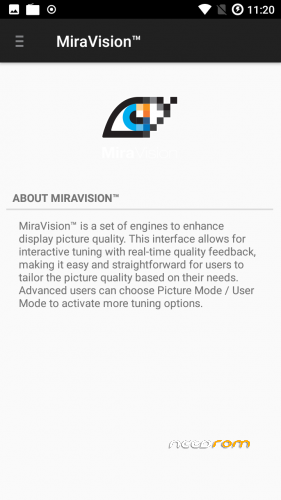
- MiraVision (Settings -> Display -> MiraVision)
How to install the ROM
You have to use my Unoffical TWRP 3.6.1 Recovery to flash your device later. The file in the attachment is zipped and valid for the TWRP Recovery (don't extract the rom zip!)
Please backup NVRAM and IMEI with TWRP BEFORE flash! If you lose your MAC / IMEI after flash, you can restore it in 2 seconds!
First time installing the ROM
Boot into TWRP -> delete Dalvik, Cache, System and Data -> Install the ROM ZIP -> Install GAPPS -> Restart your phone -> thats it!
Upgrade from earlier version
Boot into TWRP -> delete Dalvik, Cache, System -> Install the ROM ZIP -> Install GAPPS -> Restart your phone -> thats it!
Bugs and how you can fix it
- to reduce flickering on apps (only few have this issue), go to: settings -> developer options -> animation duration scale -> animation off
- Video recording inverted color (workarround: any third party camera)
If you like my work
Thanks for your donation if you want to support my work (always latest patches for Note S)
※Please make a backup of your device before installing or updating ROM
Thanks seluce,
installing 14.1 worked like charm!
Now I have two questions:
1. There is a menu entry "Lineage OS update". Could I use this instead of TWRP and sd card update?
2. I would like to use my SD card as internal memory, installing apps on it and I would like to encrypt my whole system.
Would these steps influence LineageOS updates in the future?
Thank you.
Sammy
Question 1: Nope, it does not work. "Lineage OS Updater" only works when i enable OTA-Updates for the ROM. You need to upgrade always through TWRP. Why not OTA-Updates? Because i don't run a webserver 24/7 which contains the ROM Updates. No one will pay it for me.
And seriously.. OTA updates doesn't worth for such a budget phone.
Question 2: Actually no idea.. i guess encrypt could be a problem when you will update sometimes to newer version (because you need to delete system partition). Never tried it. Maybe do a backup in twrp before you try it. when it does not work, you can roll back to your backup.
Anyway.. ROMs Updates are not guaranteed anymore since EOL status. Maybe sometimes a newer security patch comes but im not sure.
A backup before encrypting, or before updating? And what exactly would I have to backup? System or something more?
Oh, no more updates? End of life? But I just got used to it…
Thank you very much for your work with this OS…
before updating i guess. you should backup "system" and "data" as well.
you need to restore system and data, then go go wipe and wipe "cache" and "dalvik".
LOS14.1 with 2018-12-05 is really nice to have for such a budget phone like Cubot Note S. Be happy with it. EOL means no feature update or bug fixes anymore by me. Maybe i'll compile sometimes new version with newer security patch level only. but it will be not monthly like before.
I am happy with it! Definitely! This was my first update since the original 2016 build. I was always too shy to install LineageOS…
A security patch version once a year would be great enough for those who still use that phone. Original manufacturers do not do even that.
Hallo from Greece.
I had version 16 on my phone. Everything worked fine untill i desided to put SIM in the phone. NO data via 3G!!
I desided to install the new 17 version.
To do this, i installed the new TWRP (3.2.3). Then i wipe cache , dalvic cache, system, data, storage (everything). I installed the version 17 (pure) and then the gapps. Everything went fine. No errors in twrp.
Starting the phone….NO data via 3G again!
I tried everithing a know to solve the problem. Changed APN, reset APN, changed network type (*#*#4636#*#*)….NO DATA! To 3G signal appears on the top bar!
Any ideas?
My sim works fine in other phones. I just send my basic phone for service and i have to use Cubot for now. But…No 3G data!
It seems you have not backup imei? You need to rewrite imei after flash. On some devices it will be lost after flash.
When you backup imei partition you can restore it in twrp.
You find your imei behind your battery (both imeis)
No No. I dont have imei backup.
I didn't pay attention to this.
How can i rewrite imei? Is it possible?
Next time do a backup for imei
- flash stock cubot rom and boot it up
- do these 9 steps to fix imei
https://www.quora.com/How-do-I.....posed-framework
- flash twrp and boot into recovery
- backup imei / nvram
- wipe data, system, dalvik, cache
- install ROM and gapps
- restore imei if needed
Thanks for the quick answer.
Is there any way to fix imei without flashing the official?
No way to fix it using the current version 17 rom;
You can try with imei writer tool
Google for "fix imei mtk"
I just tried the way wich I posted
(was successful)
Thanks again for the quick answer!
I will try both.
For first i will see if "fix imei mtk" can solve the problem.
If no, then i will try your checked solution.
Thanks for the help, anyway
P.S : Do we need particular instructions to root this phone? I am asking this because may be i need to root the phone in order to change the imei.
What's new in this update?
Read the changelog …
ok
My Cubot Note S seems to have a problem with the V17 version (2018-12-19). Now I found out that the GPS sensor seems to be recognized by the navigator apps, but there is no satellite data delivered. When I start GPSstatus, it shows the sensor, but I get no satellite fixing (something like 0/13 satellites is shown permanently). Do I have to install something else to get the GPS function working?
Hi du hast sicherlich root Rechte was steht in deinem gps.conf (/system/etc/gps.conf) zufinden?