
- Title: LineageOS 14.1
- Listed: August, 2020
- Last modified: 02/27/2022 5:05 pm
- Version: LineageOS 14.1 R36 20220227
You must be logged for ROM download.
39393 total views, 6 today
1 Total favorites
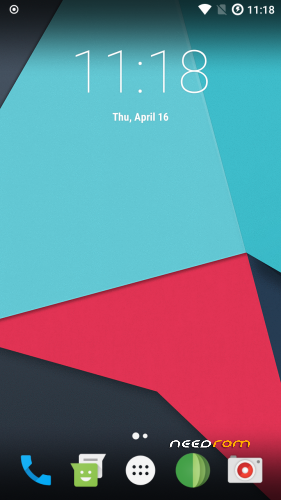
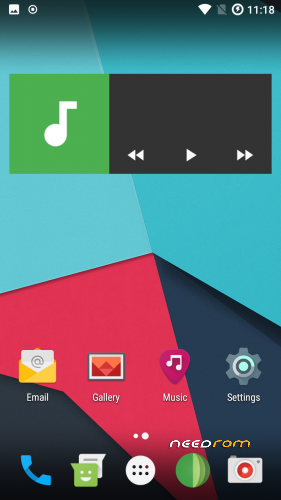
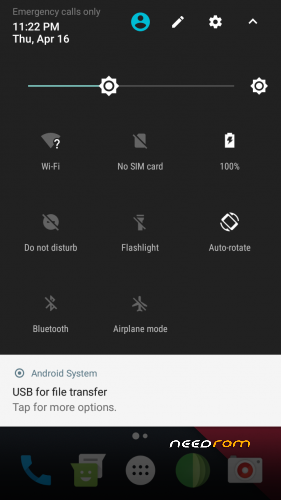
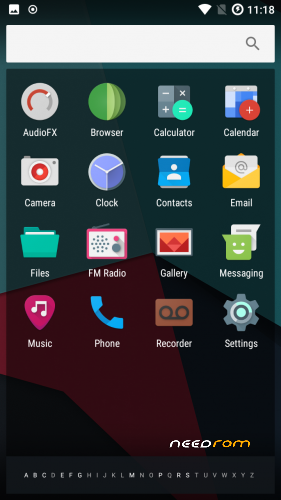
 Member Info
DESCRIPTION
Firmware
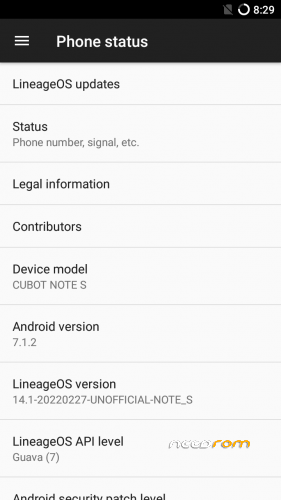
Android-Version: LineageOS 14.1 R36
Build-Version: Build 20220227
Features
- Based on Nougat with LineageOS 14.1
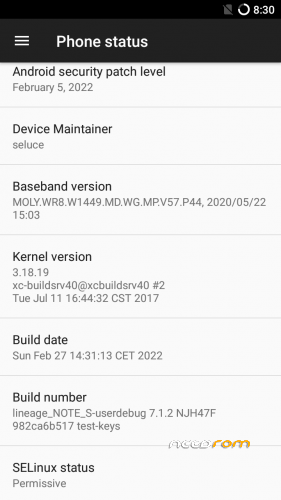
- Security patch level 2022-02-05
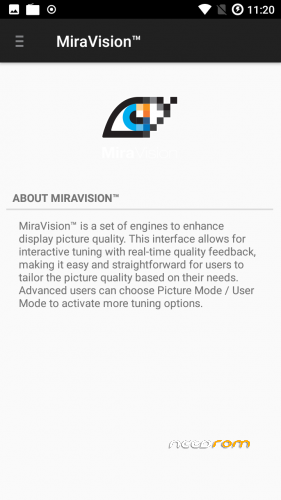
- MiraVision (Settings -> Display -> MiraVision)
How to install the ROM
You have to use my Unoffical TWRP 3.6.1 Recovery to flash your device later. The file in the attachment is zipped and valid for the TWRP Recovery (don't extract the rom zip!)
Please backup NVRAM and IMEI with TWRP BEFORE flash! If you lose your MAC / IMEI after flash, you can restore it in 2 seconds!
First time installing the ROM
Boot into TWRP -> delete Dalvik, Cache, System and Data -> Install the ROM ZIP -> Install GAPPS -> Restart your phone -> thats it!
Upgrade from earlier version
Boot into TWRP -> delete Dalvik, Cache, System -> Install the ROM ZIP -> Install GAPPS -> Restart your phone -> thats it!
Bugs and how you can fix it
- to reduce flickering on apps (only few have this issue), go to: settings -> developer options -> animation duration scale -> animation off
- Video recording inverted color (workarround: any third party camera)
If you like my work
Thanks for your donation if you want to support my work (always latest patches for Note S)
※Please make a backup of your device before installing or updating ROM
Works a treat! Thank you.
Is it normal to use all the internal disk storage? I cannot install any google app as there is no internal disk storage left.
Wow, another update for Note S, I cannot believe it.
I will try to install it…
Note for me and later updates:
Installation of TWRP 3.6.1.zip failed with "Invalid zip file format! Error installing ZIP …"
Solution was:
https://www.needrom.com/downlo.....#comment-419073
"but if you have already installed an older version of TWRP, you only need to unzip the TWRP.zip File and install the image "recovery.img" in TWRP (as recovery)."