
- Title: SLICK s427 ROW
- Listed: May, 2016
- Last modified: 05/27/2016 4:39 pm
- Version: 6.0
You must be logged for ROM download.
42192 total views, 10 today
419 Total favorites
 Member Info
DESCRIPTION
To everyone thanking me for this rom, you are most welcome!
I really appreciate your comments guyz… You are the fuel to my roms.
Features:
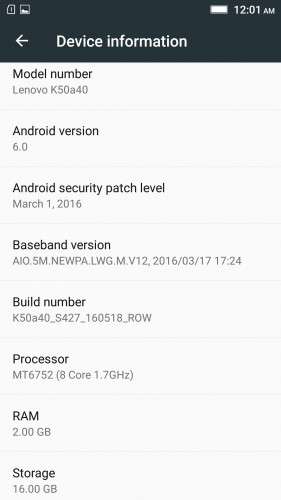
- Fully Based on Official ROM K50a40_S427_160518_ROW
- Debloated
- Rooted
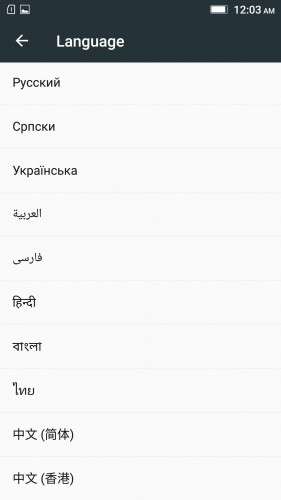
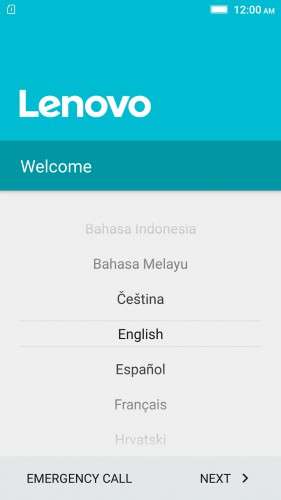
- GAPPS included, Multilanguage
- RAM & Battery usage optimized
Retained features:
- LED Notification works for any notification.
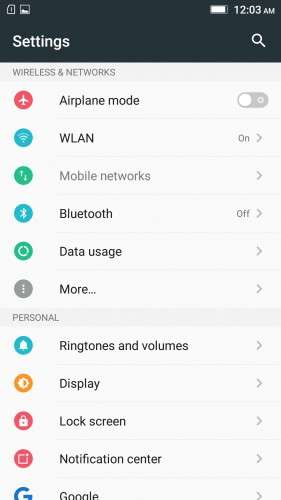
To enable it, go to Settings > Display > LED Notification > Tick "Others"
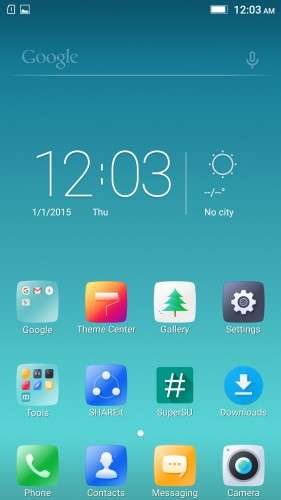
- Two launcher styles are available by default (VibeUI and Android stock)
To access them, press and hold and empty space on desktop > Preference > Default Launcher
- Pressing and holding the HOME button brings up the "Now on-tap" search, a stock feature of MM
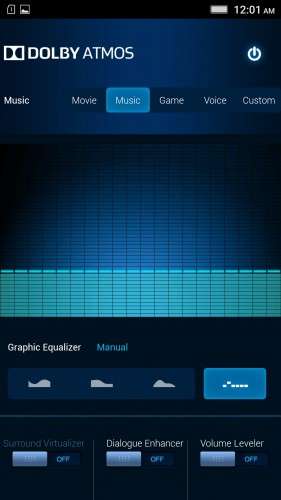
- Dolby Atmos is installed (Not Maxx Audio)
- The default "menu key for Recent Apps" assignment can be changed from settings
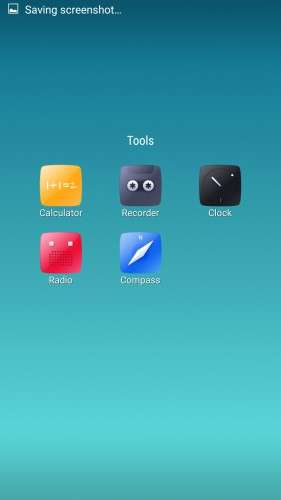
- Radio, Camera, Gallery, Dialer etc all Tools are "ROW" apk versions.
NOTE:
* As previous SLICK roms, this is also a TWRP backup by v3.0.0-3, so flash TWRP recovery you don't have it before flashing this rom.
* I have provided the flashable zip file for the TWRP in case you need it. Just install it via your current custom recovery (or via SP Flash Tool).
Installing Instructions:
- Download the rom zip and EXTRACT it
- Copy the folder "TWRP" into INTERNAL MEMORY
- Boot into TWRP Recovery
- Select WIPE > Advanced Wipe > Select "Dalvik cache", "Cache", "System", "Data" partitions > Swipe to confirm
- Go to Restore > Select Storage > Select internal memory > OK
- Select the "SLICK-S427-ROW-SHENGE" Package > Swipe to restore
- Wait till it completes > Reboot system… Done!
(IN SHORT : Wipe, then Restore the backup)
* If you don't know how to flash custom recoveries in K3 note, here is a complete tutorial for you:
Installing custom recovery on K3 Note using SP Flash Tool (COMPLETE TUTORIAL): Click here
※Please make a backup of your device before installing or updating ROM
Shenge, this ROM is great. Only one thing missing. 5Ghz wifi. Do you have an NVRAM backup that works with 5ghz wifi?
I tried downloading the NVRAM db from the russian site but cant seem to download.
Hi as i don't use 5ghz wifi, i don't remember the exact process to enable it. But here is a great thread to search it for:
http://forum.xda-developers.co.....te-k50-t3158522
Thanks man for this great rom !
Im using it with no problems but I need to know how to enable the 5ghz wifi. I saw a recent reply from you with a link for that but I went to a russian page and I ended with translating it and not understanding, So please if you can give me the steps for enabling that.
Thanks
as i mentioned in the comment above, search for it here:
http://forum.xda-developers.co.....te-k50-t3158522
Thanks God!
Hiii friend,
you write that this rom have Multilanguage and it`s not have!
i want hebrew and there is not hebrew :\
what can i do now?
Multilanguage means multiple language support, and yes this rom has multiple language support.
But as it is intended for the indian/asia pacific area, hebrew is not made available by the official developers. Sorry on behalf of them!
Thanks for the link provided Shenge.
For those that want to enable 5ghz wifi, extract the APDB files from the stock S427 ROM.
Then google and download SP meta tool and SP Drivers v1.6.
Use google translate on this link for the instructions: http://4pda.ru/forum/index.php.....0#entry48185656
I've managed to get 5ghz wifi working.
Good work with ROM Shenge. This ROM works very well with the ROW phones but if used on the Chinese models, there are a couple of problems – the major being the battery drain. Wifi, Signal Standby and Bluetooth comsume abnormal power compared to the Chinese ROMs. It seems even if WiFi is turned off, it still consumes power.
Memory management also seems to be quite a problem.
This is a very good ROM and I like it, but it needs to be installed on the correct phone, the K50a40 models, not the K50-t5 models.
k50-t5 and k50-a40 is the very same phone.
If you flash s-series roms, your phone will become k50-a40
If you flash 15xx-16xx series roms, it will become k50-t5
there is absolutely no changes in the two models. The only difference is in the rom. Based on the rom installed, it will be shown either a40 or t5.
How to fix nvram error??
google it. you will find it.
thanks man perfect
Is this rom compatible with xposed?
yes.. it is…
How does the installation?
I can not
Read the provided instructions.
It's in the description.
(Requirements: You need eyes to read them though…)