
- Title: SLICK s427 ROW
- Listed: May, 2016
- Last modified: 05/27/2016 4:39 pm
- Version: 6.0
You must be logged for ROM download.
42186 total views, 4 today
419 Total favorites
 Member Info
DESCRIPTION
To everyone thanking me for this rom, you are most welcome!
I really appreciate your comments guyz… You are the fuel to my roms.
Features:
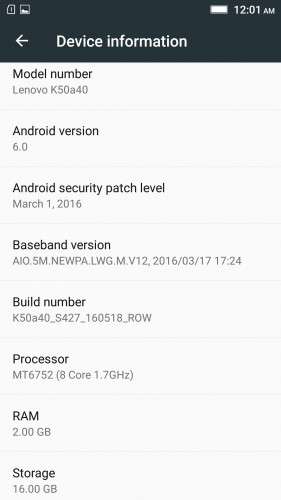
- Fully Based on Official ROM K50a40_S427_160518_ROW
- Debloated
- Rooted
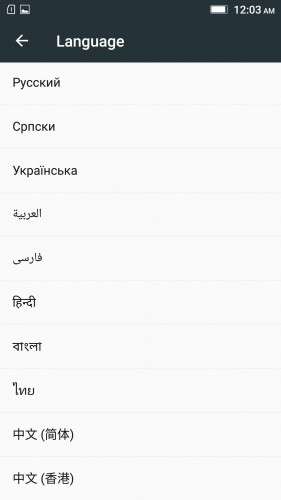
- GAPPS included, Multilanguage
- RAM & Battery usage optimized
Retained features:
- LED Notification works for any notification.
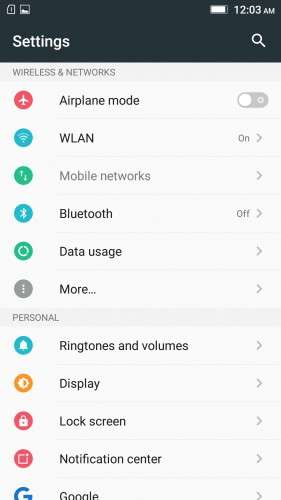
To enable it, go to Settings > Display > LED Notification > Tick "Others"
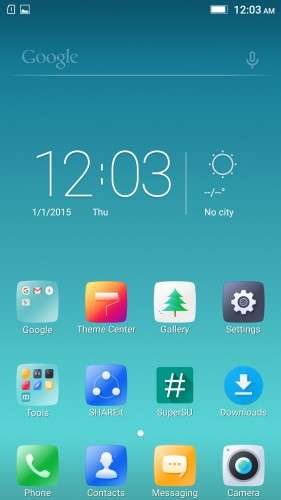
- Two launcher styles are available by default (VibeUI and Android stock)
To access them, press and hold and empty space on desktop > Preference > Default Launcher
- Pressing and holding the HOME button brings up the "Now on-tap" search, a stock feature of MM
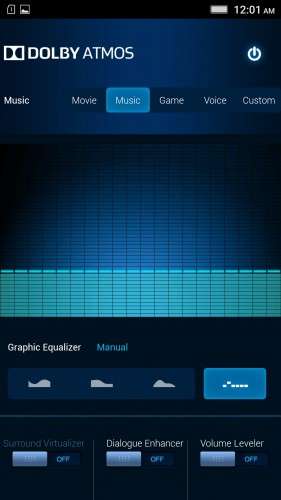
- Dolby Atmos is installed (Not Maxx Audio)
- The default "menu key for Recent Apps" assignment can be changed from settings
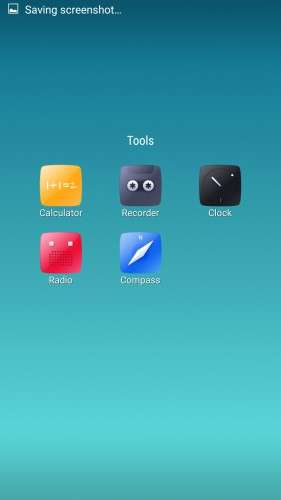
- Radio, Camera, Gallery, Dialer etc all Tools are "ROW" apk versions.
NOTE:
* As previous SLICK roms, this is also a TWRP backup by v3.0.0-3, so flash TWRP recovery you don't have it before flashing this rom.
* I have provided the flashable zip file for the TWRP in case you need it. Just install it via your current custom recovery (or via SP Flash Tool).
Installing Instructions:
- Download the rom zip and EXTRACT it
- Copy the folder "TWRP" into INTERNAL MEMORY
- Boot into TWRP Recovery
- Select WIPE > Advanced Wipe > Select "Dalvik cache", "Cache", "System", "Data" partitions > Swipe to confirm
- Go to Restore > Select Storage > Select internal memory > OK
- Select the "SLICK-S427-ROW-SHENGE" Package > Swipe to restore
- Wait till it completes > Reboot system… Done!
(IN SHORT : Wipe, then Restore the backup)
* If you don't know how to flash custom recoveries in K3 note, here is a complete tutorial for you:
Installing custom recovery on K3 Note using SP Flash Tool (COMPLETE TUTORIAL): Click here
※Please make a backup of your device before installing or updating ROM
no going back to 1621rom.
Thanks for this one mate, I've been using your 424 rom till now without any issues except that the mobile data wouldn't turn on and I had to turn the airplane mode on and off to make the mobile data work. Hope the update works just as well, cheers!
Assuring you the mobile data works fine in this one, cheers!
Guys, does Snapchat camera have the right size-ratio in this one?
Snapchat camera work in this version of the full screen
Not only Snapchat, all of your favourite and daily apps will work fine with this one, trust me!
guys i read all comments…. where can i get that 1621 rom cam soe one give me that link
https://www.needrom.com/downlo.....orkgpstoreroot/
For me, this system has no problems with WiFi, but I feel that in some moments stutters when making the simplest steps system for exapmle when moving the screen.
Not quite sure what you meant, can you provide some more details? Would be helpful for me to find the bug.
touch lagging issue fixed or not
Unfortunately all the ROM S422 / 424/427 I do not work section of mobile networks.
The problem of WIFI solve it by installing my previous NVRAM, but mobile networks do not achieve even changing the modem. Any suggestions?
PS: Sorry for the English
And does anyone can tell me. Is this system can lock the operation of applications in the background and/or startup? So how can it be done using the application SecurityIt other soft.
Yes it is possible in this rom.
Press the menu button for “recent apps” screen,
There will be a lock icon on every window in top-right.
Just tap on that lock to keep the app from closing while ram cleaning.
WiFi seems slow. Can we install wifi 5ghz?
As said: "Just restore a nvram partition from your previous TWRP Backup."
Guys,
I know im a NOOB but… could you plzz tell me something more about WIFI NVRAM ERROR fix?? is this a good vid about it? https://www.youtube.com/watch?.....v=8ejnFB5i5o8
thnxx
Easiest method to fix nvram error is to restore a nvram partition from your previous TWRP backups of old roms.
OR
Download this : WiFi NVRam Error Fix
Copy the files in the zip to the same path, replace the ones there and set same permissions.
Remember to see what permissions the old files have before replacing them.
Lastly, restart the phone.
PS. Yes the video looks good to go.