
- Title: SLICK s427 ROW
- Listed: May, 2016
- Last modified: 05/27/2016 4:39 pm
- Version: 6.0
You must be logged for ROM download.
42192 total views, 10 today
419 Total favorites
 Member Info
DESCRIPTION
To everyone thanking me for this rom, you are most welcome!
I really appreciate your comments guyz… You are the fuel to my roms.
Features:
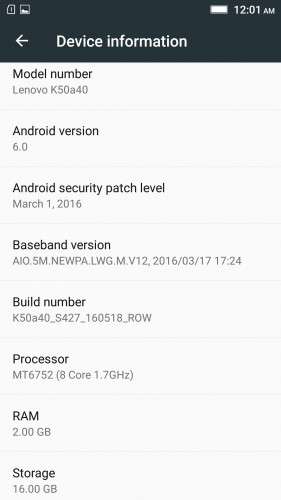
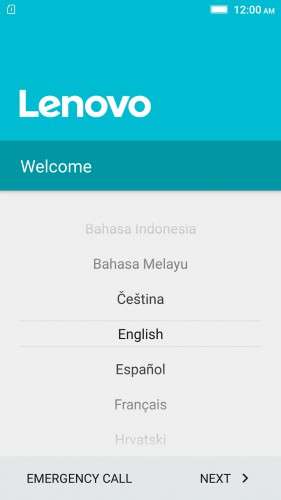
- Fully Based on Official ROM K50a40_S427_160518_ROW
- Debloated
- Rooted
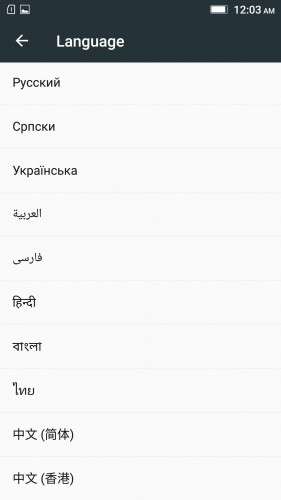
- GAPPS included, Multilanguage
- RAM & Battery usage optimized
Retained features:
- LED Notification works for any notification.
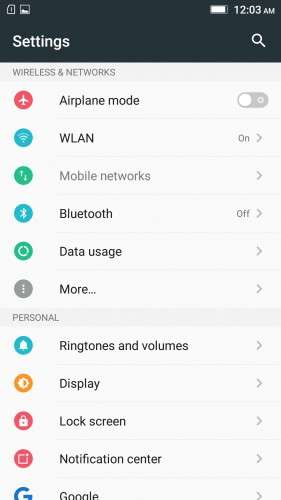
To enable it, go to Settings > Display > LED Notification > Tick "Others"
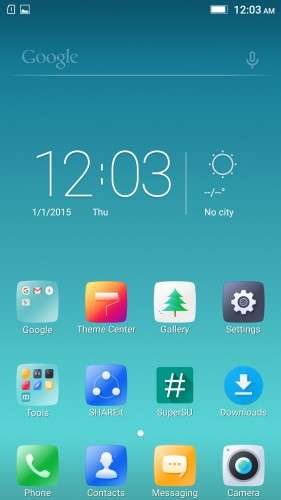
- Two launcher styles are available by default (VibeUI and Android stock)
To access them, press and hold and empty space on desktop > Preference > Default Launcher
- Pressing and holding the HOME button brings up the "Now on-tap" search, a stock feature of MM
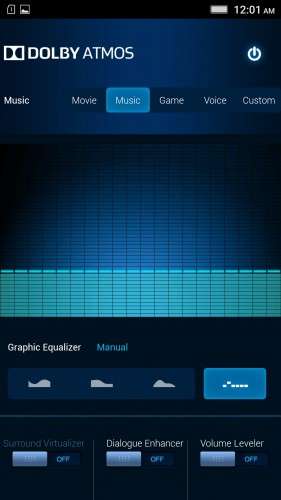
- Dolby Atmos is installed (Not Maxx Audio)
- The default "menu key for Recent Apps" assignment can be changed from settings
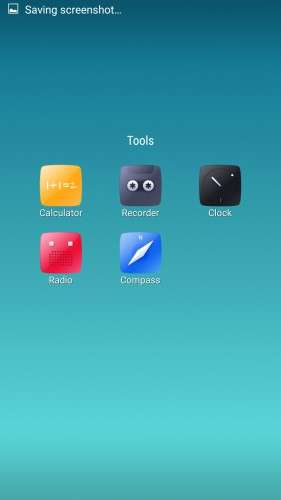
- Radio, Camera, Gallery, Dialer etc all Tools are "ROW" apk versions.
NOTE:
* As previous SLICK roms, this is also a TWRP backup by v3.0.0-3, so flash TWRP recovery you don't have it before flashing this rom.
* I have provided the flashable zip file for the TWRP in case you need it. Just install it via your current custom recovery (or via SP Flash Tool).
Installing Instructions:
- Download the rom zip and EXTRACT it
- Copy the folder "TWRP" into INTERNAL MEMORY
- Boot into TWRP Recovery
- Select WIPE > Advanced Wipe > Select "Dalvik cache", "Cache", "System", "Data" partitions > Swipe to confirm
- Go to Restore > Select Storage > Select internal memory > OK
- Select the "SLICK-S427-ROW-SHENGE" Package > Swipe to restore
- Wait till it completes > Reboot system… Done!
(IN SHORT : Wipe, then Restore the backup)
* If you don't know how to flash custom recoveries in K3 note, here is a complete tutorial for you:
Installing custom recovery on K3 Note using SP Flash Tool (COMPLETE TUTORIAL): Click here
※Please make a backup of your device before installing or updating ROM
Great ROM Shenge! Installed it on both my k3 note and my wife’s and they are working great.
Thank you for all the hard work.
What abou a new update for 433?
Thank you.
Yes, a new rom for 433 would be really nice!
I can't update my SLICK s427 ROW to 433.
Can anyone do it?
Can you help me to update to 433?
Thank you very much.
nao atualizes por OTA. O desenvolvedor ainda nao fez a sua versao para a 433 official.
Se tentares usar o ota update, pode fazer com que o teu telemovel fique bugado
daqui a uns dias ele deve fazer um novo update e postar aqui
@Shenge I have the same problem :/
Please help , 3g/4g not working at all in s427 , I used vibe UI 2,8 before , data connection worked fine , I used the sim card in an other phone it worked fine to , but now with s427 it doesn't work , I tried to configure son etc manually I used the correct parameters buy still no data connection , please help
Can you tell me how to install OTAs? When I download them, after restart, Recovery gets opened up. So, where the OTA zip files are located?
Hello,
When i'm getting on WhatsApp a link from facebook for exampla and i'm trying to acces it i get "You may not have a proper app for viewing this content."
I installed facebook but it is still the same.
Can you please tell me if you have this problem? And so did you fix it?
Regards,
Georgian
I have also a big problem with data (3g, 4g) since a few days mobile data stopped working. Does anyone have an idea about this?
Hello Shenge…
I’ve been using your rom for a couple of days and i really have to appreciate for this rom. I can say its the best rom I’ve used so far. But after usage of these days i have found out that my charging time is very very slow which means my phone takes 3 to 4 hours to reach 100℅. Is this normal or Can I get a fix for it?
Best ROM so far !!!