
- Title: SLICK s427 ROW
- Listed: May, 2016
- Last modified: 05/27/2016 4:39 pm
- Version: 6.0
You must be logged for ROM download.
42195 total views, 13 today
419 Total favorites
 Member Info
DESCRIPTION
To everyone thanking me for this rom, you are most welcome!
I really appreciate your comments guyz… You are the fuel to my roms.
Features:
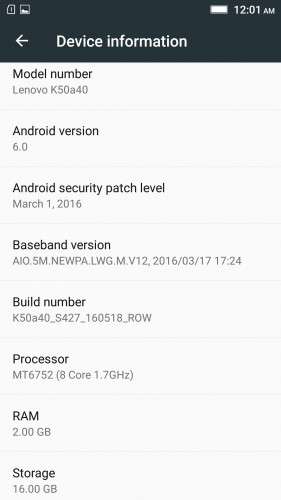
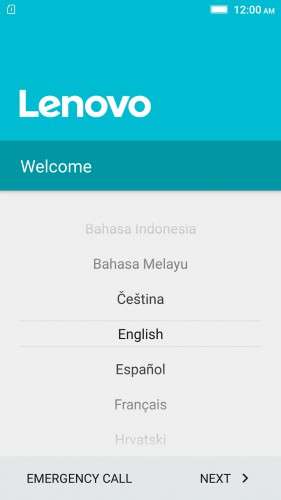
- Fully Based on Official ROM K50a40_S427_160518_ROW
- Debloated
- Rooted
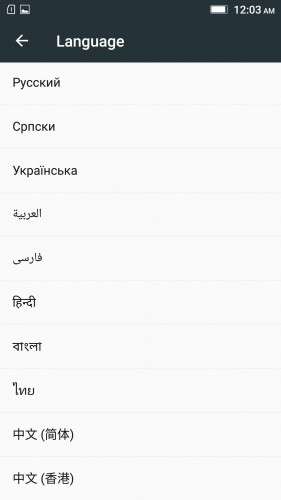
- GAPPS included, Multilanguage
- RAM & Battery usage optimized
Retained features:
- LED Notification works for any notification.
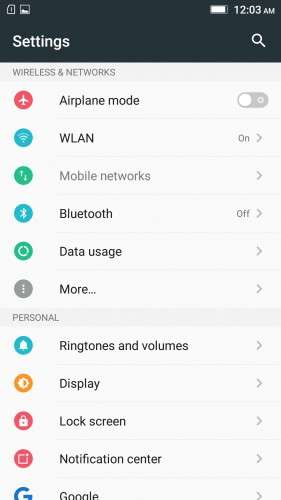
To enable it, go to Settings > Display > LED Notification > Tick "Others"
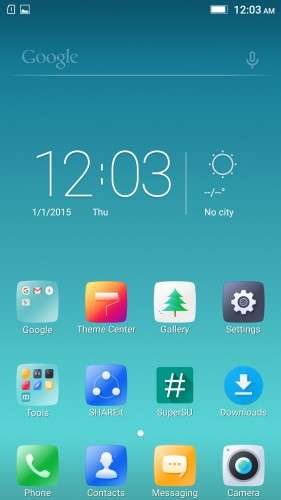
- Two launcher styles are available by default (VibeUI and Android stock)
To access them, press and hold and empty space on desktop > Preference > Default Launcher
- Pressing and holding the HOME button brings up the "Now on-tap" search, a stock feature of MM
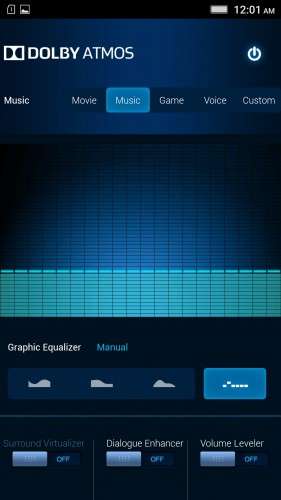
- Dolby Atmos is installed (Not Maxx Audio)
- The default "menu key for Recent Apps" assignment can be changed from settings
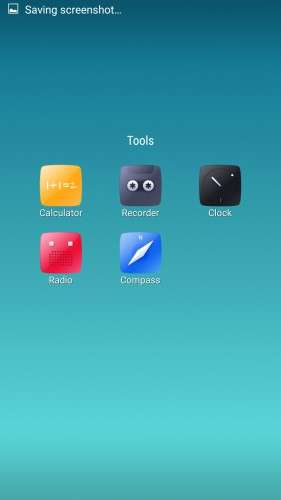
- Radio, Camera, Gallery, Dialer etc all Tools are "ROW" apk versions.
NOTE:
* As previous SLICK roms, this is also a TWRP backup by v3.0.0-3, so flash TWRP recovery you don't have it before flashing this rom.
* I have provided the flashable zip file for the TWRP in case you need it. Just install it via your current custom recovery (or via SP Flash Tool).
Installing Instructions:
- Download the rom zip and EXTRACT it
- Copy the folder "TWRP" into INTERNAL MEMORY
- Boot into TWRP Recovery
- Select WIPE > Advanced Wipe > Select "Dalvik cache", "Cache", "System", "Data" partitions > Swipe to confirm
- Go to Restore > Select Storage > Select internal memory > OK
- Select the "SLICK-S427-ROW-SHENGE" Package > Swipe to restore
- Wait till it completes > Reboot system… Done!
(IN SHORT : Wipe, then Restore the backup)
* If you don't know how to flash custom recoveries in K3 note, here is a complete tutorial for you:
Installing custom recovery on K3 Note using SP Flash Tool (COMPLETE TUTORIAL): Click here
※Please make a backup of your device before installing or updating ROM
Shenge THANKS FOR YOUR ANSWER.
to bad that i can`t add HEBREW like in winsows updates
Thx man, this ROM is the best 6.0 out there! But I got problems with battery life and overheating while charging too, could you look into that? Two days without a problem with android 5.0, one day barely with this ROM?
Have you applied the wifi nvram fix?
I've got power consumption by software 17% and 83 by hardware, out of which 47% by WIFI in 14hrs since charging, but the WIFI wasn't activated once! Scanning always available is turned of, and keep wlan during sleep is never. How is that possible?
Have you fixed the wifi navram error?
Shenge…
I prefer SLICK v3.1_1622 ROM… Is it possible for u to compile it ?
I would love to, but I have been too busy these days… Plus, it's been a while since the 1622ST came out, so maybe the next "ST" one will be "SLICK"ed
And thanks epo for your interest in SLICK roms.
OK, to fix NVRAM warning, first I tried to delete/copy/paste those two wifi files and correcting permissions on them, tried downloading from two different locations, and no fix. Then I tried to flash in recowery from other ROM, and still NVRAM warning err=0×02. Any other advice please?
Perfect ROM, but i have NVRAM error as many of you. i tried fix as tommar but same result, err=0×02.
SN writer is not working for me, they cant find my phone…ChameleMac app dont support K3 note.
I have been reading about flashing NVRAM.bin with SPflash tools, can you provide is NVRAM.bim?
If anyone is having Problem finding the restore file from TWRP than you must first backup something from TWRP , than it will create a folder in TWRP with a date than copy all this Slick s427 files to this folder with date. Remember to delete the previous files from that folder.
My Sim 2 slot is not working. It doesn't shows any Networks. But it does show the sim company name. And sim 1 is working.
Hello,
Can you please help me with a good download link?
I can't donload it!
Regards,