
- Title: SLICK s427 ROW
- Listed: May, 2016
- Last modified: 05/27/2016 4:39 pm
- Version: 6.0
You must be logged for ROM download.
42193 total views, 11 today
419 Total favorites
 Member Info
DESCRIPTION
To everyone thanking me for this rom, you are most welcome!
I really appreciate your comments guyz… You are the fuel to my roms.
Features:
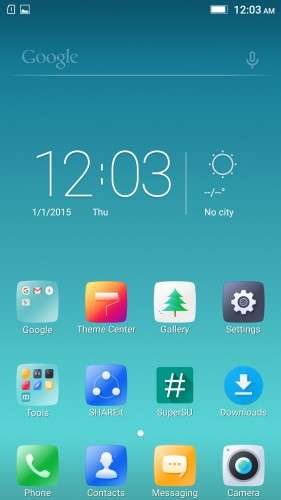
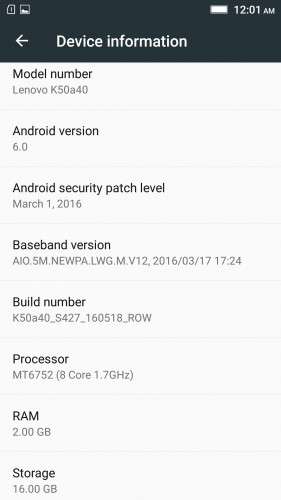
- Fully Based on Official ROM K50a40_S427_160518_ROW
- Debloated
- Rooted
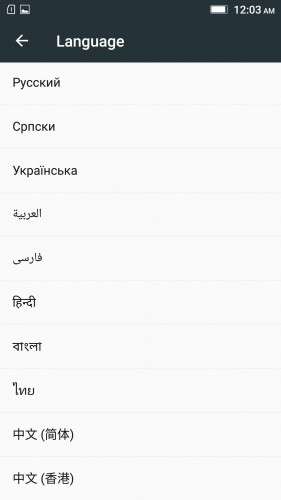
- GAPPS included, Multilanguage
- RAM & Battery usage optimized
Retained features:
- LED Notification works for any notification.
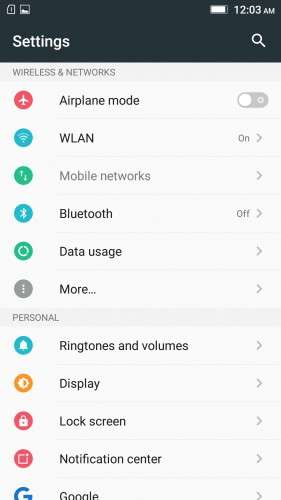
To enable it, go to Settings > Display > LED Notification > Tick "Others"
- Two launcher styles are available by default (VibeUI and Android stock)
To access them, press and hold and empty space on desktop > Preference > Default Launcher
- Pressing and holding the HOME button brings up the "Now on-tap" search, a stock feature of MM
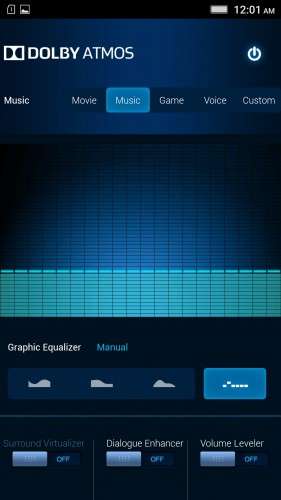
- Dolby Atmos is installed (Not Maxx Audio)
- The default "menu key for Recent Apps" assignment can be changed from settings
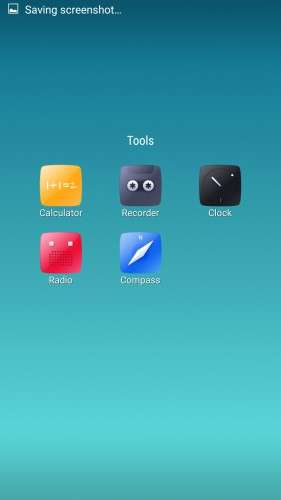
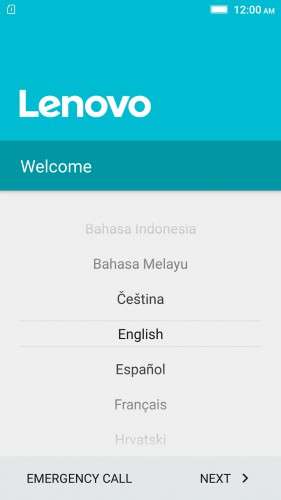
- Radio, Camera, Gallery, Dialer etc all Tools are "ROW" apk versions.
NOTE:
* As previous SLICK roms, this is also a TWRP backup by v3.0.0-3, so flash TWRP recovery you don't have it before flashing this rom.
* I have provided the flashable zip file for the TWRP in case you need it. Just install it via your current custom recovery (or via SP Flash Tool).
Installing Instructions:
- Download the rom zip and EXTRACT it
- Copy the folder "TWRP" into INTERNAL MEMORY
- Boot into TWRP Recovery
- Select WIPE > Advanced Wipe > Select "Dalvik cache", "Cache", "System", "Data" partitions > Swipe to confirm
- Go to Restore > Select Storage > Select internal memory > OK
- Select the "SLICK-S427-ROW-SHENGE" Package > Swipe to restore
- Wait till it completes > Reboot system… Done!
(IN SHORT : Wipe, then Restore the backup)
* If you don't know how to flash custom recoveries in K3 note, here is a complete tutorial for you:
Installing custom recovery on K3 Note using SP Flash Tool (COMPLETE TUTORIAL): Click here
※Please make a backup of your device before installing or updating ROM
Hello,
Is this rom fine for Lenovo K3 note K50-t3s, or just T5 ?
Thanks
Works great on the K3 Note, just android.media.process has stopped working for me on stuff like 'ringtones/more ringtones. Other than that it's good.
Got problem sometime time is not updated..need to restart..
I installed the ROM, it is very good, there one problem Ihave noticed
facebook does not upload photos but there is no problem with videos and also when I tried facebook lite it uploads both
so there is a problem with facebok photoupload, what shoudl be done
Arun
Hi again,
after some weeks of use:
- Wifi just eats the battery. Workaround? Other than just turning it off.
- Wifi should turn on automatically and connect when I'm in a known hotspot, but it dowsn't work. Have to use apps like Wifi – Matic. Workaround?
Help will be grateful.
Ok, I think I've solve the problem following the workarounds found in XDA-Forum.
I've tried a couple of them and the best shot is:
Uninstall the Google Play Services' and Google Play's updates. Restart and update them through Google Play Store.
Ta-da. Wifi's resources use in Energy Management below 14%. And of course, longer battery life.
Anyway the rest of meassures used to deactivate Wifi are still ON. So Wifi-Matic works like a charm.
I installed this via TWRP 3.x.x.
During first run it says I need an account… It says the phone appears to have been reset and I need to login with an account originally used on the phone. It loops back to this screen everytime I log in. I can't skip and otherwise access the device.
Has someone locked my phone's IMEI? Is this a bug in your, "Slick", ROM? Or is it just something new with Android 6?
Thank you.
I have an urgent matter, i forgot to Copy the rom into the internal memory, i accidentally copied it into the external memory and i didn't realize that until after i wiped my device…. Is there a way i can access the external internal memory?
I appreciate any ideas..thank you
External or internal Memory, so that i can copy the rom from one into the other.
thank you
Polish language?
installed on a K3 note. All very nice but "android.media.process has stopped working" in ringtones and volumes/ringtones/more ringtones
Also as for Jonno after first boot when I tried to login my google account it says "the phone appears to have been reset and I need to login with an account originally used on the phone". It loops back to this screen everytime I log in. I can't skip and otherwise access the device. Please let us know why we have this issue?
found a solution to the no go message "the phone appears to have been reset and I need to login with an account originally used on the phone".
if you remember the previous rom google account, then enter with its credentials and after setup is finished, delete the account and add a new one, otherwise you have to make a clean install with an official rom and after that install the SLICK s427 ROW.