
- Title: SLICK s427 ROW
- Listed: May, 2016
- Last modified: 05/27/2016 4:39 pm
- Version: 6.0
You must be logged for ROM download.
42192 total views, 10 today
419 Total favorites
 Member Info
DESCRIPTION
To everyone thanking me for this rom, you are most welcome!
I really appreciate your comments guyz… You are the fuel to my roms.
Features:
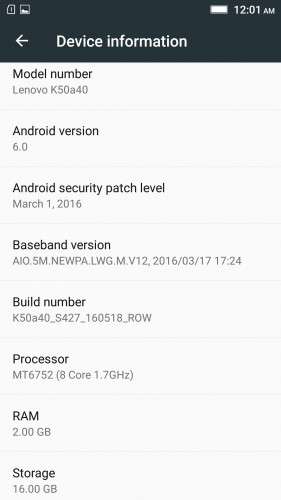
- Fully Based on Official ROM K50a40_S427_160518_ROW
- Debloated
- Rooted
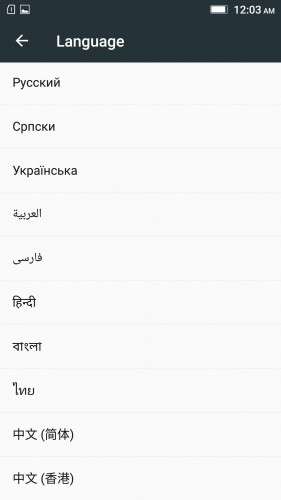
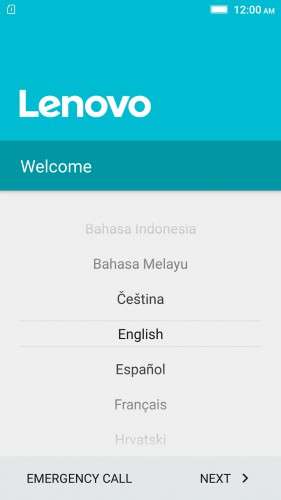
- GAPPS included, Multilanguage
- RAM & Battery usage optimized
Retained features:
- LED Notification works for any notification.
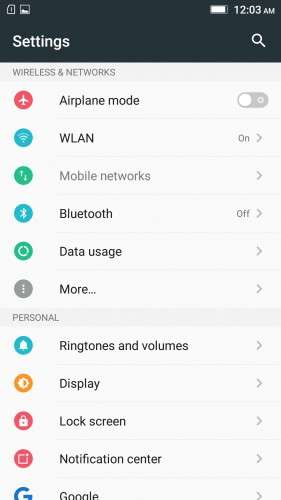
To enable it, go to Settings > Display > LED Notification > Tick "Others"
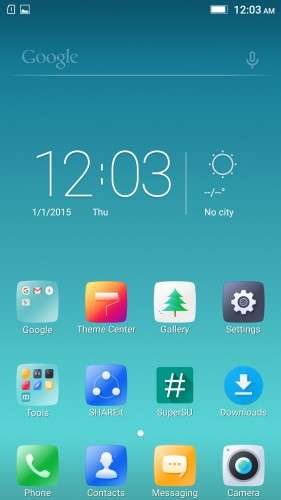
- Two launcher styles are available by default (VibeUI and Android stock)
To access them, press and hold and empty space on desktop > Preference > Default Launcher
- Pressing and holding the HOME button brings up the "Now on-tap" search, a stock feature of MM
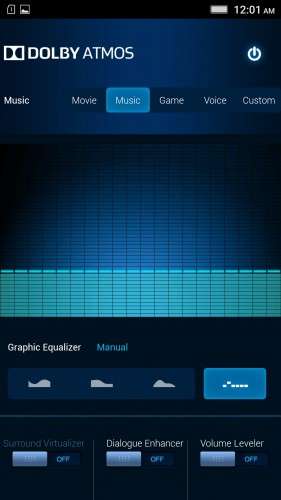
- Dolby Atmos is installed (Not Maxx Audio)
- The default "menu key for Recent Apps" assignment can be changed from settings
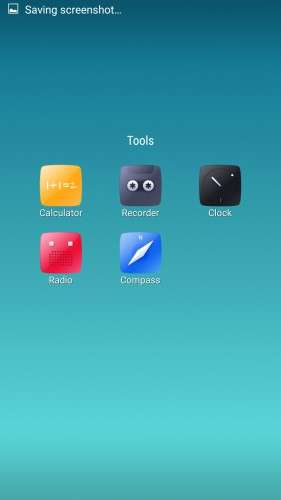
- Radio, Camera, Gallery, Dialer etc all Tools are "ROW" apk versions.
NOTE:
* As previous SLICK roms, this is also a TWRP backup by v3.0.0-3, so flash TWRP recovery you don't have it before flashing this rom.
* I have provided the flashable zip file for the TWRP in case you need it. Just install it via your current custom recovery (or via SP Flash Tool).
Installing Instructions:
- Download the rom zip and EXTRACT it
- Copy the folder "TWRP" into INTERNAL MEMORY
- Boot into TWRP Recovery
- Select WIPE > Advanced Wipe > Select "Dalvik cache", "Cache", "System", "Data" partitions > Swipe to confirm
- Go to Restore > Select Storage > Select internal memory > OK
- Select the "SLICK-S427-ROW-SHENGE" Package > Swipe to restore
- Wait till it completes > Reboot system… Done!
(IN SHORT : Wipe, then Restore the backup)
* If you don't know how to flash custom recoveries in K3 note, here is a complete tutorial for you:
Installing custom recovery on K3 Note using SP Flash Tool (COMPLETE TUTORIAL): Click here
※Please make a backup of your device before installing or updating ROM
Aap ke iss backup me Lenovo file manager aur lenovo video player nahi hai
I removed them as most of the people don't need them, and also, those apps contains spyware.
You can easily download other file browsers and video players from the google play store, which is waaay better than those default two
Many Thanks Shenge, I already downloaded it…but, is it better than your Slick S424? Is there a major difference? till now im on Slick Ss424.
Of course it’s better! A lot of bug fixes.
Thanks bro..!cheers..!
If u free reply me ..
CaN i update directly to new update fron this kinda ota types ? Or i sud do it mannually
Thanks.
You should do it manually
My phone SMS is not working on S424, but after installing S427. Cannot make any call or SMS. Network bars show strong signal. When I call, it said network not available. Help !!! Please …
You probably have invalid imei.
It’s normal after flashing a new rom.
Restore a nvram partition from your previous twrp backup. (which didn’t have any errors)
i have found that s427 uses more battery than 1621. it seams that the s427 sometimes cannot switch off wifi when the phone is sleepping. i have set wifi to off when screen off, but i find the wifi is still on. also, if i put the phone in airplane mode, the 1621 will use 1% and the s427 will use nearly 4% of battery power in the same condition
You probably have some apps running in the background while the phone sleeps.
Go to Settings > power manager > background app management > and “restrict all”
Also, surf around the settings and turn on/off other battery friendly settings
to 06ensar – multilanguage does NOT include German language.
Obviously Germany is not sufficiently "multi".
On top of not having German language, after reboot there is no browser and no file manager.
I am sorry but I can not use it.
You know why i inclded the play store there?
Or do you know how to use it?
This is the best rom for my k3 note! Thank you.
I had a few problems yet I was able to work around them.
1. Messager didn't work for me. Solution… Download Messager APK from the play store and it worked like a charm.
2. Contact manager didn't work very well… Download Contact manager from the play store and it worked like a charm.
3. Data didn't work. Had to go to settings…. Mobile Networks… Network Operators… And choose my network from there. 4 G worked like a charm after that.
Thank you very much and I hope you have a good day.
Appreciate your feedback!
I have a problem. I did not make a recovery file and wiped my sys, but when trying to restore from SLICK-S427-ROW-SHENGE the phone says it is only 16 mb (also it appears as a date like:(2016-06-01–00-02-46) I dont know what to do. Someone help
solved
WIFI fix for NVRAM error doesnt work for me
Restore nvram partition from your previous twrp backup
thank u soooo much
You are welcome!