
- Title: SLICK s427 ROW
- Listed: May, 2016
- Last modified: 05/27/2016 4:39 pm
- Version: 6.0
You must be logged for ROM download.
42195 total views, 13 today
419 Total favorites
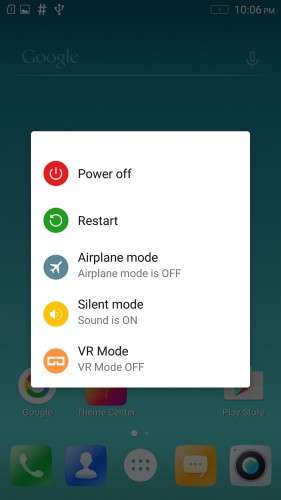
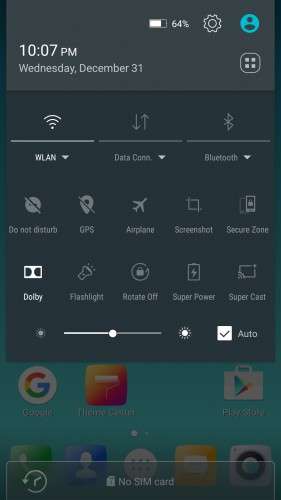
 Member Info
DESCRIPTION
To everyone thanking me for this rom, you are most welcome!
I really appreciate your comments guyz… You are the fuel to my roms.
Features:
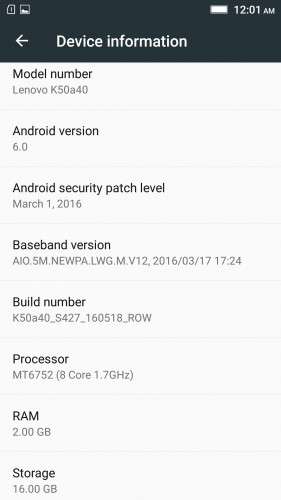
- Fully Based on Official ROM K50a40_S427_160518_ROW
- Debloated
- Rooted
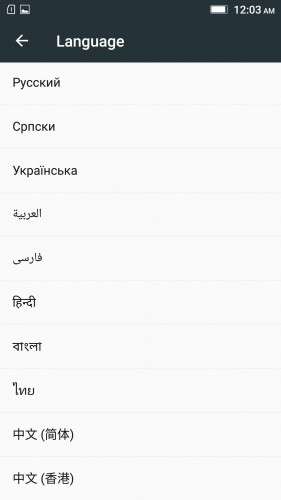
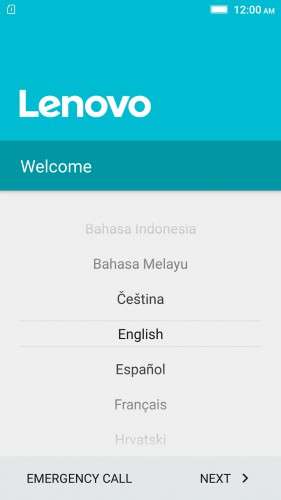
- GAPPS included, Multilanguage
- RAM & Battery usage optimized
Retained features:
- LED Notification works for any notification.
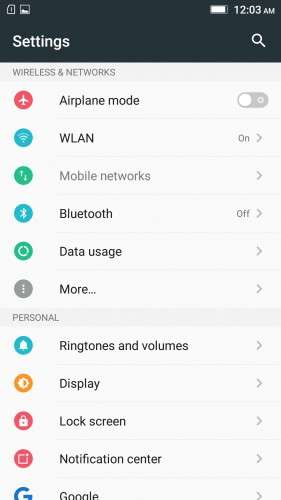
To enable it, go to Settings > Display > LED Notification > Tick "Others"
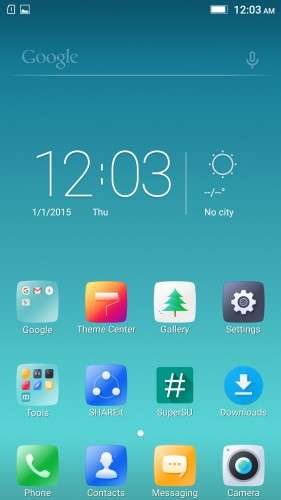
- Two launcher styles are available by default (VibeUI and Android stock)
To access them, press and hold and empty space on desktop > Preference > Default Launcher
- Pressing and holding the HOME button brings up the "Now on-tap" search, a stock feature of MM
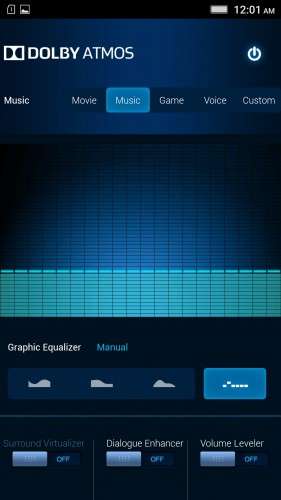
- Dolby Atmos is installed (Not Maxx Audio)
- The default "menu key for Recent Apps" assignment can be changed from settings
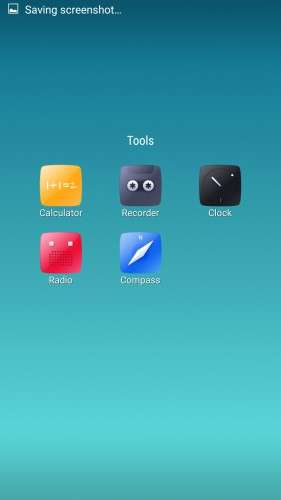
- Radio, Camera, Gallery, Dialer etc all Tools are "ROW" apk versions.
NOTE:
* As previous SLICK roms, this is also a TWRP backup by v3.0.0-3, so flash TWRP recovery you don't have it before flashing this rom.
* I have provided the flashable zip file for the TWRP in case you need it. Just install it via your current custom recovery (or via SP Flash Tool).
Installing Instructions:
- Download the rom zip and EXTRACT it
- Copy the folder "TWRP" into INTERNAL MEMORY
- Boot into TWRP Recovery
- Select WIPE > Advanced Wipe > Select "Dalvik cache", "Cache", "System", "Data" partitions > Swipe to confirm
- Go to Restore > Select Storage > Select internal memory > OK
- Select the "SLICK-S427-ROW-SHENGE" Package > Swipe to restore
- Wait till it completes > Reboot system… Done!
(IN SHORT : Wipe, then Restore the backup)
* If you don't know how to flash custom recoveries in K3 note, here is a complete tutorial for you:
Installing custom recovery on K3 Note using SP Flash Tool (COMPLETE TUTORIAL): Click here
※Please make a backup of your device before installing or updating ROM
Ok Shenge, if it is any help, after resolving NVRAM err0x10, and appearing of err0x02 battery life has much improved and WIFI is not draining battery anymore. (when I think of it, it says error, but I can't see any problem! ) I resolved err0x2 with this procedure: http://forum.xda-developers.co.....215;02-t3396435 , but as I can see it messes with storage and I lost few apps, and cannot recommend to use it safely!
Can you advise how you flash the files in that link?
when I want to change the message tone or notification ringtone I get the message after the process was interrupted android.process.media
Same problem
Hi Shenge, can you add button GPS/gsm location/off button or add gsm location button to quick settings?
Can anyone advise how to do this "nvram wifi" fix? I don't get any error messages, but I get wifi drain.
Do a google search on k3 note nvram fix. You will find lots of guides.
I love the ROM but I am not able to create a working APN for US At&T. Any suggestions?
Corrupt SD card issue still persists. SD card golden part cleaned. I have multiboot with cm12.1 and Vibe 1624 rom alongside this rom. SD card error only with this rom?? some bug ??. Thanks Mr.Shenge
Perfect rom, but german translation would be nice
Solid work, Shenge, thanks for your time and effort.
I have a strange problem. Suddenly I cannot use the home screen pull down quick settings/notifications menu. Doesn't work with swipe down, doesn't work with "expand quick settings" widget. Also the notification icons on home screen top bar disappear completely.
This only happens on an unlocked home screen, everything works on a locked screen.
I have tried multiple options, launchers, wiped my phone clean and reinstalled you rom and even other 6.0 roms several times and none of them work.
i cant flash it by TWRP cause its not appearing from the folder i put into.is this a rar file or zip file sir?
hi gusy, can't download or upgrade anything form the play store.
keep getting the 963 error. play store tries to download the app like 2-3 times than trows me the 963 error
also if i try o downgrade the play store(remove upgrades) it automaticalyl upgrades itself again in some seconds.
any suggestions how to fix this?