
- Title: SLICK s427 ROW
- Listed: May, 2016
- Last modified: 05/27/2016 4:39 pm
- Version: 6.0
You must be logged for ROM download.
42187 total views, 5 today
419 Total favorites
 Member Info
DESCRIPTION
To everyone thanking me for this rom, you are most welcome!
I really appreciate your comments guyz… You are the fuel to my roms.
Features:
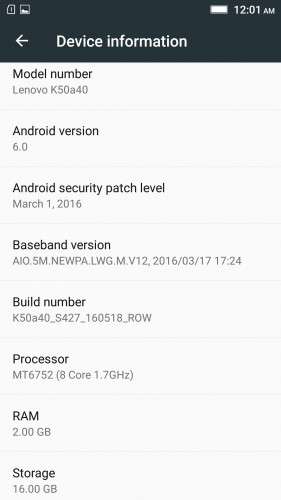
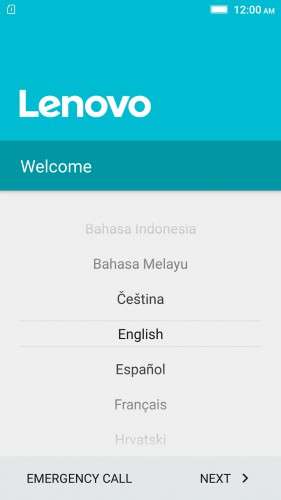
- Fully Based on Official ROM K50a40_S427_160518_ROW
- Debloated
- Rooted
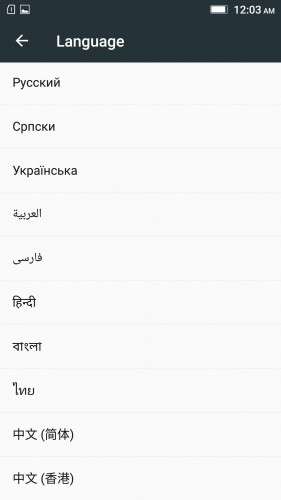
- GAPPS included, Multilanguage
- RAM & Battery usage optimized
Retained features:
- LED Notification works for any notification.
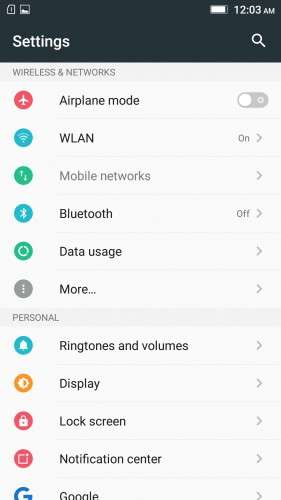
To enable it, go to Settings > Display > LED Notification > Tick "Others"
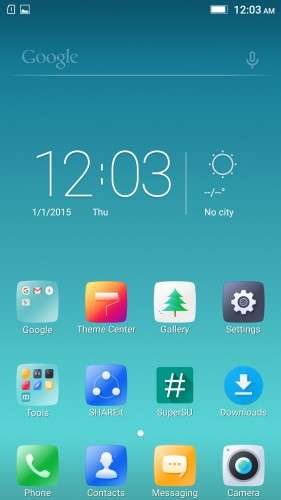
- Two launcher styles are available by default (VibeUI and Android stock)
To access them, press and hold and empty space on desktop > Preference > Default Launcher
- Pressing and holding the HOME button brings up the "Now on-tap" search, a stock feature of MM
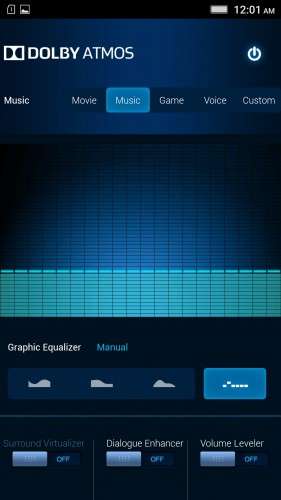
- Dolby Atmos is installed (Not Maxx Audio)
- The default "menu key for Recent Apps" assignment can be changed from settings
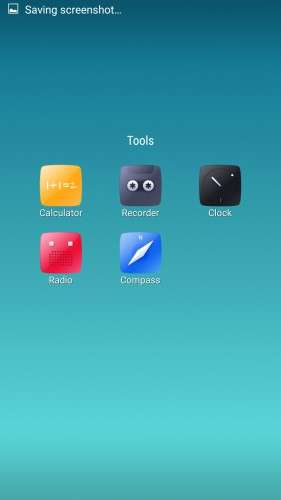
- Radio, Camera, Gallery, Dialer etc all Tools are "ROW" apk versions.
NOTE:
* As previous SLICK roms, this is also a TWRP backup by v3.0.0-3, so flash TWRP recovery you don't have it before flashing this rom.
* I have provided the flashable zip file for the TWRP in case you need it. Just install it via your current custom recovery (or via SP Flash Tool).
Installing Instructions:
- Download the rom zip and EXTRACT it
- Copy the folder "TWRP" into INTERNAL MEMORY
- Boot into TWRP Recovery
- Select WIPE > Advanced Wipe > Select "Dalvik cache", "Cache", "System", "Data" partitions > Swipe to confirm
- Go to Restore > Select Storage > Select internal memory > OK
- Select the "SLICK-S427-ROW-SHENGE" Package > Swipe to restore
- Wait till it completes > Reboot system… Done!
(IN SHORT : Wipe, then Restore the backup)
* If you don't know how to flash custom recoveries in K3 note, here is a complete tutorial for you:
Installing custom recovery on K3 Note using SP Flash Tool (COMPLETE TUTORIAL): Click here
※Please make a backup of your device before installing or updating ROM
Ran usage s the same?
1.2gbs of free ram on first boot.
I don’t know but it’s not letting me download it.
Very slow wifi connection, do I need to install a patch or something? All roms recently very slow wifi, I don't know what do
i have the same wifi issue, looks like the rom has wrong modem file for K50-T5. since the rom version is clearly says for K50-a40. so it need a wifi modem file to make it work.
for those of you if you have a K50-T5, after install this rom make sure to test your wifi speed first.
now i have gone back to 1621 rom
For wifi issue, follow the fix for WIFI NVRAM ERROR.
Or
Just restore a nvram partition from your previous TWRP Backup.
I was able to download after all. Thanks, I’ll give it a try
I downloaded and extracted the same. the extracted file was only 44.6 MB. Restored it through TWRP. Once rebooted it stayed at the Lenovo screen for about 10 mins, nothing happened. Please confirn if the extrated file is only 44.6 MB. Cheers
@paddypm
You've got a corrupted download.
hello my k3 rated ROOTE I received the update from S424 to S427, my question is can I flash the update with TWRP 3.0.03 thank you.
no bro
Great rom, all works fine except phone heating .
phone heating –> the worst! :-/
No phone heating is expected unless you overload the system or run high-cpu-demanding apps. Then it is normal and will happen on all roms.
Music App? where is it? why they delete this app? whyyyyyyyyyyyyyyyyy?
One more question! what about Touch lagging issue ? o.O
BECAUSE
It's a bloatware with chinese lenovo texts and stuff and most people prefers to use a different, better music player app from the play store.
Try one and see.
Thank you
WTF!!!
No FILE EXPLORER apps after first boot !
Bug : Very heating issue .. RAM Free very low!
I recommend File Explorer from ASUS with Wifi file transfer – sharing (available in Google Play). I have no heating isue. Battery performance is great
Hey "encikniezam97"
You know how to download apps through play store, right?
Download a file explorer like ES File Explorer or Xplore File Manager!
installed, just found out that wifi speed is very slow compare to 1621rom. tested few times, still no improvement at all. try to reboot and check settings, but still very slow. anyone else experienced this problem?
For wifi issue, follow the fix for WIFI NVRAM ERROR.
Or
Just restore a nvram partition from your previous TWRP Backup.