
- Title: SLICK s427 ROW
- Listed: May, 2016
- Last modified: 05/27/2016 4:39 pm
- Version: 6.0
You must be logged for ROM download.
42188 total views, 6 today
419 Total favorites
 Member Info
DESCRIPTION
To everyone thanking me for this rom, you are most welcome!
I really appreciate your comments guyz… You are the fuel to my roms.
Features:
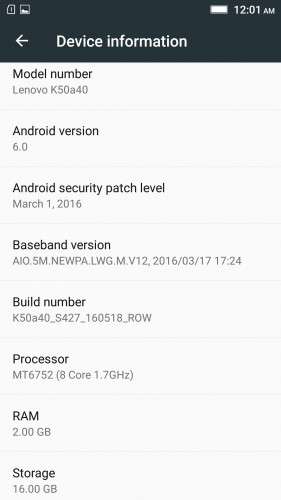
- Fully Based on Official ROM K50a40_S427_160518_ROW
- Debloated
- Rooted
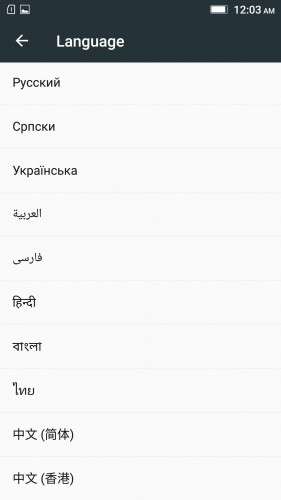
- GAPPS included, Multilanguage
- RAM & Battery usage optimized
Retained features:
- LED Notification works for any notification.
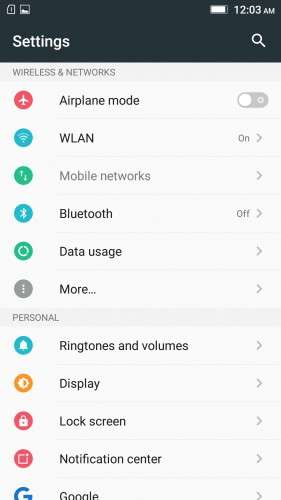
To enable it, go to Settings > Display > LED Notification > Tick "Others"
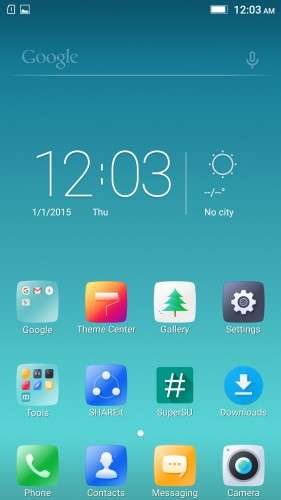
- Two launcher styles are available by default (VibeUI and Android stock)
To access them, press and hold and empty space on desktop > Preference > Default Launcher
- Pressing and holding the HOME button brings up the "Now on-tap" search, a stock feature of MM
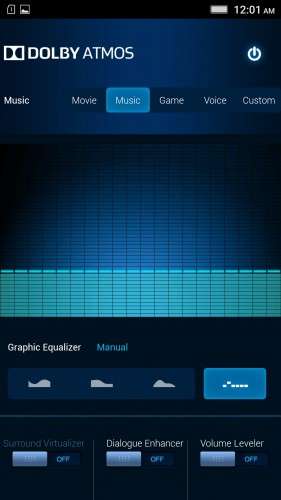
- Dolby Atmos is installed (Not Maxx Audio)
- The default "menu key for Recent Apps" assignment can be changed from settings
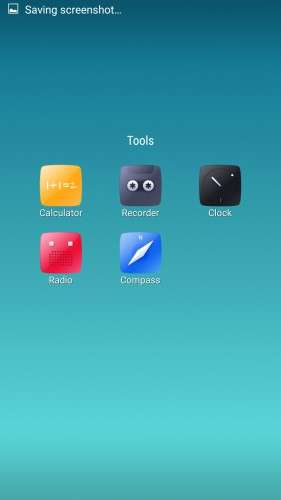
- Radio, Camera, Gallery, Dialer etc all Tools are "ROW" apk versions.
NOTE:
* As previous SLICK roms, this is also a TWRP backup by v3.0.0-3, so flash TWRP recovery you don't have it before flashing this rom.
* I have provided the flashable zip file for the TWRP in case you need it. Just install it via your current custom recovery (or via SP Flash Tool).
Installing Instructions:
- Download the rom zip and EXTRACT it
- Copy the folder "TWRP" into INTERNAL MEMORY
- Boot into TWRP Recovery
- Select WIPE > Advanced Wipe > Select "Dalvik cache", "Cache", "System", "Data" partitions > Swipe to confirm
- Go to Restore > Select Storage > Select internal memory > OK
- Select the "SLICK-S427-ROW-SHENGE" Package > Swipe to restore
- Wait till it completes > Reboot system… Done!
(IN SHORT : Wipe, then Restore the backup)
* If you don't know how to flash custom recoveries in K3 note, here is a complete tutorial for you:
Installing custom recovery on K3 Note using SP Flash Tool (COMPLETE TUTORIAL): Click here
※Please make a backup of your device before installing or updating ROM
hi Shenge
I downloaded this rom and installed well. running this very smooth. all thing was going well but when i installed DUALBOOT PATCHER SNAPCHAT APK and set this rom as primary, updated ramdisk and rebooted. but after reboot Micro sd card not working it always shows CORRUPTED micro sd card, format it. i have tried several time to fix it by format it but every time it failed to format/ erase . even i format it in pc with fat32 system its not working. could you plz fix it.?
can you make a flashable zip of some useful apps to flash it on this phone.
i want to flash some apps at once
ie
1 clean master
2 lucky patcher
3 bysy box pro
4 app backup and restore
5 helium
6 rom toolbox pro
7 google maps
8 music player
9 vlc
10 mx player
11 power grasp
12 es file ezplorer
13 file commander
14share it
15 gmail
16 whatsapp
17 hike
etc.
plz either make these apps a flashable or tell me the whole method step by step so i can make.
thanks
ni3012@yahoo.com
whatsapp +917070700363
The rom is working spectacular but one request would be possible to enable one hand mode???
Thanks for the ROM, the OTA update S427 is just 13 MB, is it possible to make a twrp flash for the ota update so that I don't need to download 1 GB for a 13MB fix, I am using your S424 Slick ROM, thanks again.
Is it possible to download a german language package?
Hi am I the only one the 'cannot restore system mounted read only' problem?
Why is this "Google drive link" directing me to a crap OUO.IO website, never give me a link to Google drive and actually tries to infect my computer with all kind of mailcious messages, like java not up to date etc.
trying out some voip app, but the sound is terrible, logcat says: Native android sound support is NOT available.
I am bothered by the slow response overall. This version is definitely much slower than my previous android 5.1. Everytime I tap an icon, it takes many second to open the app. Is this normal? Something is dragging the response. The phone has 8 cores!
Anyone has the same problem?
@Shenge , YOU ARE AWESOME…..!!!!!!!!! After trying several MM roms , I was very exhausted becoz in each one of them , there was one bug or the other….( either apps were not working or rom itself was lagging ). But after trying your rom..I am just star-struck. It is perfect…..No bugs and extremely smooth. KEEP UP THE GOOD WORK….
there are bugs: there are a couple aorund setting ringtones(1)setting zedge ringtones, (2)clock on the more option, etc