
- Title: STAR W450
- Listed: November, 2013
- Last modified: 09/19/2014 3:05 am
- Version: ROM Android 4.2.2
You must be logged for ROM download.
111889 total views, 3 today
10 Total favorites
 Member Info
DESCRIPTION
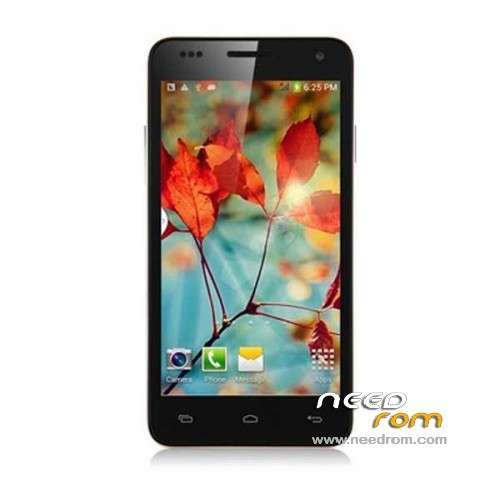
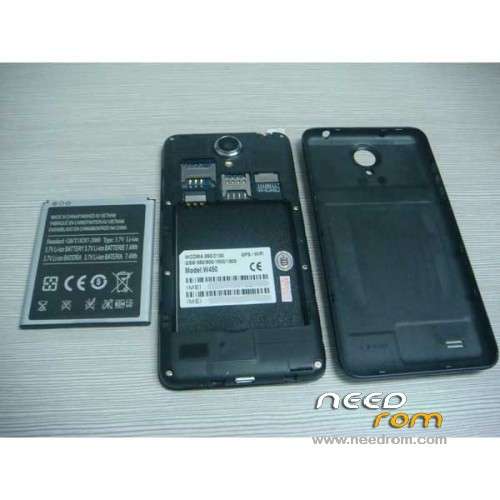
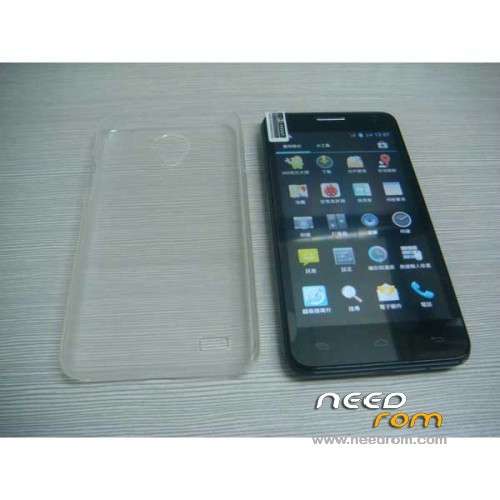
ROM Mobile STAR W450 – ROM Android 4.2.2
Update Official W450 version: ALPS.JB5.MP.V1.11_android_4x_wet_jb5_07232014 ( I don't know the changelog )
——————————————————————————————————————————-
Update Official W450 version: ALPS.JB5.MP.V1.11_android_4x_wet_jb5_04262014 ( I don't know the changelog )
——————————————————————————————————————————-
Update Official W450 version: ALPS.JB5.MP.V1.11_android_4x_wet_jb5_12122013 ( I don't know the changelog )
——————————————————————————————————————————-
add same ROM but Rooted
Update Official W450 version: ALPS.JB5.MP.V1.11_android_4x_wet_jb5_11152013 ( I don't know the changelog )
——————————————————————————————————————————-
add same ROM but Rooted
Official STAR W450 version: ALPS.JB5.MP.V1.11_android_4x_wet_jb5_11072013
MTK6582M(1.3G) 4.5 IPS.FWVGA(854*480) 1Gram 4Grom dual sim
Gapps include - No Rooted
Language support : Multilang
Install ROM :
- Unpack FlashTools, and Click on Flash_tool.exe
- Select a the MT6582_Android_scatter_emmc.txt in ROM
- Wait file to be added into Flash Tool
- choose Option->USB Model,click USB Model
–> Choose Option->DA DownLoad All->Speed->High Speed, click High Speed
- Turn off your phone, remove the battery.
- "Press F9 (hit Download button)" OR " if upgrade ROM Firmware->Upgrade "
- and connect your phone into the computer via USB data cable.
- The process will start and a red progress bar will appear after color purple, yellow.
- And green circles display
- Finish !
- You can now safely disconnect your phone and turn it on.
※Please make a backup of your device before installing or updating ROM
I try to flash but when i do everithing like it says nothing happend.
the problem is solved with the touch? i have the soft touch light?
So many questions… so less answers…
I dont know that else to do with my w450. Tried factory reset and problems are still here. I m thinking to return to store and exchange for a newer version…
I wonder what I do wrong, I do what is written here but then the app hangs (mean it, it says "searching" and nothing happens, I can stop it, restart it but it does nothing at all, doesn't freeze just nothing happens). Tried with SP Flash tool I can download here, and with SP Flash Tool v3.1332.0.187 aswell, same for both. I've tried with turned off phone, battery out, then battery in, then in recovery (all 3 options) and then in turned on version. Am I missing something? I've never flashed a phone before so I might just leave out a step. Any idea is much appreciated.
Solved. It didn't like my win (Win7 x64), works on Xp x86
That problem with touch is HW issue. I have the same issue and have to send phone back to China.
and how much did the shipping cost ?
Hi, can anyone tell me if this rom solve the problem with the touch screen, if not, how can i solve this? Urgent please!
At this ling, you can watch the change log and in comments you can see "yes this rom fixed the touch screen bug"
http://blog.geekbuying.com/ind.....s/#.Us_7aaWCDzh
Thanks Zuan, now i can sleep in peace, i bought this one and i'm waiting to arrive, and after buying i saw the touchscreen problem with EVERYONE in youtube
But Zuan, this rom fixes the touchscreen problem or the firmware upgrade from geekbuying?
Any of ROM can solve this touchscreen issue; I've tested last version of ROM and the problem remains. It's HW issue, sorry….
Hi pet007,
pls read my answer to your post of the 19 dec about gps in W450 of November