
- Title: SLICK s427 ROW
- Listed: May, 2016
- Last modified: 05/27/2016 4:39 pm
- Version: 6.0
You must be logged for ROM download.
42184 total views, 2 today
419 Total favorites
 Member Info
DESCRIPTION
To everyone thanking me for this rom, you are most welcome!
I really appreciate your comments guyz… You are the fuel to my roms.
Features:
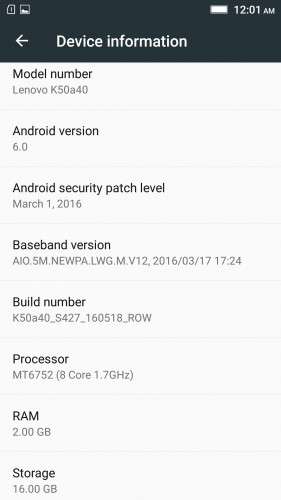
- Fully Based on Official ROM K50a40_S427_160518_ROW
- Debloated
- Rooted
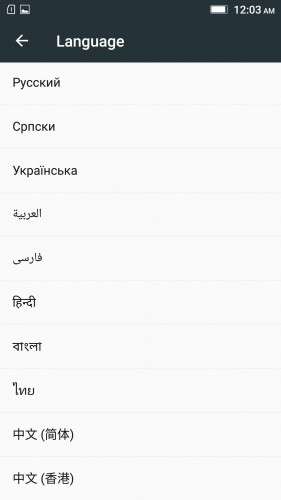
- GAPPS included, Multilanguage
- RAM & Battery usage optimized
Retained features:
- LED Notification works for any notification.
To enable it, go to Settings > Display > LED Notification > Tick "Others"
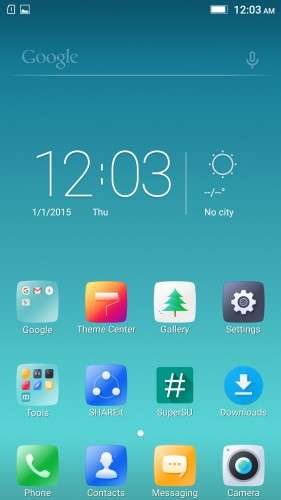
- Two launcher styles are available by default (VibeUI and Android stock)
To access them, press and hold and empty space on desktop > Preference > Default Launcher
- Pressing and holding the HOME button brings up the "Now on-tap" search, a stock feature of MM
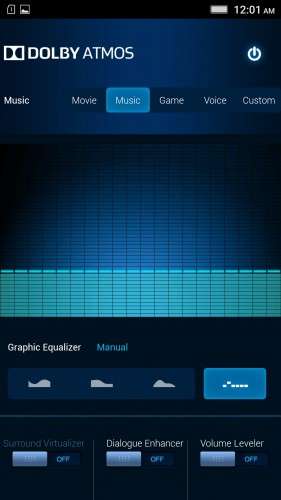
- Dolby Atmos is installed (Not Maxx Audio)
- The default "menu key for Recent Apps" assignment can be changed from settings
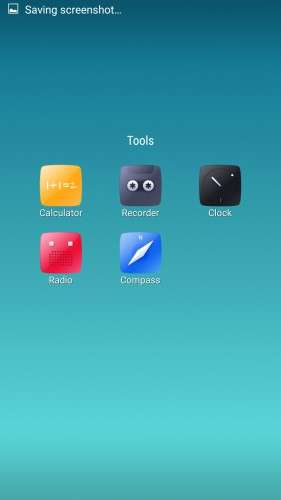
- Radio, Camera, Gallery, Dialer etc all Tools are "ROW" apk versions.
NOTE:
* As previous SLICK roms, this is also a TWRP backup by v3.0.0-3, so flash TWRP recovery you don't have it before flashing this rom.
* I have provided the flashable zip file for the TWRP in case you need it. Just install it via your current custom recovery (or via SP Flash Tool).
Installing Instructions:
- Download the rom zip and EXTRACT it
- Copy the folder "TWRP" into INTERNAL MEMORY
- Boot into TWRP Recovery
- Select WIPE > Advanced Wipe > Select "Dalvik cache", "Cache", "System", "Data" partitions > Swipe to confirm
- Go to Restore > Select Storage > Select internal memory > OK
- Select the "SLICK-S427-ROW-SHENGE" Package > Swipe to restore
- Wait till it completes > Reboot system… Done!
(IN SHORT : Wipe, then Restore the backup)
* If you don't know how to flash custom recoveries in K3 note, here is a complete tutorial for you:
Installing custom recovery on K3 Note using SP Flash Tool (COMPLETE TUTORIAL): Click here
※Please make a backup of your device before installing or updating ROM
Uau!
Thank you.
You are the best.
You are most welcome!
Hia,
Thnxx, i don't know why there are other roms when this one is around best one out there!
p.s. what are the updates? and will the android security patch level update it self in this one?
Great work!
Thanks for your positive response.
As you know, no custom rom will update with the official updates as there are tweaks made within the system files. So, the answer is no.
p.p.s. i can't download
I downloaded, without problems.
What about wifi 5ghz?
It should be enabled manually and you will find the details on that here:
http://4pda.ru/forum/index.php.....#038;p=48185656
what are the changelogs from s424 to s427?
Some bug fixes and UI update. That's all known so far.
The visual is diferente than the last versions!
Is possible to put 5 icons on the bottom of the screen?
Thank you.
Possible with a different launcher.
For the default one, no.
Is there any ota to update from s24 to s27
Bug fixes and UI update.
They didn't release a detailed changelog.
Oops misread your question. Noticed just now.
Yes there is an ota update from s424 to s427. Here:
http://phonedl.ota.lenovomm.co.....27_160518_ROW_W CE43BEDCA.zip
I have root problem. Can not uninstall GMAIL app and grant access to Clear Master. Any idea?
If the "grant root access" dialog box doesn't appear as it is supposed to be, just open superSU app and keep it running in the background.
It probably gets closed by MarshMallow's "Doze mode" feature.
Interesting, SuperSU is closing all the time. I set the options to run in background, but no success…. How can I force the phone not to close SuperSU? Thank you very much
convert supersu to system then you ll have no problem
@gleipnir: can you explain how to do that? It's to difficult to me